
KareemAnini - Minecraft Skins & Skin History
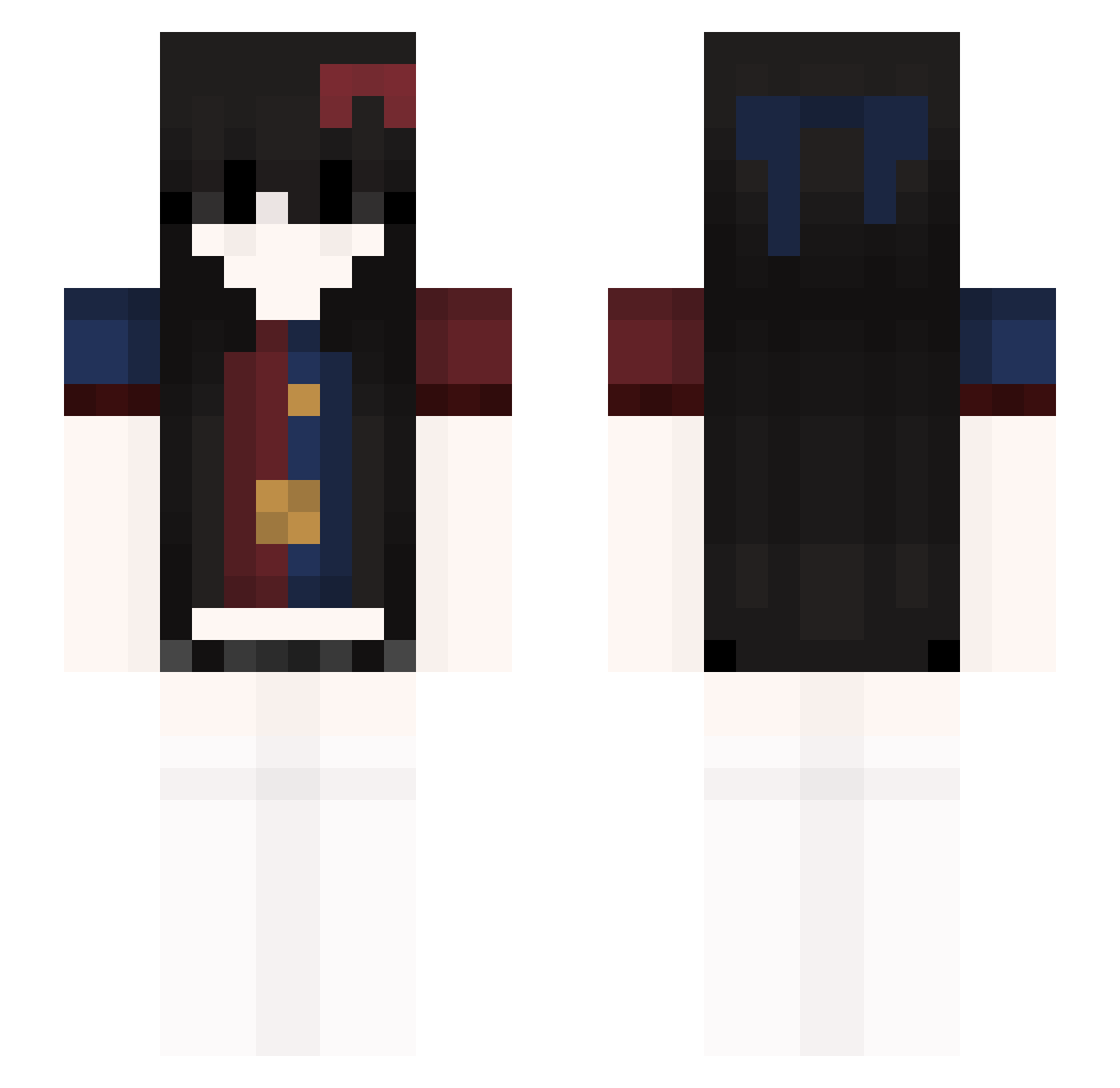
Current Minecraft skin of the player KareemAnini, loaded from the official Mojang API. Rotate the 3D model with your mouse or finger, then download the skin as a PNG file and use it in Minecraft: Bedrock Edition or Java Edition for free. When KareemAnini changes their skin, this page updates automatically and the old skin stays in the history below.
Other players with this skin (49)
KareemAnini was the 26th player we have seen with this skin, first spotted on 30.08.2026. The same skin was seen on these players. Open a nickname to see their current skin and skin history.
 wMiko
wMiko Kr4xT HUGGYxz Bembliss xflachaa backtowhen
 nreddy oliviiiaaa
 Aethroo
 Femiroo zxishere bloodyeyeswatch
 FACCIADIANDREA
 7H3LUNAT1C diornoo unvz AmoElOxxo NINTENDSADSD
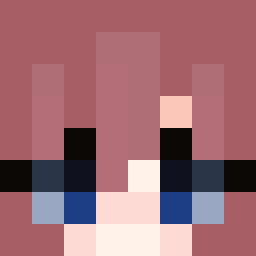 DestroyAll112 Seasickwind1096 spocony_tomeczek TukyF4xk PrincessRubi
 Schydiddy07 x2Slayer
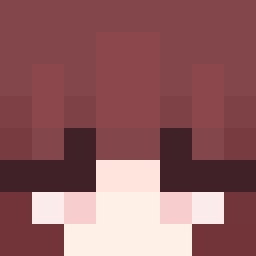 HzCexxy
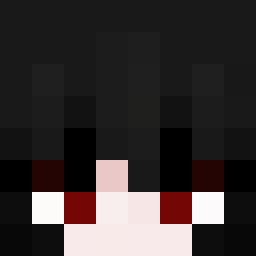 Iyukiee
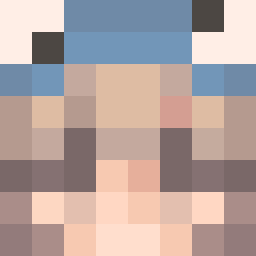 _Ga__ram
 ElChubii deixadoer Cheetosek2323 ronaldpro100 TannimeXD
 hook67 PepperPN Soplica_a Kyllosiss
 1hwly mcs123123
 behindlayla SweatyCane Mp8002 Ciemny__ roley_goty _window_mom giodir80 _zuzaa_a owcagg MilinNavaa007
More Ribbon Minecraft skins
How to install the KareemAnini skin
- Press the Download button above to save the skin as a PNG file.
- Minecraft: Bedrock Edition (PE): open the Dressing Room from the main menu (or tap your character → Edit Character), go to Classic Skins → Owned, press the + (new skin) button, choose the downloaded PNG and pick the Slim (Alex) model. Works on PC and mobile; consoles cannot import custom skins.
- Minecraft: Java Edition: open the Minecraft Launcher, go to the Skins tab, click New Skin, load the PNG, pick the Slim (Alex) model and press Save & Use. You can also upload it at minecraft.net → Profile → Change Skin.
The skin does not show up after import - what should I do?
Restart Minecraft and open the Dressing Room again - imported skins sometimes appear only after a restart. Also make sure you selected the imported skin and picked the Slim (Alex) model.
Which model should I choose, Classic or Slim?
This skin is designed for the Slim (Alex) model. If you pick the wrong model, the arms of the skin will look stretched or squeezed.
Is the skin of KareemAnini free to download?
Yes. Press Download, save the PNG file and use it in Minecraft: Bedrock Edition or Java Edition - no payment or registration needed. The skin also works on multiplayer servers and Realms.
More skins
Looking for more? Go back to all Minecraft skins and check the top skins of the week, month and all time, or find any player's skin by nickname.