
Karanteenimpi - Minecraft Skins & Skin History
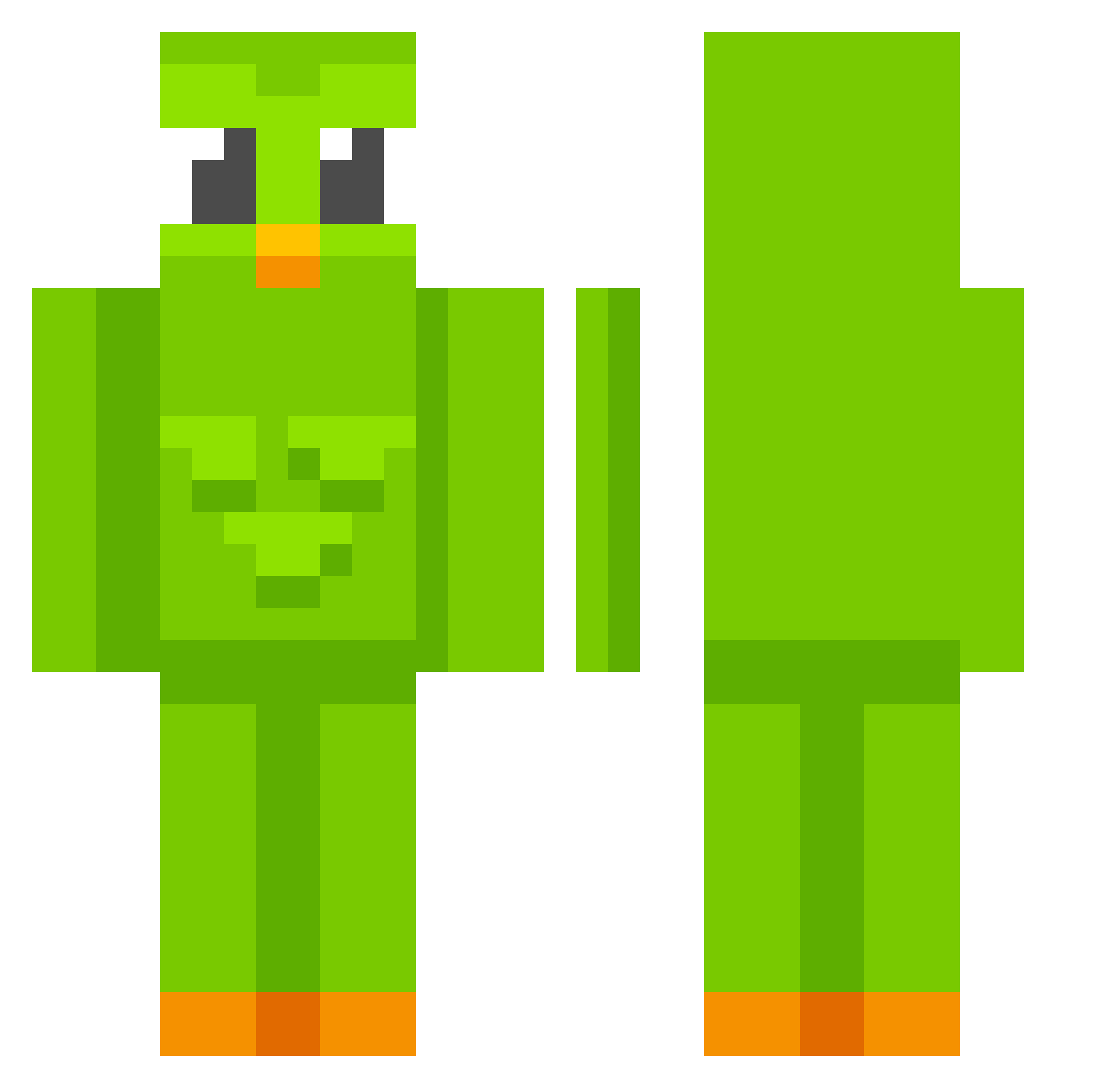
Current Minecraft skin of the player Karanteenimpi, loaded from the official Mojang API. Rotate the 3D model with your mouse or finger, then download the skin as a PNG file and use it in Minecraft: Bedrock Edition or Java Edition for free. When Karanteenimpi changes their skin, this page updates automatically and the old skin stays in the history below.
Other players with this skin (671)
Karanteenimpi was the 146th player we have seen with this skin, first spotted on 17.08.2026. The same skin was seen on these players. Open a nickname to see their current skin and skin history.
 Szeryszery 1111MakeAWish SwapTonan
 cabrall bibifibi nickwoolsey joyster838 I_need_doge koksuoksu cocoleplubo deezijkoj MihaelaC eliotezh jacksuhn legendsit mash_kun lukinhasscfofo Patryk973 NazZaaa HigHeRRRRR Leanderisteasy ThePiger blaze2160 Bugatti6905 jimtaal Thelxes Joker_JMS kenny2004 Maralix25 T0bi_B0BI Shrek_135 ruinedxzh UnknownUser7435 Josepe2020 FabaGC11 Monsieurpognon Zievo_ PrstnAso VoidWake DREAMER221 yxxnizu8 ajsim6 blumblumbl ny_gg08 Erqur KingMitDemDing_ Sweeeby chickensalad1024 Eeeonbu zhou0511 Toesfootfungus 05gt BrunoDSBemHetero HiddenSquid1234 PlasmaAxe Antek2K13 kooziol_ jo2uke hopplop LifeLongZero800
More Duo Minecraft skins
How to install the Karanteenimpi skin
- Press the Download button above to save the skin as a PNG file.
- Minecraft: Bedrock Edition (PE): open the Dressing Room from the main menu (or tap your character → Edit Character), go to Classic Skins → Owned, press the + (new skin) button, choose the downloaded PNG and pick the Classic (Steve) model. Works on PC and mobile; consoles cannot import custom skins.
- Minecraft: Java Edition: open the Minecraft Launcher, go to the Skins tab, click New Skin, load the PNG, pick the Classic (Steve) model and press Save & Use. You can also upload it at minecraft.net → Profile → Change Skin.
The skin does not show up after import - what should I do?
Restart Minecraft and open the Dressing Room again - imported skins sometimes appear only after a restart. Also make sure you selected the imported skin and picked the Classic (Steve) model.
Which model should I choose, Classic or Slim?
This skin is designed for the Classic (Steve) model. If you pick the wrong model, the arms of the skin will look stretched or squeezed.
Is the skin of Karanteenimpi free to download?
Yes. Press Download, save the PNG file and use it in Minecraft: Bedrock Edition or Java Edition - no payment or registration needed. The skin also works on multiplayer servers and Realms.
More skins
Looking for more? Go back to all Minecraft skins and check the top skins of the week, month and all time, or find any player's skin by nickname.