
Karakahy3 - Minecraft Skins & Skin History
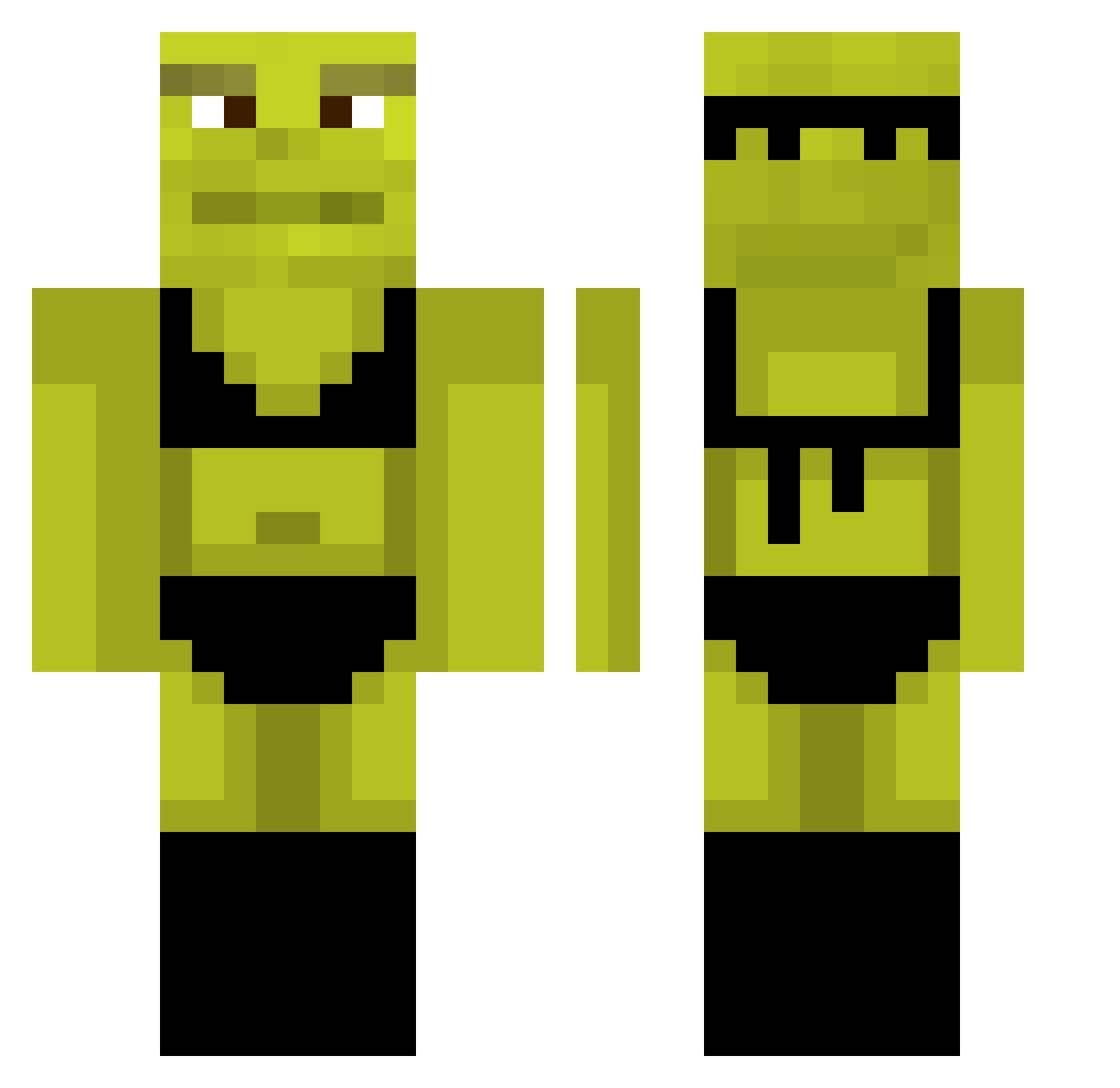
Current Minecraft skin of the player Karakahy3, loaded from the official Mojang API. Rotate the 3D model with your mouse or finger, then download the skin as a PNG file and use it in Minecraft: Bedrock Edition or Java Edition for free. When Karakahy3 changes their skin, this page updates automatically and the old skin stays in the history below.
Other players with this skin (879)
Karakahy3 was the 533rd player we have seen with this skin, first spotted on 28.09.2026. The same skin was seen on these players. Open a nickname to see their current skin and skin history.
 TheFuzer oskarhansa shigure1110 grandhighb1ood SSerhan WilliamFRB KallumM00 Zextions Nathlaaar Dungeon_Lord25 chloi710 MySTiC_RhoadesXx Nickeloyd Domino9696 malcolm2_0 RECZX nuubje6 DarkShadouze Bahmuter_69 maraiaxd Seika0320 Rakness Bigramen420 J_2006 viko123121 kr1shpal tonicekcze Cdns05 StefciuxD2 GPIMPSMOOTH361 LeKuus BeatApex namzuj newjehong Dun4uv Manonkanunk yoitsem MemeMaster_3001 Dredre7 Andreszc MegaGabbs Vazonyayi AroaKilljoy zero5508 apoteken_meister bailey_parky haaaann toewart ViperSniperYT michelleews JessIsARat_ GodlyFlame947 beatusthemeatus BeispielName lilelison monkatsu LucasTheSlug Sergiolone LuidRafael _Noelys_
More Shrek Minecraft skins
How to install the Karakahy3 skin
- Press the Download button above to save the skin as a PNG file.
- Minecraft: Bedrock Edition (PE): open the Dressing Room from the main menu (or tap your character → Edit Character), go to Classic Skins → Owned, press the + (new skin) button, choose the downloaded PNG and pick the Classic (Steve) model. Works on PC and mobile; consoles cannot import custom skins.
- Minecraft: Java Edition: open the Minecraft Launcher, go to the Skins tab, click New Skin, load the PNG, pick the Classic (Steve) model and press Save & Use. You can also upload it at minecraft.net → Profile → Change Skin.
The skin does not show up after import - what should I do?
Restart Minecraft and open the Dressing Room again - imported skins sometimes appear only after a restart. Also make sure you selected the imported skin and picked the Classic (Steve) model.
Which model should I choose, Classic or Slim?
This skin is designed for the Classic (Steve) model. If you pick the wrong model, the arms of the skin will look stretched or squeezed.
Is the skin of Karakahy3 free to download?
Yes. Press Download, save the PNG file and use it in Minecraft: Bedrock Edition or Java Edition - no payment or registration needed. The skin also works on multiplayer servers and Realms.
More skins
Looking for more? Go back to all Minecraft skins and check the top skins of the week, month and all time, or find any player's skin by nickname.