
Kamotoking - Minecraft Skins & Skin History
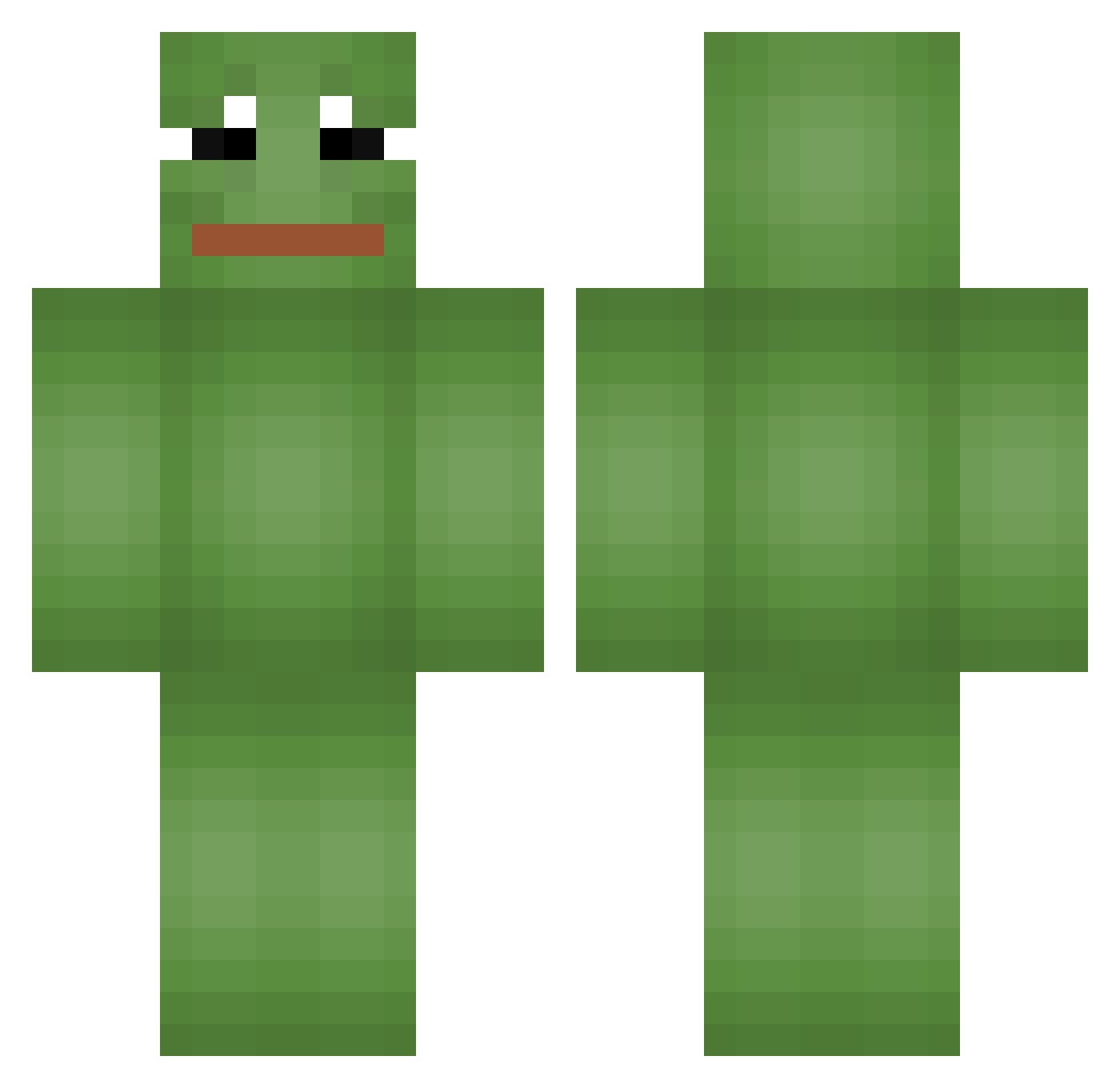
Current Minecraft skin of the player Kamotoking, loaded from the official Mojang API. Rotate the 3D model with your mouse or finger, then download the skin as a PNG file and use it in Minecraft: Bedrock Edition or Java Edition for free. When Kamotoking changes their skin, this page updates automatically and the old skin stays in the history below.
Other players with this skin (666)
Kamotoking was the 188th player we have seen with this skin, first spotted on 25.08.2026. The same skin was seen on these players. Open a nickname to see their current skin and skin history.
 hdwr457
 Kedoa Gralgas ThreeWater JackBlob Choijinyeong oldtaek1 martin4511 P4P4_THE_FROG zzizzibbobbo CDDC167 GodButterfly Actual_Pepega Vesper29 Copy_my_Skill Kking22 peabo gtxtd2434 LeK592 yyykkkk0711 Pilotes generalmarschall y0meme caamerron Matthiouuu RamDDi tac_ticz dammoozi zniqa Incheon_United H__Y__P__E__R jorangmall Lokates TYUKO2525 Riazin UsoCalcinha Anto3004 aggelakoss hirsen0205 11011030 Justin1__one GiganteFiel sifith CKhan123 XHippy gurnikmati JasonDN Pepe914 SkunkyMcQueen Saferaider Bedornko LukeLondon Tweaksy_ for_everyoung_ kim2dong2 ainariuks777 JDIEXE Ricolho 3ona51 SpreequellWasser
More Pepe Minecraft skins
How to install the Kamotoking skin
- Press the Download button above to save the skin as a PNG file.
- Minecraft: Bedrock Edition (PE): open the Dressing Room from the main menu (or tap your character → Edit Character), go to Classic Skins → Owned, press the + (new skin) button, choose the downloaded PNG and pick the Classic (Steve) model. Works on PC and mobile; consoles cannot import custom skins.
- Minecraft: Java Edition: open the Minecraft Launcher, go to the Skins tab, click New Skin, load the PNG, pick the Classic (Steve) model and press Save & Use. You can also upload it at minecraft.net → Profile → Change Skin.
The skin does not show up after import - what should I do?
Restart Minecraft and open the Dressing Room again - imported skins sometimes appear only after a restart. Also make sure you selected the imported skin and picked the Classic (Steve) model.
Which model should I choose, Classic or Slim?
This skin is designed for the Classic (Steve) model. If you pick the wrong model, the arms of the skin will look stretched or squeezed.
Is the skin of Kamotoking free to download?
Yes. Press Download, save the PNG file and use it in Minecraft: Bedrock Edition or Java Edition - no payment or registration needed. The skin also works on multiplayer servers and Realms.
More skins
Looking for more? Go back to all Minecraft skins and check the top skins of the week, month and all time, or find any player's skin by nickname.