
Kamissori - Minecraft Skins & Skin History
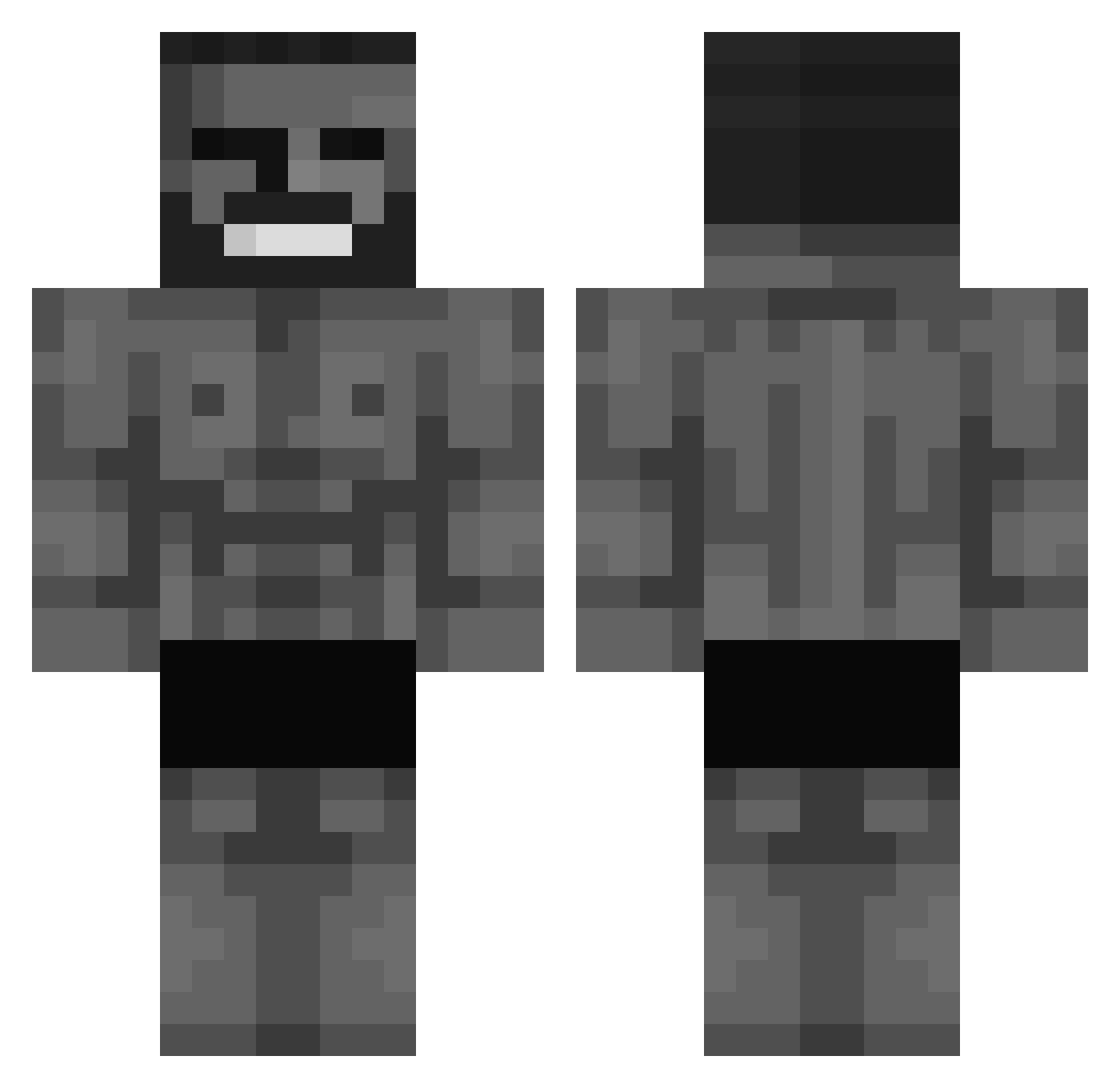
Current Minecraft skin of the player Kamissori, loaded from the official Mojang API. Rotate the 3D model with your mouse or finger, then download the skin as a PNG file and use it in Minecraft: Bedrock Edition or Java Edition for free. When Kamissori changes their skin, this page updates automatically and the old skin stays in the history below.
Other players with this skin (693)
Kamissori was the 660th player we have seen with this skin, first spotted on 14.11.2026. The same skin was seen on these players. Open a nickname to see their current skin and skin history.
 Eviltown abukikcurzoks MagnetarMania Tufty4387 Himmler45 DushNich Phonaxy FETCH2020 Johny3301 zvictorkkj Pykonza chorii__ Jotack Karaaslan DonKillsMyGPS Drupper Kevin1337 Anti_Christ Wasichu Quentin7990 HUGEBALLZ420 blackdrago098 CeduxD elkutuplaxd FaFinno LittleDarkAge22 AbdulPlayz03 RX22K DoRoHo NOMADzZz DangerLyoxa CRAZYSIM3 Tectass20 Gutis1025 King_Til_69 tokkikun LARMIS ecker22 al0dat Demarlowr GAH6LEN KoolCat_ Gigginubell WashoWasho GrumpyKitton 2bvery Spiritz9721 Squidfrink SpicyCowboy420 Squach737 IronBoy377 Winteroo2 Ryan1ucas xOopa Makso67 Ormac3 freedom1000000 implementations PepsiBela Bunuti
More Gigachad Minecraft skins
How to install the Kamissori skin
- Press the Download button above to save the skin as a PNG file.
- Minecraft: Bedrock Edition (PE): open the Dressing Room from the main menu (or tap your character → Edit Character), go to Classic Skins → Owned, press the + (new skin) button, choose the downloaded PNG and pick the Classic (Steve) model. Works on PC and mobile; consoles cannot import custom skins.
- Minecraft: Java Edition: open the Minecraft Launcher, go to the Skins tab, click New Skin, load the PNG, pick the Classic (Steve) model and press Save & Use. You can also upload it at minecraft.net → Profile → Change Skin.
The skin does not show up after import - what should I do?
Restart Minecraft and open the Dressing Room again - imported skins sometimes appear only after a restart. Also make sure you selected the imported skin and picked the Classic (Steve) model.
Which model should I choose, Classic or Slim?
This skin is designed for the Classic (Steve) model. If you pick the wrong model, the arms of the skin will look stretched or squeezed.
Is the skin of Kamissori free to download?
Yes. Press Download, save the PNG file and use it in Minecraft: Bedrock Edition or Java Edition - no payment or registration needed. The skin also works on multiplayer servers and Realms.
More skins
Looking for more? Go back to all Minecraft skins and check the top skins of the week, month and all time, or find any player's skin by nickname.