
Kacperski0 - Minecraft Skins & Skin History
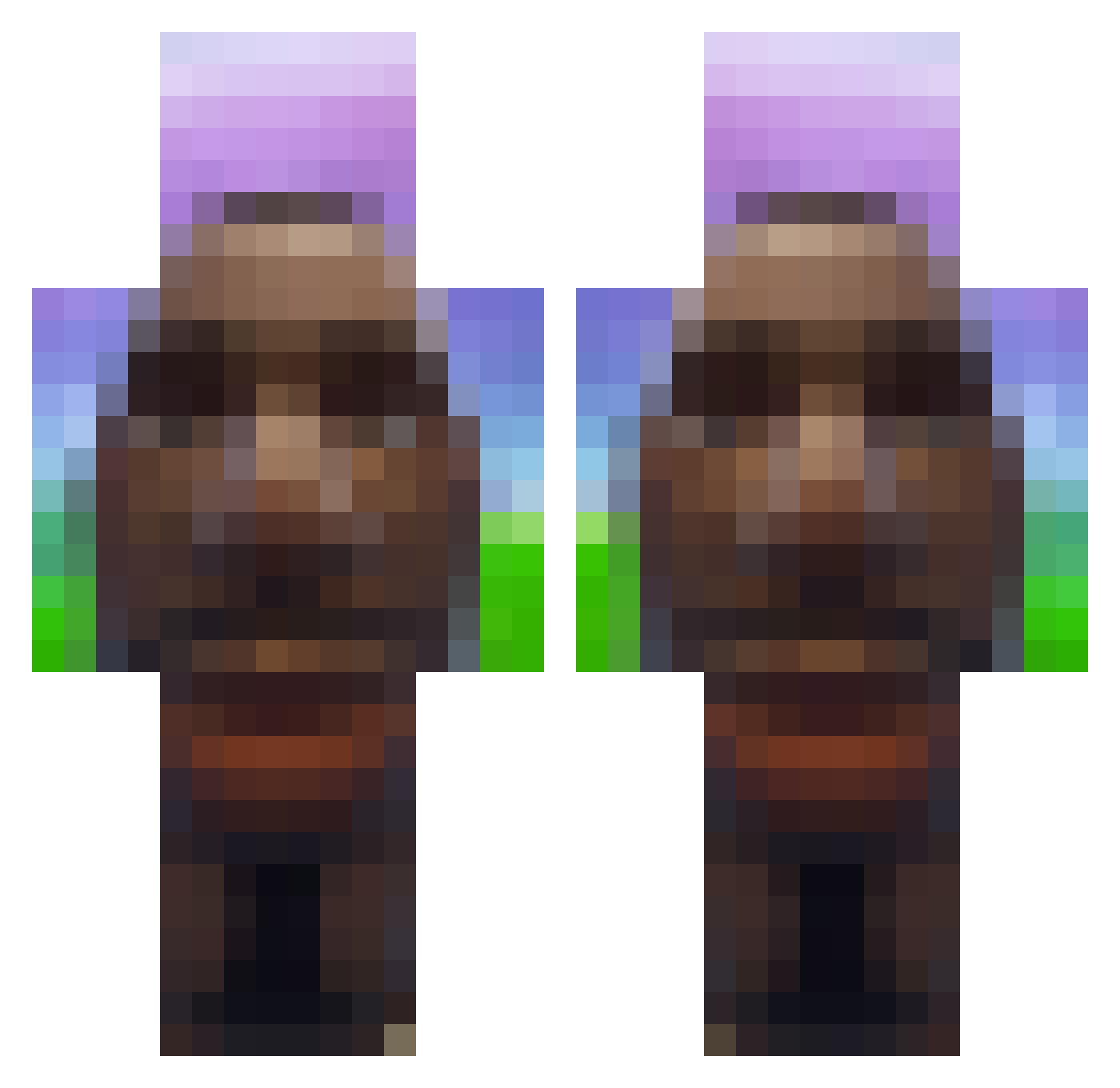
Current Minecraft skin of the player Kacperski0, loaded from the official Mojang API. Rotate the 3D model with your mouse or finger, then download the skin as a PNG file and use it in Minecraft: Bedrock Edition or Java Edition for free. When Kacperski0 changes their skin, this page updates automatically and the old skin stays in the history below.
Other players with this skin (873)
Kacperski0 was the 722nd player we have seen with this skin, first spotted on 01.11.2026. The same skin was seen on these players. Open a nickname to see their current skin and skin history.
 ropeenjoyer1234 f5lippantsignif N3m3s16 ChillVR Chili_Cheez peidao2 loxundra123 megamysl7 Capozzzz PeterPatel annefranks AlexPix7 PyrusWILLY NarniaBlu CrypticZykes medmed1314 Fir3b1rb LovleyOne gaharaaaa bootybash Pachitaaaaaaa NekoDango0519 irodeus t3igu Allahoyunda3152 zekto003 Doughy63 HengeZzZ ALewakasVomBilla cryshots Domikcz fadedenahoe CripplingGrandma __ayuu chilz_ miniimize Omarthearab GeekedBot Ameliuss K4F3 Bl3u surfallt BubblesTeCatfish im_pickle_riiick 4x81 LucasDBG Druxular aroopoo K3KS0 Nate_Highers amon23_ L0g3r croc95fmm toarri boardd hubercik_x Jarobis Xdzoinked Sa1m57 dannykecii
More Moai Minecraft skins
How to install the Kacperski0 skin
- Press the Download button above to save the skin as a PNG file.
- Minecraft: Bedrock Edition (PE): open the Dressing Room from the main menu (or tap your character → Edit Character), go to Classic Skins → Owned, press the + (new skin) button, choose the downloaded PNG and pick the Classic (Steve) model. Works on PC and mobile; consoles cannot import custom skins.
- Minecraft: Java Edition: open the Minecraft Launcher, go to the Skins tab, click New Skin, load the PNG, pick the Classic (Steve) model and press Save & Use. You can also upload it at minecraft.net → Profile → Change Skin.
The skin does not show up after import - what should I do?
Restart Minecraft and open the Dressing Room again - imported skins sometimes appear only after a restart. Also make sure you selected the imported skin and picked the Classic (Steve) model.
Which model should I choose, Classic or Slim?
This skin is designed for the Classic (Steve) model. If you pick the wrong model, the arms of the skin will look stretched or squeezed.
Is the skin of Kacperski0 free to download?
Yes. Press Download, save the PNG file and use it in Minecraft: Bedrock Edition or Java Edition - no payment or registration needed. The skin also works on multiplayer servers and Realms.
More skins
Looking for more? Go back to all Minecraft skins and check the top skins of the week, month and all time, or find any player's skin by nickname.