
KES728 - Minecraft Skins & Skin History
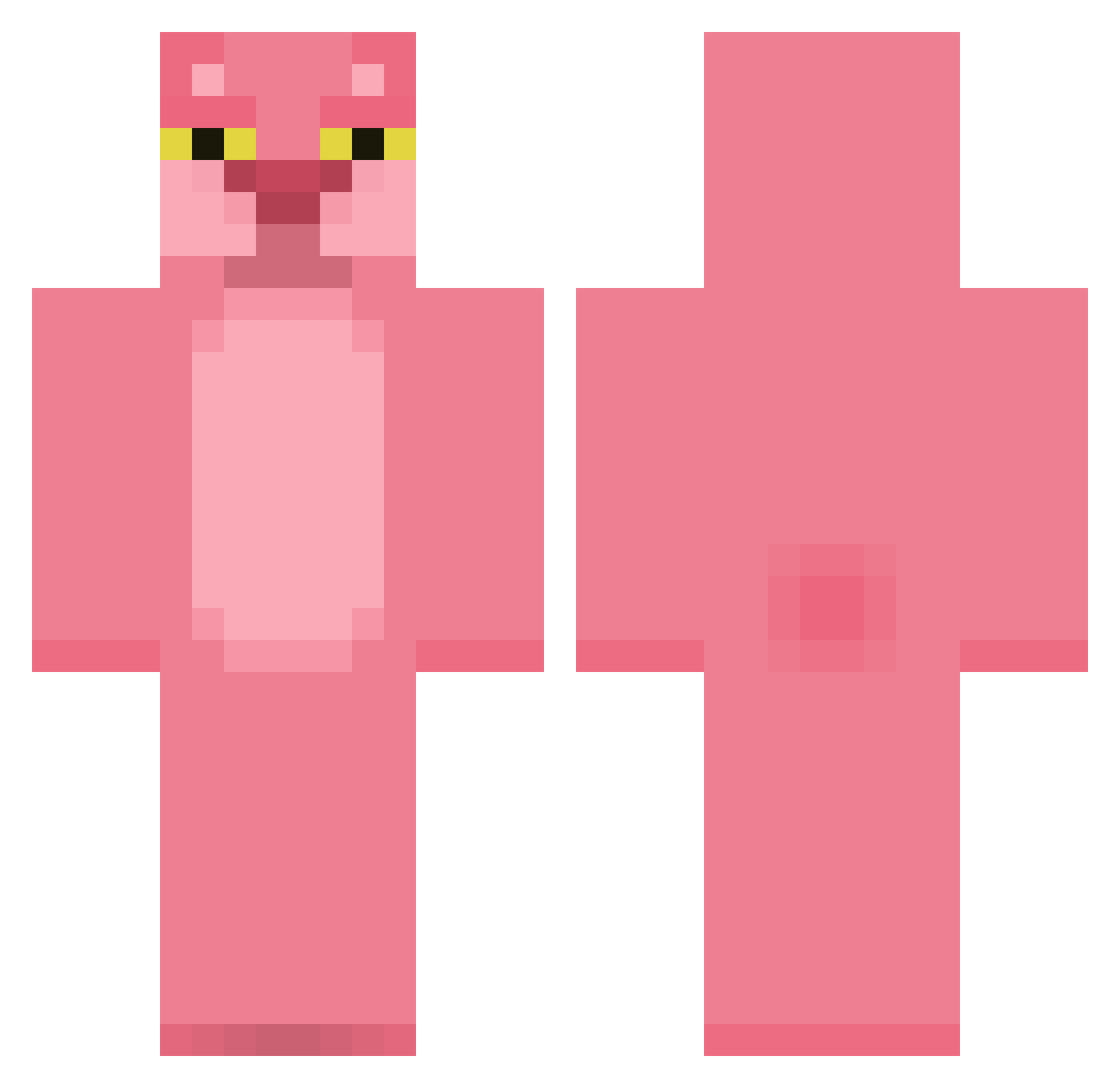
Current Minecraft skin of the player KES728, loaded from the official Mojang API. Rotate the 3D model with your mouse or finger, then download the skin as a PNG file and use it in Minecraft: Bedrock Edition or Java Edition for free. When KES728 changes their skin, this page updates automatically and the old skin stays in the history below.
Other players with this skin (413)
KES728 was the 86th player we have seen with this skin, first spotted on 18.08.2026. The same skin was seen on these players. Open a nickname to see their current skin and skin history.
 satyr1253 pantherboy91 Paul1412_PFF Lani082003 LanFang520 Gaaei1234 Vizyro Profezzur RatchetnPlank Sedrifin Ychunn Plumzc Llamanator4000 Way_Of_The_Block jacky_moon LolYourSuperGay Lillyfeechen Agent0L liamfrid Ben76246 DaniSouza Panther69 rikus24 Hermanwp Dworkstein Westmoreland ollycat AnanasSatanique powmark cocokiller89 quentin9797 Eskereeeeeeeeeee ScottGenuine bloofeur Gamerz4860 Emo_Tiger Kartill Joseph1232 Evaahdatgirl credmond24 jammyjar1 Melcko1 darendepwner MiamLesChocapics rosegallagher MONPSEUDOAMOI poldi005 teddis123 Jasboman LiONSOMG AntiFascist cilonz AnotherNobody22 SuJJun nickdog12 kukuschkin AZKUR HyzerTek_ NinaBrob HuQQy
More The Pink Panther Minecraft skins
See all 148 The Pink Panther skins
How to install the KES728 skin
- Press the Download button above to save the skin as a PNG file.
- Minecraft: Bedrock Edition (PE): open the Dressing Room from the main menu (or tap your character → Edit Character), go to Classic Skins → Owned, press the + (new skin) button, choose the downloaded PNG and pick the Classic (Steve) model. Works on PC and mobile; consoles cannot import custom skins.
- Minecraft: Java Edition: open the Minecraft Launcher, go to the Skins tab, click New Skin, load the PNG, pick the Classic (Steve) model and press Save & Use. You can also upload it at minecraft.net → Profile → Change Skin.
The skin does not show up after import - what should I do?
Restart Minecraft and open the Dressing Room again - imported skins sometimes appear only after a restart. Also make sure you selected the imported skin and picked the Classic (Steve) model.
Which model should I choose, Classic or Slim?
This skin is designed for the Classic (Steve) model. If you pick the wrong model, the arms of the skin will look stretched or squeezed.
Is the skin of KES728 free to download?
Yes. Press Download, save the PNG file and use it in Minecraft: Bedrock Edition or Java Edition - no payment or registration needed. The skin also works on multiplayer servers and Realms.
More skins
Looking for more? Go back to all Minecraft skins and check the top skins of the week, month and all time, or find any player's skin by nickname.