
KCAC1 - Minecraft Skins & Skin History
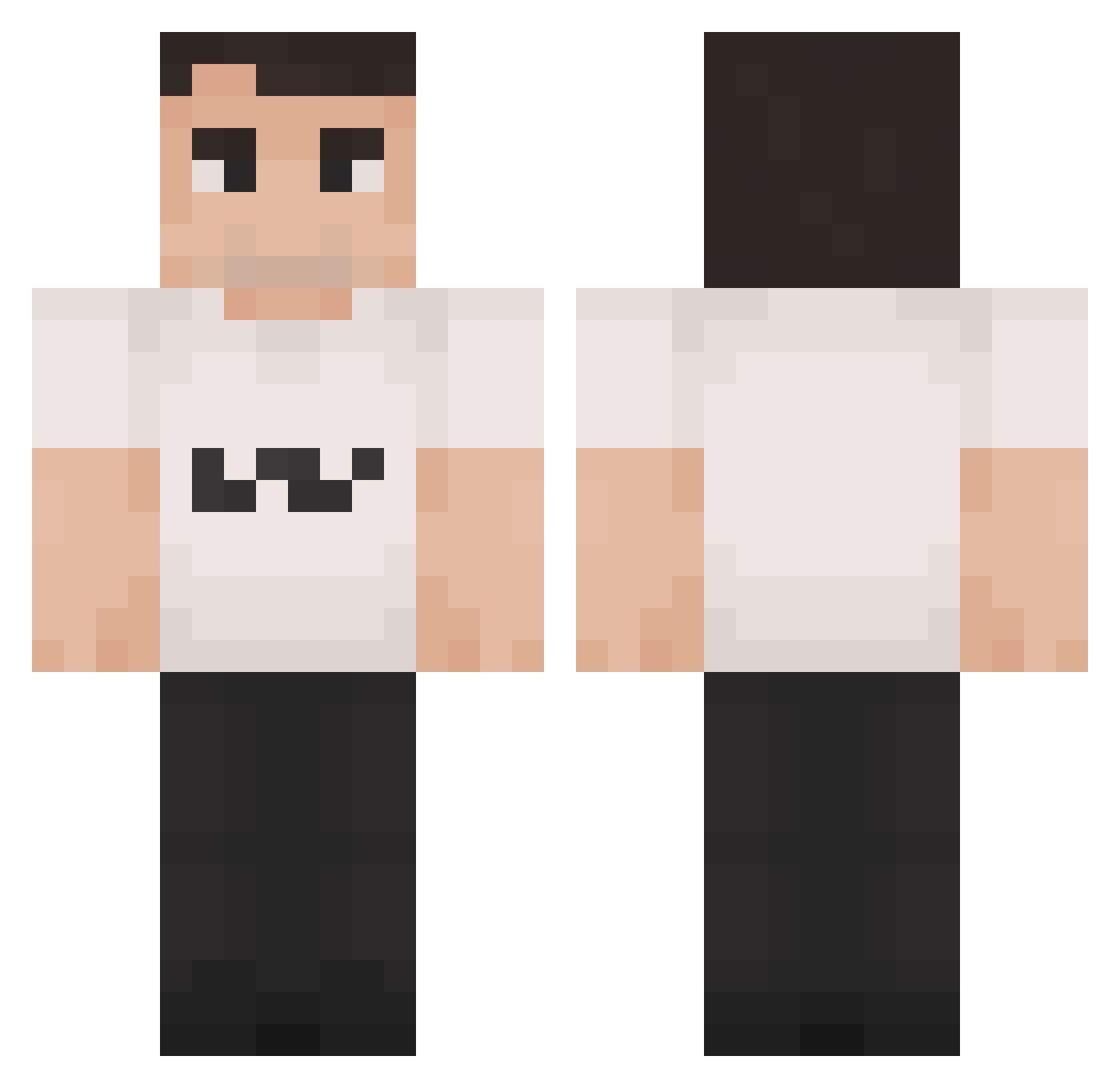
Current Minecraft skin of the player KCAC1, loaded from the official Mojang API. Rotate the 3D model with your mouse or finger, then download the skin as a PNG file and use it in Minecraft: Bedrock Edition or Java Edition for free. When KCAC1 changes their skin, this page updates automatically and the old skin stays in the history below.
Other players with this skin (1349)
KCAC1 was the 874th player we have seen with this skin, first spotted on 01.10.2026. The same skin was seen on these players. Open a nickname to see their current skin and skin history.
 JimothyHoratio Mudblau13 ObiDobi123 ironplayer0809 gamescorer3312 FraughtCoin PATOVol8 bwaze Tyla_B Wasov Rebootless Jeppis69 DEPEAR carlmylo xs69 B_Sacha83482247 JFJacob04 Tommieboy30 Fokes prosquidward24 UghTakYoureBack 03499 TinyHotCheetos Elvino53 EFNONTOP migganiilk LilM00N FUZE215 Rluccas855 PickSwinga JLnani17 AltoGarlic nallekarhu65 ll5notll Gwing1025 NoXyBQ WilburSoup DMSatori kirkshooter67 Charlie_Kirk07 alex_2416 anarky1000 LilBrawn Boycotts NACHOCRACKYT10 Ratflashis brownbanana1738 snikx Re5erge Weseyed Skrater_1_0 Rannsy Denorens Phollakrit77 GT_Kloom MackMasher jpsexylol Ced_UwU CharlieJerkie joaquiop
More Schlatt Minecraft skins
How to install the KCAC1 skin
- Press the Download button above to save the skin as a PNG file.
- Minecraft: Bedrock Edition (PE): open the Dressing Room from the main menu (or tap your character → Edit Character), go to Classic Skins → Owned, press the + (new skin) button, choose the downloaded PNG and pick the Classic (Steve) model. Works on PC and mobile; consoles cannot import custom skins.
- Minecraft: Java Edition: open the Minecraft Launcher, go to the Skins tab, click New Skin, load the PNG, pick the Classic (Steve) model and press Save & Use. You can also upload it at minecraft.net → Profile → Change Skin.
The skin does not show up after import - what should I do?
Restart Minecraft and open the Dressing Room again - imported skins sometimes appear only after a restart. Also make sure you selected the imported skin and picked the Classic (Steve) model.
Which model should I choose, Classic or Slim?
This skin is designed for the Classic (Steve) model. If you pick the wrong model, the arms of the skin will look stretched or squeezed.
Is the skin of KCAC1 free to download?
Yes. Press Download, save the PNG file and use it in Minecraft: Bedrock Edition or Java Edition - no payment or registration needed. The skin also works on multiplayer servers and Realms.
More skins
Looking for more? Go back to all Minecraft skins and check the top skins of the week, month and all time, or find any player's skin by nickname.