
Juxnper - Minecraft Skins & Skin History
Current Minecraft skin of the player Juxnper, loaded from the official Mojang API. Rotate the 3D model with your mouse or finger, then download the skin as a PNG file and use it in Minecraft: Bedrock Edition or Java Edition for free. When Juxnper changes their skin, this page updates automatically and the old skin stays in the history below.
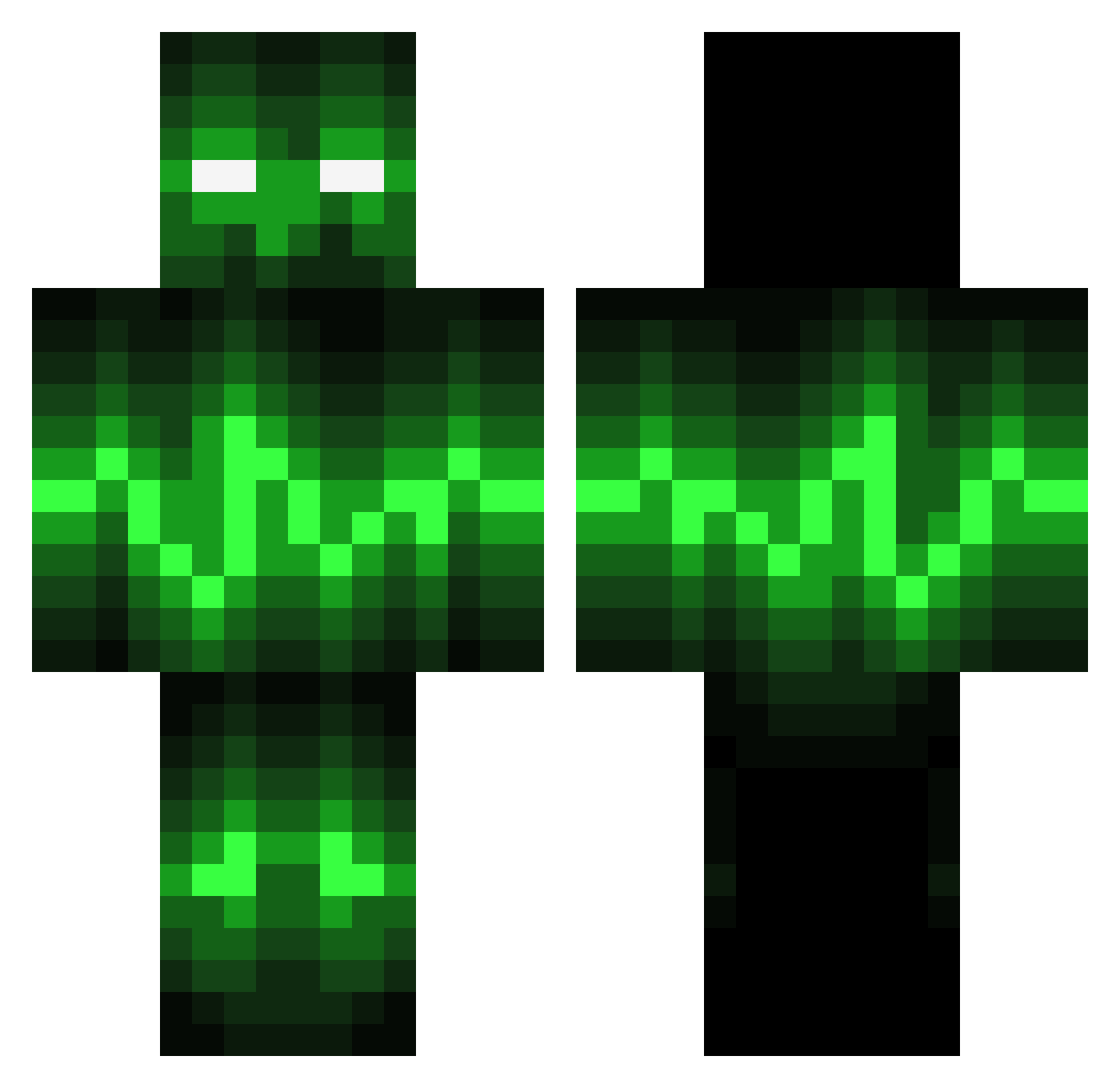
Other players with this skin (141)
Juxnper was the 29th player we have seen with this skin, first spotted on 12.08.2026. The same skin was seen on these players. Open a nickname to see their current skin and skin history.
 superminsung rackarhugo Green_Guy19 tomero3 Bkay459 ubertoc Kristopher_24 gobillon rat_42 ChiefMiner117 199f Bhop404 Crafting_Flimps TangKking SimonBuilder YuWLLL icetruckki11er 19NAME97 SkilletRise natecurio laogaowan Scar440 Kaosugurin_ika PurpleWhatevers ShOrTbReAdz548 Mango63 CoolisgewoonCool J_Kee yingbaolove DiamondDaggerCut fox89007 ironrhino556 Idiot_Boyfriend Raidersf Eldana14 robin99555 mrdtake _Rikashiki_ abborren06 Skwodo_ senneappeltans Liamsups AshKetchingup
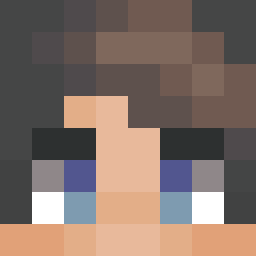 Sevyniel
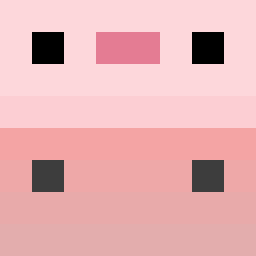 ch0sen_37 lokin2024 waffel183 Anes300 Aeves88 Dakota_Games TheCripNation XUjiayi40 a1234267 DevilJohn8699 ElectricPick Sakkrreth RoastedNut54 Froggieboy_yt LadyShandril GameMaster0226
More Pulse Minecraft skins
How to install the Juxnper skin
- Press the Download button above to save the skin as a PNG file.
- Minecraft: Bedrock Edition (PE): open the Dressing Room from the main menu (or tap your character → Edit Character), go to Classic Skins → Owned, press the + (new skin) button, choose the downloaded PNG and pick the Classic (Steve) model. Works on PC and mobile; consoles cannot import custom skins.
- Minecraft: Java Edition: open the Minecraft Launcher, go to the Skins tab, click New Skin, load the PNG, pick the Classic (Steve) model and press Save & Use. You can also upload it at minecraft.net → Profile → Change Skin.
The skin does not show up after import - what should I do?
Restart Minecraft and open the Dressing Room again - imported skins sometimes appear only after a restart. Also make sure you selected the imported skin and picked the Classic (Steve) model.
Which model should I choose, Classic or Slim?
This skin is designed for the Classic (Steve) model. If you pick the wrong model, the arms of the skin will look stretched or squeezed.
Is the skin of Juxnper free to download?
Yes. Press Download, save the PNG file and use it in Minecraft: Bedrock Edition or Java Edition - no payment or registration needed. The skin also works on multiplayer servers and Realms.
More skins
Looking for more? Go back to all Minecraft skins and check the top skins of the week, month and all time, or find any player's skin by nickname.