
JunkiJake - Minecraft Skins & Skin History
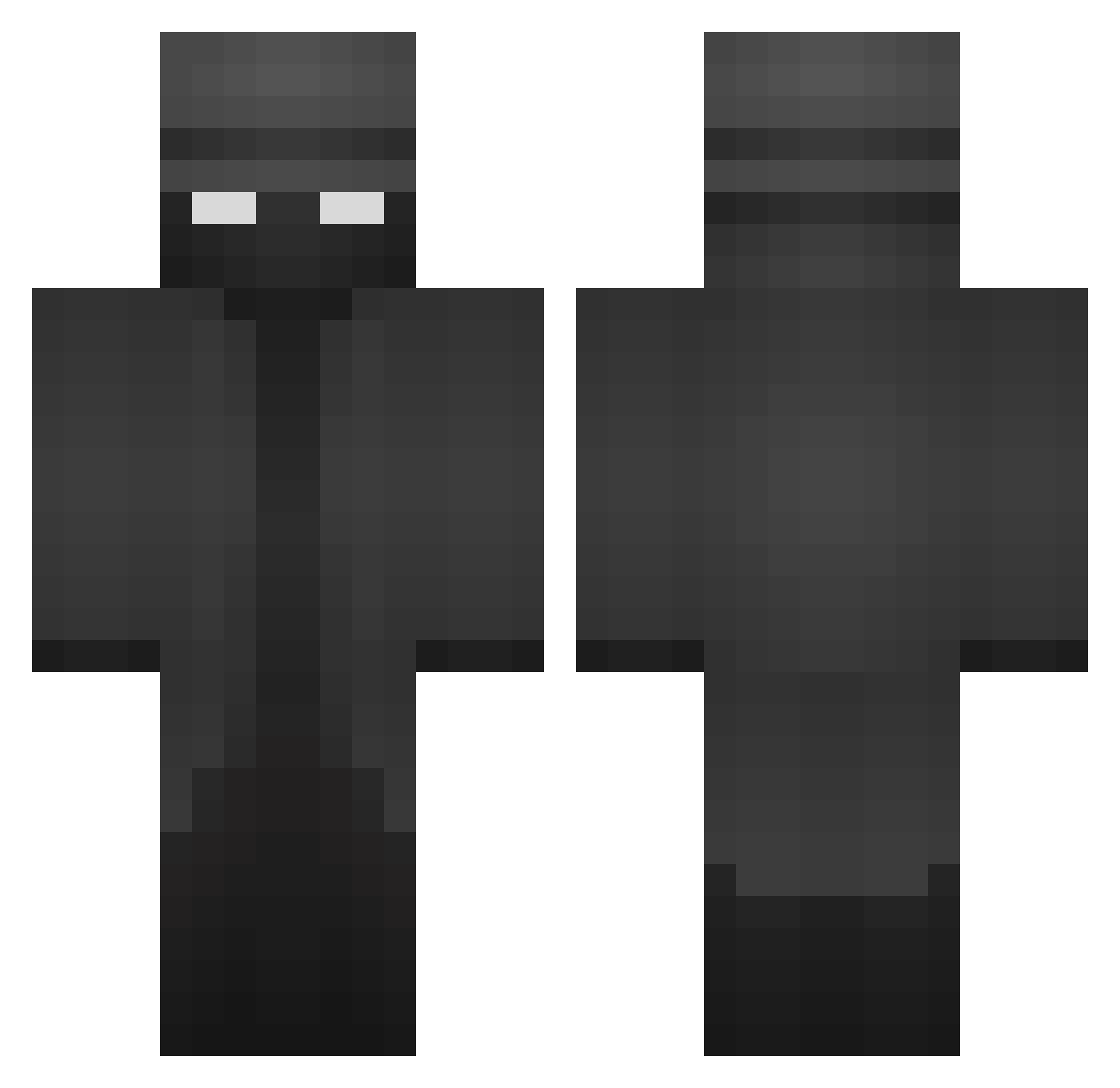
Current Minecraft skin of the player JunkiJake, loaded from the official Mojang API. Rotate the 3D model with your mouse or finger, then download the skin as a PNG file and use it in Minecraft: Bedrock Edition or Java Edition for free. When JunkiJake changes their skin, this page updates automatically and the old skin stays in the history below.
Other players with this skin (370)
JunkiJake was the 20th player we have seen with this skin, first spotted on 28.07.2026. The same skin was seen on these players. Open a nickname to see their current skin and skin history.
 Tantinovich StriateBowl7556 DrDauerdicht ShamzOut Julian010405 BigBlckNGBlls JiyaPatel as1deofham OnJeGejsic Unbiasedeagle53_ acul0815 picklesonpizza k0sera Cruzmahbruh PianomanSTef Papichulo169 MADDIT_Dragon Endormento1 author_incognito MylesEeyore YvIo SeaZa_ walfive lites_ loveklee MrFistaa69 Locotrone mdruike Fuzzyhead69 eminkurkcu Dakst13 SeventhDimension Aceward Predator_458 0Z30 BlakeHAlt iloveeatingfood PL_10 Rabid_Pastry Tonymonttanaa minionpilot UncleZureth willy_11 PapiKeenis cado14 Chirandin qordjr blurak679 incognito1249 michieldebanaan Bananix00 Skarritn MrGooseGoHonk BakonSizzle KillaGT UncleMemes48 MADBRICKED StupendousMan_ Lorglas ThatfastG8
More Detective Minecraft skins
How to install the JunkiJake skin
- Press the Download button above to save the skin as a PNG file.
- Minecraft: Bedrock Edition (PE): open the Dressing Room from the main menu (or tap your character → Edit Character), go to Classic Skins → Owned, press the + (new skin) button, choose the downloaded PNG and pick the Classic (Steve) model. Works on PC and mobile; consoles cannot import custom skins.
- Minecraft: Java Edition: open the Minecraft Launcher, go to the Skins tab, click New Skin, load the PNG, pick the Classic (Steve) model and press Save & Use. You can also upload it at minecraft.net → Profile → Change Skin.
The skin does not show up after import - what should I do?
Restart Minecraft and open the Dressing Room again - imported skins sometimes appear only after a restart. Also make sure you selected the imported skin and picked the Classic (Steve) model.
Which model should I choose, Classic or Slim?
This skin is designed for the Classic (Steve) model. If you pick the wrong model, the arms of the skin will look stretched or squeezed.
Is the skin of JunkiJake free to download?
Yes. Press Download, save the PNG file and use it in Minecraft: Bedrock Edition or Java Edition - no payment or registration needed. The skin also works on multiplayer servers and Realms.
More skins
Looking for more? Go back to all Minecraft skins and check the top skins of the week, month and all time, or find any player's skin by nickname.