
JulsRAZE - Minecraft Skins & Skin History
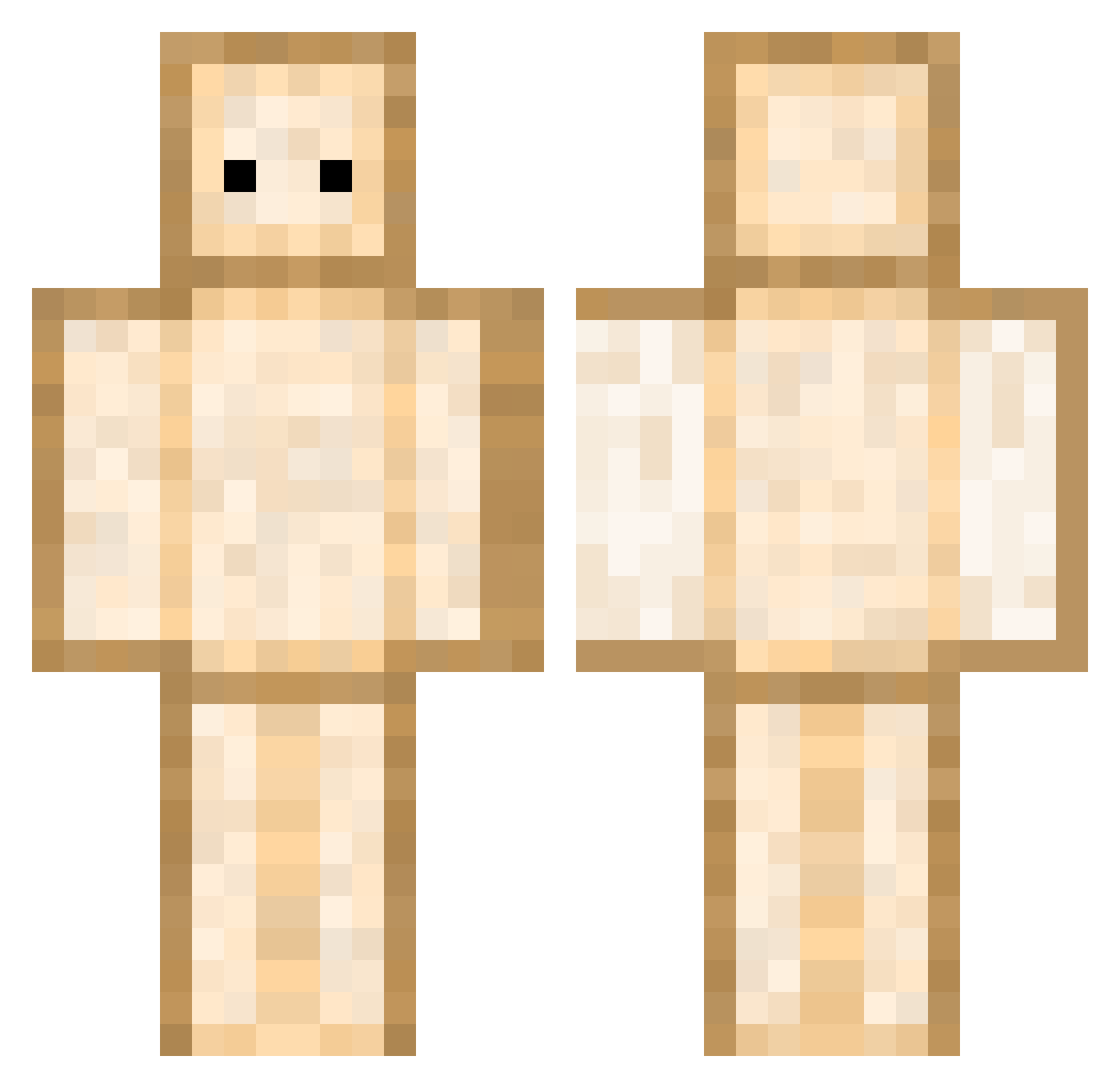
Current Minecraft skin of the player JulsRAZE, loaded from the official Mojang API. Rotate the 3D model with your mouse or finger, then download the skin as a PNG file and use it in Minecraft: Bedrock Edition or Java Edition for free. When JulsRAZE changes their skin, this page updates automatically and the old skin stays in the history below.
Other players with this skin (344)
JulsRAZE was the 67th player we have seen with this skin, first spotted on 09.08.2026. The same skin was seen on these players. Open a nickname to see their current skin and skin history.
 PopTrt21 Zia__aa R9u13 Inclusiveness SuhuhuS JVGMS ara_bella issamausore HutsBanaan bishbitty J0J0_22 FortyEmperor Lightdragon8049 dkr1128 Del123 SenpaiLampe CordedJester silnt Tonyyolo_ VaLo0710 Mazad_ MG38 Exelious VAPERMAIND sKy_Mattack KoreanJ3sus Mashed___ Geunder Jumpierburrito X2Poor camjack100 FolkishLore BlockKing_HD Eden__000 Mcdonald2t folowgool GodIsMe superchilo xMrBanan luvsiu phillipuh Hawkyd Wishmen Popfizz9 Ittousai Emmacarenna ArRayXDD CarnageQuake Spacht_006 Sleyder2506 S0onfancy mange_ma_cak CHLEB222 croixtitan59997 MainBeast Juliano2_0 chloe_hlk nepravsha salamino_23 Banger89
More Toast Minecraft skins
How to install the JulsRAZE skin
- Press the Download button above to save the skin as a PNG file.
- Minecraft: Bedrock Edition (PE): open the Dressing Room from the main menu (or tap your character → Edit Character), go to Classic Skins → Owned, press the + (new skin) button, choose the downloaded PNG and pick the Classic (Steve) model. Works on PC and mobile; consoles cannot import custom skins.
- Minecraft: Java Edition: open the Minecraft Launcher, go to the Skins tab, click New Skin, load the PNG, pick the Classic (Steve) model and press Save & Use. You can also upload it at minecraft.net → Profile → Change Skin.
The skin does not show up after import - what should I do?
Restart Minecraft and open the Dressing Room again - imported skins sometimes appear only after a restart. Also make sure you selected the imported skin and picked the Classic (Steve) model.
Which model should I choose, Classic or Slim?
This skin is designed for the Classic (Steve) model. If you pick the wrong model, the arms of the skin will look stretched or squeezed.
Is the skin of JulsRAZE free to download?
Yes. Press Download, save the PNG file and use it in Minecraft: Bedrock Edition or Java Edition - no payment or registration needed. The skin also works on multiplayer servers and Realms.
More skins
Looking for more? Go back to all Minecraft skins and check the top skins of the week, month and all time, or find any player's skin by nickname.