
Juliek_ - Minecraft Skins & Skin History
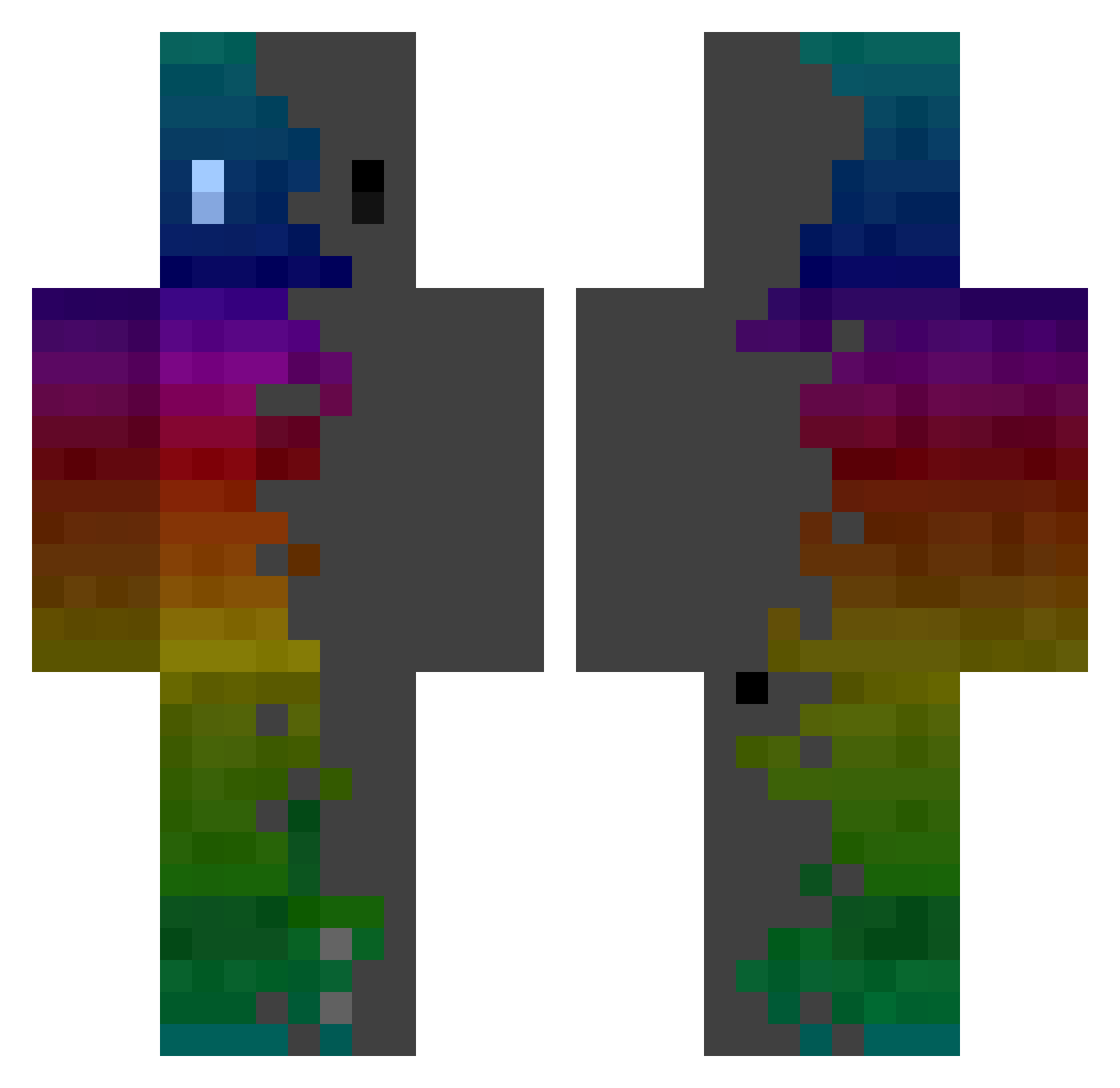
Current Minecraft skin of the player Juliek_, loaded from the official Mojang API. Rotate the 3D model with your mouse or finger, then download the skin as a PNG file and use it in Minecraft: Bedrock Edition or Java Edition for free. When Juliek_ changes their skin, this page updates automatically and the old skin stays in the history below.
Other players with this skin (364)
Juliek_ was the 318th player we have seen with this skin, first spotted on 23.10.2026. The same skin was seen on these players. Open a nickname to see their current skin and skin history.
 Neveest AntRolim XxxAKRxxX LeBgDesBois DeanYolo Fastidious9 TrickyJoker07 BinYEE0517W Famst Danrlei7 Piggy428 Xanaxx357 Thisphil Folk2550 Xeltoll IplamzI Cext Gerienfe Panzfoot TheWolfsPinguin GameZap73 Lisojelen Superbad5587 Super_myon DEVON_007 Detonhate killua1231311 killtecha4 MaliMate123 Noverven sauce710 Kasumie69 nkmeru LucasLion88 sugusga DraKen11222 AXEI_UWU CbaF tjsqja70 MustaphaE SoyBOb Milouyy novels_ti Rachiko Ght_vtsCyD DaintyCircle325 JoJoJoPark Landin15 DreamcastDazia Kaen02 retro_playerr draganfire windgodKK Sietze95 MetroJoey loulou53410 Limedoe OWOwilly Papahaas Jambon6555
How to install the Juliek_ skin
- Press the Download button above to save the skin as a PNG file.
- Minecraft: Bedrock Edition (PE): open the Dressing Room from the main menu (or tap your character → Edit Character), go to Classic Skins → Owned, press the + (new skin) button, choose the downloaded PNG and pick the Classic (Steve) model. Works on PC and mobile; consoles cannot import custom skins.
- Minecraft: Java Edition: open the Minecraft Launcher, go to the Skins tab, click New Skin, load the PNG, pick the Classic (Steve) model and press Save & Use. You can also upload it at minecraft.net → Profile → Change Skin.
The skin does not show up after import - what should I do?
Restart Minecraft and open the Dressing Room again - imported skins sometimes appear only after a restart. Also make sure you selected the imported skin and picked the Classic (Steve) model.
Which model should I choose, Classic or Slim?
This skin is designed for the Classic (Steve) model. If you pick the wrong model, the arms of the skin will look stretched or squeezed.
Is the skin of Juliek_ free to download?
Yes. Press Download, save the PNG file and use it in Minecraft: Bedrock Edition or Java Edition - no payment or registration needed. The skin also works on multiplayer servers and Realms.
More skins
Looking for more? Go back to all Minecraft skins and check the top skins of the week, month and all time, or find any player's skin by nickname.