
JuanchoCDQ - Minecraft Skins & Skin History
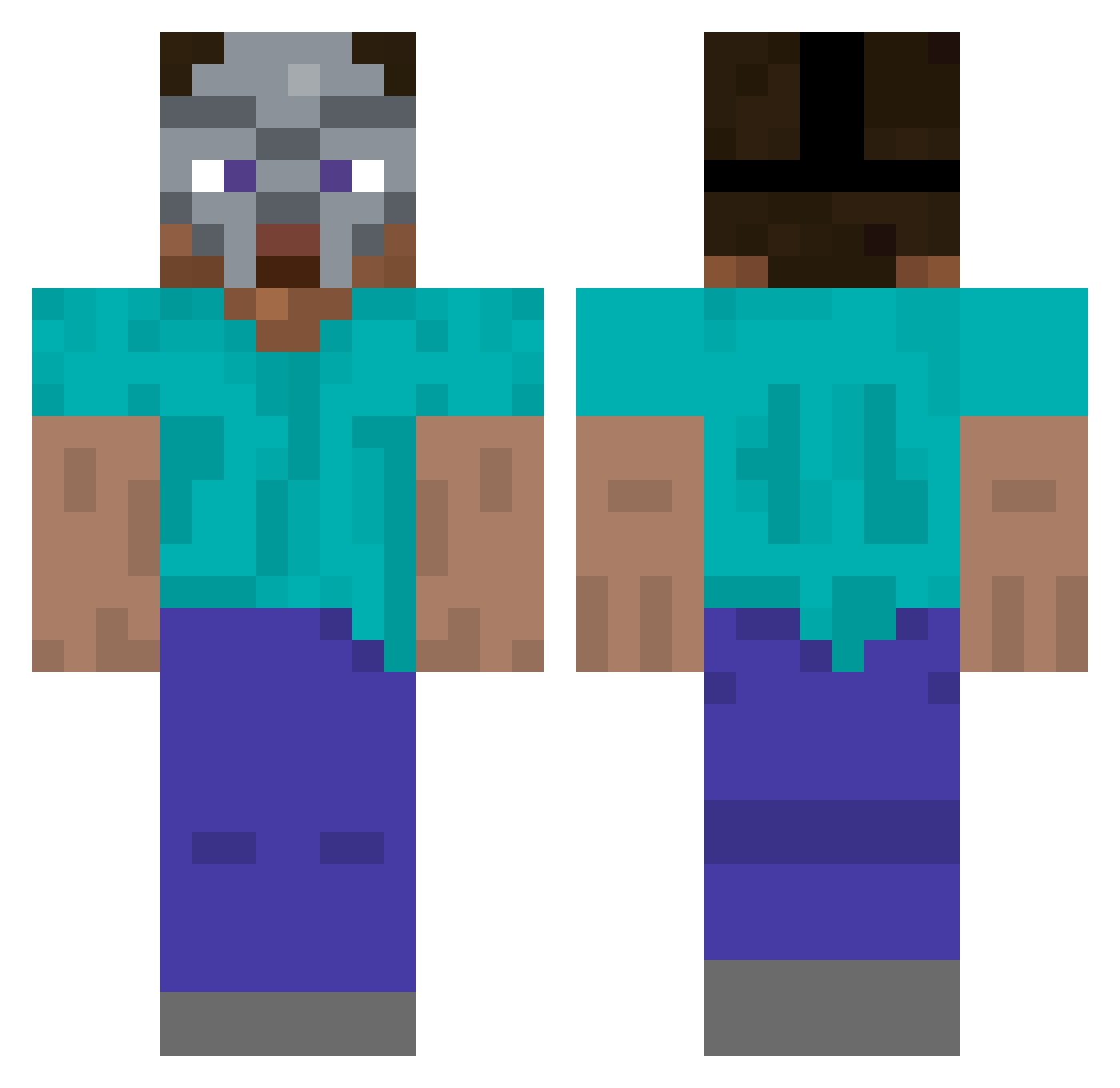
Current Minecraft skin of the player JuanchoCDQ, loaded from the official Mojang API. Rotate the 3D model with your mouse or finger, then download the skin as a PNG file and use it in Minecraft: Bedrock Edition or Java Edition for free. When JuanchoCDQ changes their skin, this page updates automatically and the old skin stays in the history below.
Other players with this skin (307)
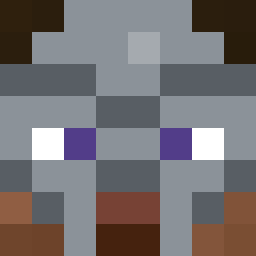
JuanchoCDQ was the 185th player we have seen with this skin, first spotted on 01.10.2026. The same skin was seen on these players. Open a nickname to see their current skin and skin history.
 UFClover123 ELNETZ The_SSL uniqeki EXOTICGOLD FellowGaymer MarvinPlayz7789 NorseNugget All__Caps M4rc3l_3 SniperSnippy kakuplayer74 vicla_ Boot_Camp endul bliss05r MaruTw handsome_96 Noki2306 luyiic skudzoot SheniStong McCaution F4Sho azonipse568 Lumanac billionsvevo Keshl0p A1ester _sleezer Nichku obeseblackdood44 savntt Swindlez InMemesWeTrust ConsciousSapiens JamesR274 RayStone2786 iron_inkot zotabo1 ba9uette PhatB00tyFanatic Exodash Bdadley sopogaming SOFTYm itsYoshi007 Tirumisu69 HumanGPS sadboypepe _Utajr olcaysahan epikgamer3679 C1assi3 CHITO2009 xImJonah tahielart PartyPeaches P4RZ1V4L1803 Loffi2
More Hip Hop Minecraft skins
How to install the JuanchoCDQ skin
- Press the Download button above to save the skin as a PNG file.
- Minecraft: Bedrock Edition (PE): open the Dressing Room from the main menu (or tap your character → Edit Character), go to Classic Skins → Owned, press the + (new skin) button, choose the downloaded PNG and pick the Classic (Steve) model. Works on PC and mobile; consoles cannot import custom skins.
- Minecraft: Java Edition: open the Minecraft Launcher, go to the Skins tab, click New Skin, load the PNG, pick the Classic (Steve) model and press Save & Use. You can also upload it at minecraft.net → Profile → Change Skin.
The skin does not show up after import - what should I do?
Restart Minecraft and open the Dressing Room again - imported skins sometimes appear only after a restart. Also make sure you selected the imported skin and picked the Classic (Steve) model.
Which model should I choose, Classic or Slim?
This skin is designed for the Classic (Steve) model. If you pick the wrong model, the arms of the skin will look stretched or squeezed.
Is the skin of JuanchoCDQ free to download?
Yes. Press Download, save the PNG file and use it in Minecraft: Bedrock Edition or Java Edition - no payment or registration needed. The skin also works on multiplayer servers and Realms.
More skins
Looking for more? Go back to all Minecraft skins and check the top skins of the week, month and all time, or find any player's skin by nickname.