
JosieEngel - Minecraft Skins & Skin History
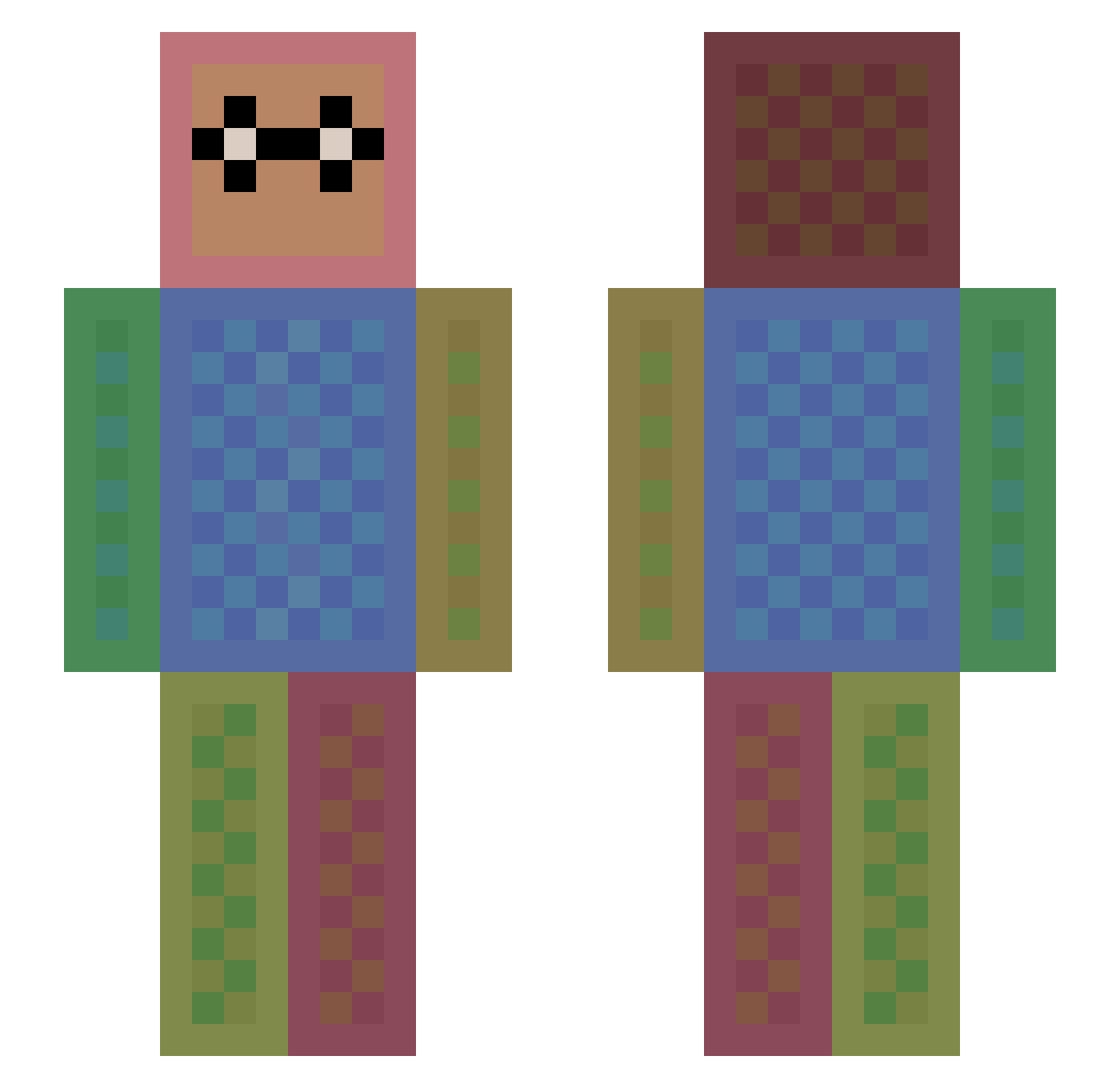
Current Minecraft skin of the player JosieEngel, loaded from the official Mojang API. Rotate the 3D model with your mouse or finger, then download the skin as a PNG file and use it in Minecraft: Bedrock Edition or Java Edition for free. When JosieEngel changes their skin, this page updates automatically and the old skin stays in the history below.
Other players with this skin (1113)
JosieEngel was the 152nd player we have seen with this skin, first spotted on 07.08.2026. The same skin was seen on these players. Open a nickname to see their current skin and skin history.
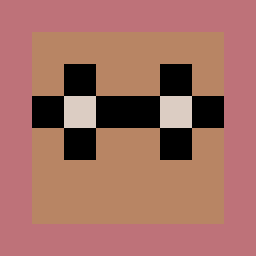 Nilzie05 Candyman77 Xandria Andr3w007 teamrc2 taptaptaptaptap TomatoSmasher mauricevo98 RAFRAF20032003 BulldogBetty sqashey1 Tigress88 chiefOniSan AdEmScott pnoie kleiner_19 simonQG pongari Sm0kPurp VianneyL sunnyrodriguez ken_ken3 timawesome123 laney191 alfuria weaselsneaky Eivind0104 GGinin_DER Tomcraft2007 YaseiEezY Gabryelaalves AssasinBoy789 jlucasfa jacob_lo jjacobb Stampy1226 Videlina XDTS IssieJ04 FlamingVolcano CaptainRoyce KaydB14 Nayade Inv3ble Black_Luffy BromanDudeson Zeus44_44 amykr joshjansons enderboogies Cre_53Ec TagbotXL Gabey2015 MertcanKaygisiz JackChalmers Jolievalle Natedawg147 DirtiestQuasar MichaelAdi giannipower
How to install the JosieEngel skin
- Press the Download button above to save the skin as a PNG file.
- Minecraft: Bedrock Edition (PE): open the Dressing Room from the main menu (or tap your character → Edit Character), go to Classic Skins → Owned, press the + (new skin) button, choose the downloaded PNG and pick the Slim (Alex) model. Works on PC and mobile; consoles cannot import custom skins.
- Minecraft: Java Edition: open the Minecraft Launcher, go to the Skins tab, click New Skin, load the PNG, pick the Slim (Alex) model and press Save & Use. You can also upload it at minecraft.net → Profile → Change Skin.
The skin does not show up after import - what should I do?
Restart Minecraft and open the Dressing Room again - imported skins sometimes appear only after a restart. Also make sure you selected the imported skin and picked the Slim (Alex) model.
Which model should I choose, Classic or Slim?
This skin is designed for the Slim (Alex) model. If you pick the wrong model, the arms of the skin will look stretched or squeezed.
Is the skin of JosieEngel free to download?
Yes. Press Download, save the PNG file and use it in Minecraft: Bedrock Edition or Java Edition - no payment or registration needed. The skin also works on multiplayer servers and Realms.
More skins
Looking for more? Go back to all Minecraft skins and check the top skins of the week, month and all time, or find any player's skin by nickname.