
JoshusChrist - Minecraft Skins & Skin History
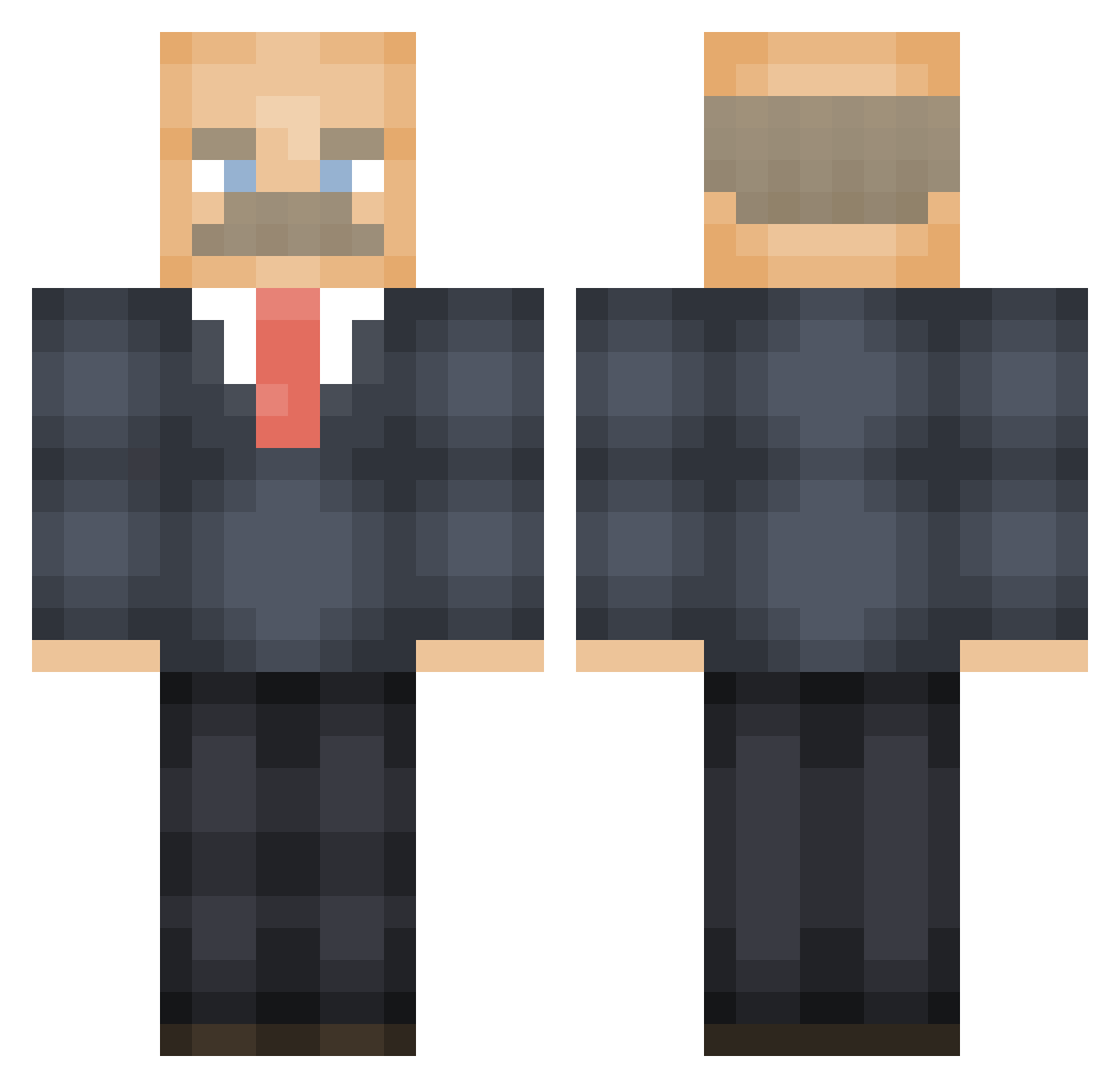
Current Minecraft skin of the player JoshusChrist, loaded from the official Mojang API. Rotate the 3D model with your mouse or finger, then download the skin as a PNG file and use it in Minecraft: Bedrock Edition or Java Edition for free. When JoshusChrist changes their skin, this page updates automatically and the old skin stays in the history below.
Other players with this skin (474)
JoshusChrist was the 280th player we have seen with this skin, first spotted on 23.09.2026. The same skin was seen on these players. Open a nickname to see their current skin and skin history.
 Ubettastop554 SLUSHY2 chillwavedotbiz Kaassouffleetje hellowrld_ snigeren69 Fish_Stick6969 PontoonCaptain NamE98 GaymMaster GijsVrhf Jonvthan Makohs THEBIGWELD CodyEisert terralyy lil_ding PipeWrenched andyspaghetti Branden2k FallenRS LeastShoe271 pimskie AwesomeMemeBro AFK__47 Jorgasaurus Ryuro97 EnragedPomelo Kraakaan Jircon The_real_flip BR_Deluxe Service05 super_torben noahjaja LeahBolle Jacob38L itsyaboiifabian Sonar HolyCoWorker Demetriouslloyd jerrytoms Nicho_M BT7276 PlagueZero_ MangoResidue MKayBye292 Noxxxx42 Coolie0905 stu1616 BeepBeepItsDaddy clairep1016 thegreek2388 Shadowhawk1031 WhoppingTodger 7ucas MeowMeow_Blinks SirDols drjakoob morgan815
More Vladimir Lenin Minecraft skins
See all 38 Vladimir Lenin skins
How to install the JoshusChrist skin
- Press the Download button above to save the skin as a PNG file.
- Minecraft: Bedrock Edition (PE): open the Dressing Room from the main menu (or tap your character → Edit Character), go to Classic Skins → Owned, press the + (new skin) button, choose the downloaded PNG and pick the Classic (Steve) model. Works on PC and mobile; consoles cannot import custom skins.
- Minecraft: Java Edition: open the Minecraft Launcher, go to the Skins tab, click New Skin, load the PNG, pick the Classic (Steve) model and press Save & Use. You can also upload it at minecraft.net → Profile → Change Skin.
The skin does not show up after import - what should I do?
Restart Minecraft and open the Dressing Room again - imported skins sometimes appear only after a restart. Also make sure you selected the imported skin and picked the Classic (Steve) model.
Which model should I choose, Classic or Slim?
This skin is designed for the Classic (Steve) model. If you pick the wrong model, the arms of the skin will look stretched or squeezed.
Is the skin of JoshusChrist free to download?
Yes. Press Download, save the PNG file and use it in Minecraft: Bedrock Edition or Java Edition - no payment or registration needed. The skin also works on multiplayer servers and Realms.
More skins
Looking for more? Go back to all Minecraft skins and check the top skins of the week, month and all time, or find any player's skin by nickname.