
Jonxx_pl - Minecraft Skins & Skin History
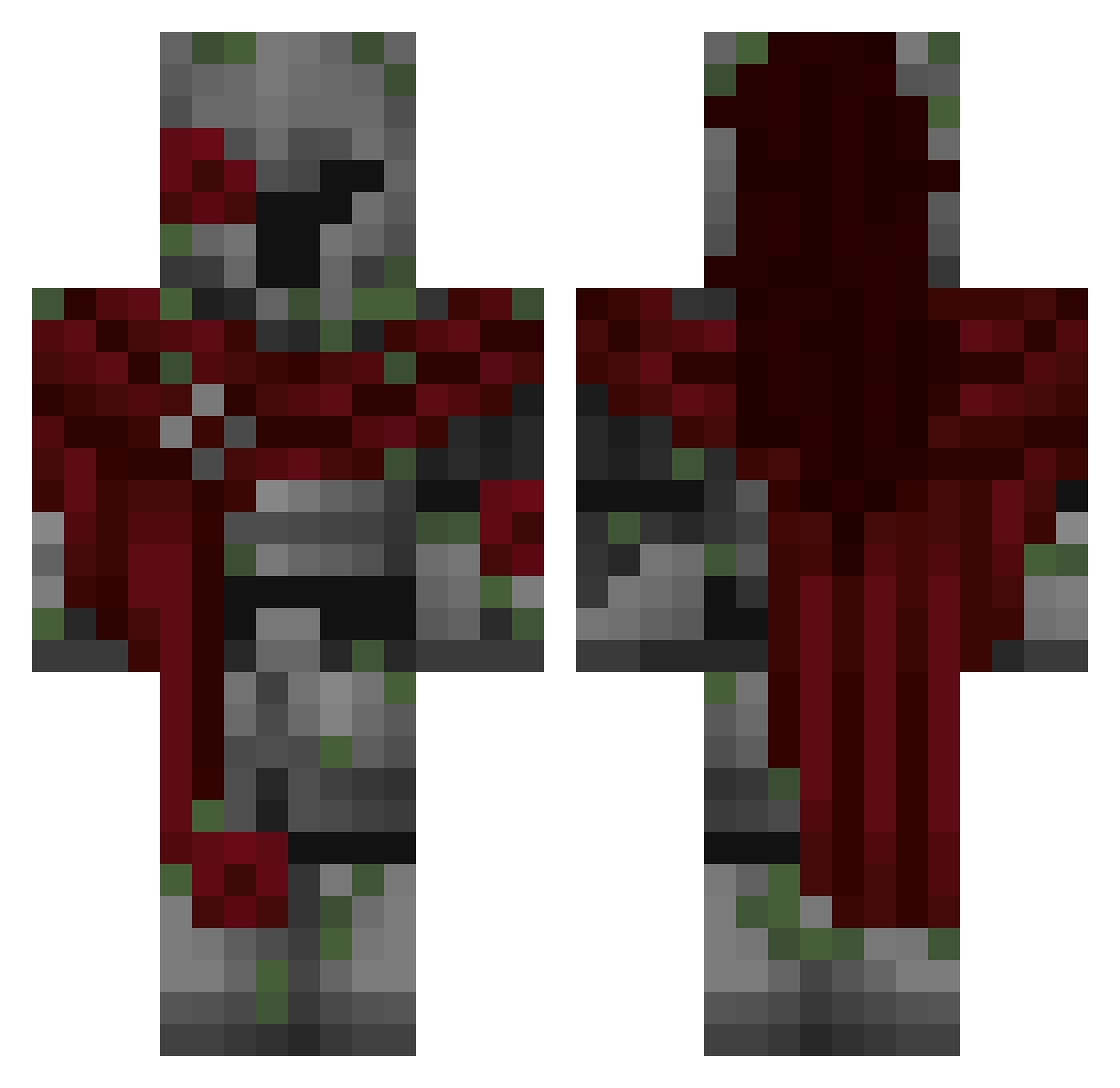
Current Minecraft skin of the player Jonxx_pl, loaded from the official Mojang API. Rotate the 3D model with your mouse or finger, then download the skin as a PNG file and use it in Minecraft: Bedrock Edition or Java Edition for free. When Jonxx_pl changes their skin, this page updates automatically and the old skin stays in the history below.
Other players with this skin (309)
Jonxx_pl was the 196th player we have seen with this skin, first spotted on 28.09.2026. The same skin was seen on these players. Open a nickname to see their current skin and skin history.
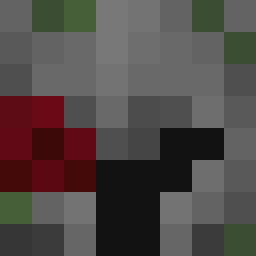 pedrinsano NIOruff Arise5 william110 SantissPutterex ZeL711 geospherical ramt6 DanteDarkness13 bb_goose RyoTo33 Vervexxx Mitsukury _Moosy Laurinstown PotatoRant Rinepami L_OMBRE_ StrangeLiutas Le_dragon7635 Andi_Macht05 Undertakingkesi y0oklez SkyHunterz71 Gusty748 LittleHatcher1 SimSense karpatskyy Pe7A g3x3x BlackJ3suss GARGOR1 WoopZap rip_hunter13 YTZetto Amikoszoneria uranus0710 OxedPixel ColdTrashPanda aquilesxd08 Rhythmicity SUKAMOTO TheEnigma_XoX TheStupidDucky VERL7 KOSTEK2012 TheAmericanMajor JUANETETETE demo6767667 m5son Molt3nnn ItsYaBoyJunior incognital22 Pancho27f ruiswaslaced johnbrz EonFP BlitzBreaker37 GetC4ncer K1M_97435
More Mossy Minecraft skins
How to install the Jonxx_pl skin
- Press the Download button above to save the skin as a PNG file.
- Minecraft: Bedrock Edition (PE): open the Dressing Room from the main menu (or tap your character → Edit Character), go to Classic Skins → Owned, press the + (new skin) button, choose the downloaded PNG and pick the Classic (Steve) model. Works on PC and mobile; consoles cannot import custom skins.
- Minecraft: Java Edition: open the Minecraft Launcher, go to the Skins tab, click New Skin, load the PNG, pick the Classic (Steve) model and press Save & Use. You can also upload it at minecraft.net → Profile → Change Skin.
The skin does not show up after import - what should I do?
Restart Minecraft and open the Dressing Room again - imported skins sometimes appear only after a restart. Also make sure you selected the imported skin and picked the Classic (Steve) model.
Which model should I choose, Classic or Slim?
This skin is designed for the Classic (Steve) model. If you pick the wrong model, the arms of the skin will look stretched or squeezed.
Is the skin of Jonxx_pl free to download?
Yes. Press Download, save the PNG file and use it in Minecraft: Bedrock Edition or Java Edition - no payment or registration needed. The skin also works on multiplayer servers and Realms.
More skins
Looking for more? Go back to all Minecraft skins and check the top skins of the week, month and all time, or find any player's skin by nickname.