
JonoCrafts - Minecraft Skins & Skin History
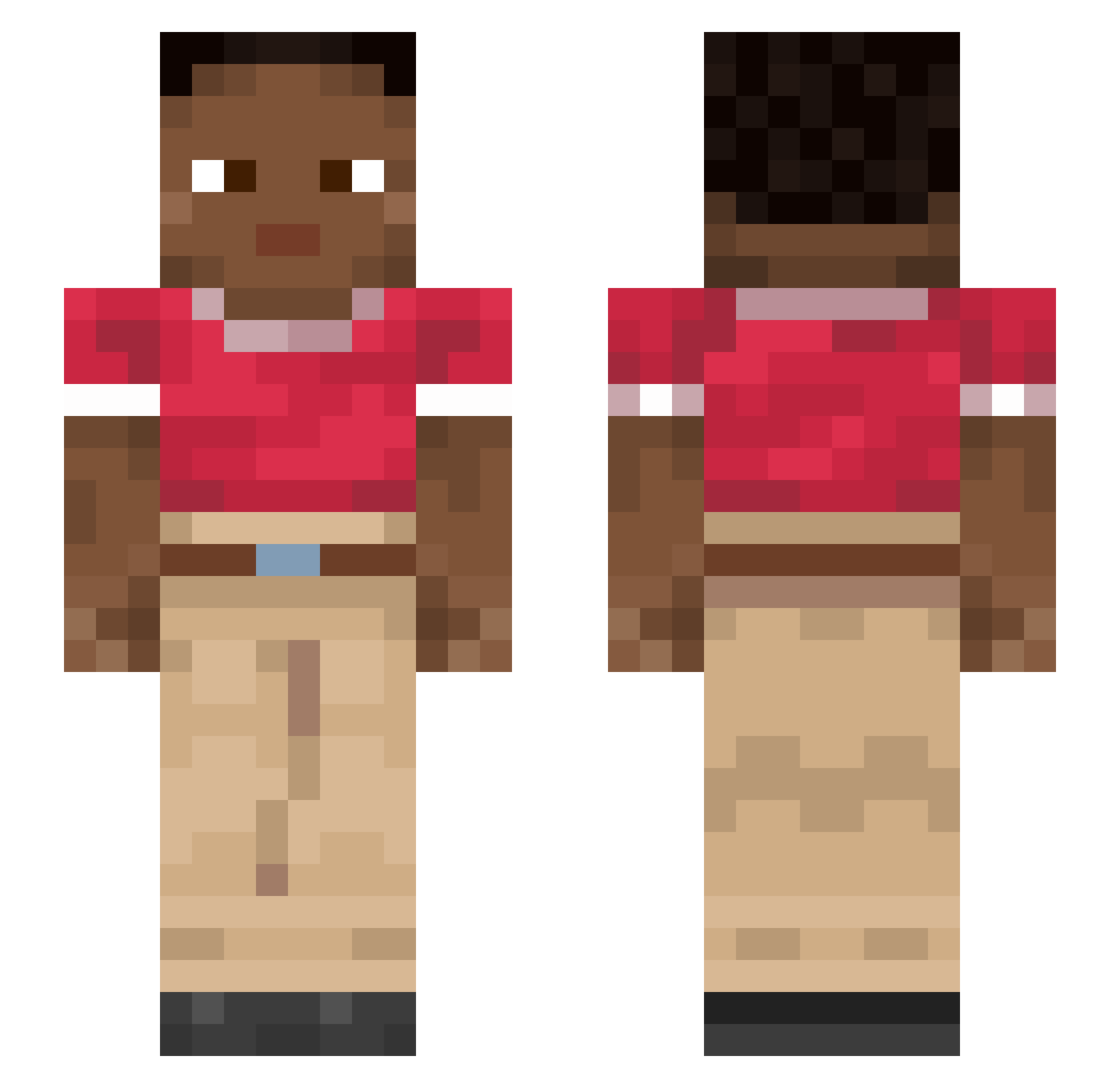
Current Minecraft skin of the player JonoCrafts, loaded from the official Mojang API. Rotate the 3D model with your mouse or finger, then download the skin as a PNG file and use it in Minecraft: Bedrock Edition or Java Edition for free. When JonoCrafts changes their skin, this page updates automatically and the old skin stays in the history below.
Other players with this skin (913)
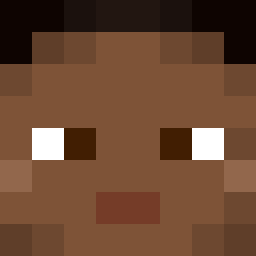
JonoCrafts was the 59th player we have seen with this skin, first spotted on 30.07.2026. The same skin was seen on these players. Open a nickname to see their current skin and skin history.
 chartreuse Turpeth Rapper Emraan1 Skinball paperboys Zackarish Scoffing Peacenik Cambuca Mutagenic Gamerr47 SQUDGE Tufillo Saudilicious CotMan Glushokina Regents Rubeola
 PazdanPrime2016 Targeteer Hotshots B0lish 0xt1H5b Sportsmanship ZirilBomb gimoddackggockgi Bleared Stage7 slipsheet Unloaders xmqw bedlight Pentit Noreyio Pyroclastic kristaps1 xXDarkThunderXx kilaruhh nglfreak jjune0115 zooxa Tova Pontederiaceae Inkswell Kaoseuchaos Vannai Kainga Sanawabicz ayaponzu111 Zielony_Karl_420 hoej12 Claiborne sofaWilliams sensa StavTheking Calandra birdseed Hoops CiusmeaDa66LaZar
How to install the JonoCrafts skin
- Press the Download button above to save the skin as a PNG file.
- Minecraft: Bedrock Edition (PE): open the Dressing Room from the main menu (or tap your character → Edit Character), go to Classic Skins → Owned, press the + (new skin) button, choose the downloaded PNG and pick the Slim (Alex) model. Works on PC and mobile; consoles cannot import custom skins.
- Minecraft: Java Edition: open the Minecraft Launcher, go to the Skins tab, click New Skin, load the PNG, pick the Slim (Alex) model and press Save & Use. You can also upload it at minecraft.net → Profile → Change Skin.
The skin does not show up after import - what should I do?
Restart Minecraft and open the Dressing Room again - imported skins sometimes appear only after a restart. Also make sure you selected the imported skin and picked the Slim (Alex) model.
Which model should I choose, Classic or Slim?
This skin is designed for the Slim (Alex) model. If you pick the wrong model, the arms of the skin will look stretched or squeezed.
Is the skin of JonoCrafts free to download?
Yes. Press Download, save the PNG file and use it in Minecraft: Bedrock Edition or Java Edition - no payment or registration needed. The skin also works on multiplayer servers and Realms.
More skins
Looking for more? Go back to all Minecraft skins and check the top skins of the week, month and all time, or find any player's skin by nickname.