
Joker_Mind - Minecraft Skins & Skin History
Current Minecraft skin of the player Joker_Mind, loaded from the official Mojang API. Rotate the 3D model with your mouse or finger, then download the skin as a PNG file and use it in Minecraft: Bedrock Edition or Java Edition for free. When Joker_Mind changes their skin, this page updates automatically and the old skin stays in the history below.
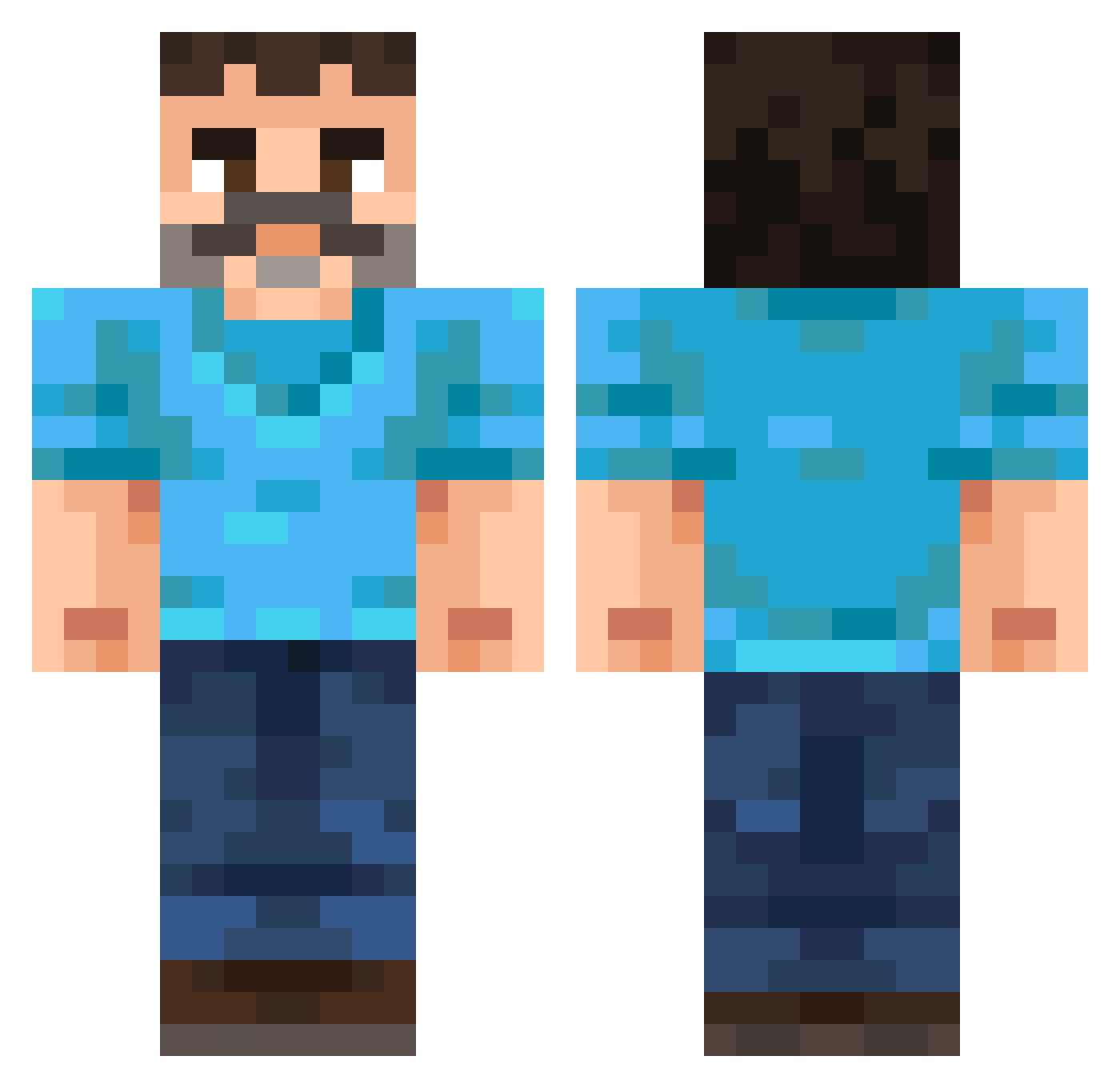
Other players with this skin (255)
Joker_Mind was the 26th player we have seen with this skin, first spotted on 04.08.2026. The same skin was seen on these players. Open a nickname to see their current skin and skin history.
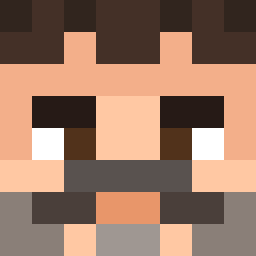 Tora510 zd0gg HoejbjerreB kirimi2659 shoushou1226 Baleron420
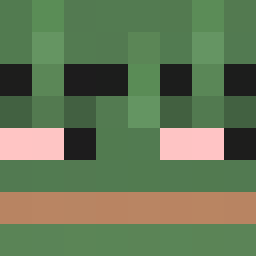 notgoode Olenq Golfed Grymsbor d38_msmc_lmv The_First_Soul Aidvain torgan20 Poggo_Poggo KapuchaKozak
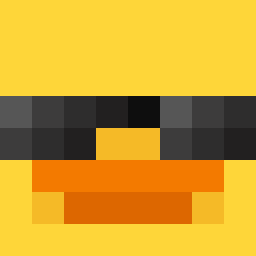 SektionMantis GHGamblingAddict 0skarTV Ewber_Taxi iChoob phooxiel
 Piaskowskyy
 snowcosti1 DonBobritto szymur ivarandre BAM223 PabloSki004 Prophesied
 Dosch004 MahmutGulecyuz
 MisterNewts Yura331 scorpion3659 Rajec_ low2500 Drennic _Pixon_ Sneaky_Turtle_ Pierretastic Kamikool AlliedComputer kahda Steak2Dinner soraworanora 1r4_msmc_on1 BROOOOOW Stxrling schlmmrfngr RealTAMAKINTV DeviousMango57 tootsie70 Talalaj1 CodexComplex JP_Gaming25 ihwi
 Cobble_Stein Miguel_to_ja Nalanzerr
More Mustache Minecraft skins
How to install the Joker_Mind skin
- Press the Download button above to save the skin as a PNG file.
- Minecraft: Bedrock Edition (PE): open the Dressing Room from the main menu (or tap your character → Edit Character), go to Classic Skins → Owned, press the + (new skin) button, choose the downloaded PNG and pick the Classic (Steve) model. Works on PC and mobile; consoles cannot import custom skins.
- Minecraft: Java Edition: open the Minecraft Launcher, go to the Skins tab, click New Skin, load the PNG, pick the Classic (Steve) model and press Save & Use. You can also upload it at minecraft.net → Profile → Change Skin.
The skin does not show up after import - what should I do?
Restart Minecraft and open the Dressing Room again - imported skins sometimes appear only after a restart. Also make sure you selected the imported skin and picked the Classic (Steve) model.
Which model should I choose, Classic or Slim?
This skin is designed for the Classic (Steve) model. If you pick the wrong model, the arms of the skin will look stretched or squeezed.
Is the skin of Joker_Mind free to download?
Yes. Press Download, save the PNG file and use it in Minecraft: Bedrock Edition or Java Edition - no payment or registration needed. The skin also works on multiplayer servers and Realms.
More skins
Looking for more? Go back to all Minecraft skins and check the top skins of the week, month and all time, or find any player's skin by nickname.