
Jkrsz - Minecraft Skins & Skin History
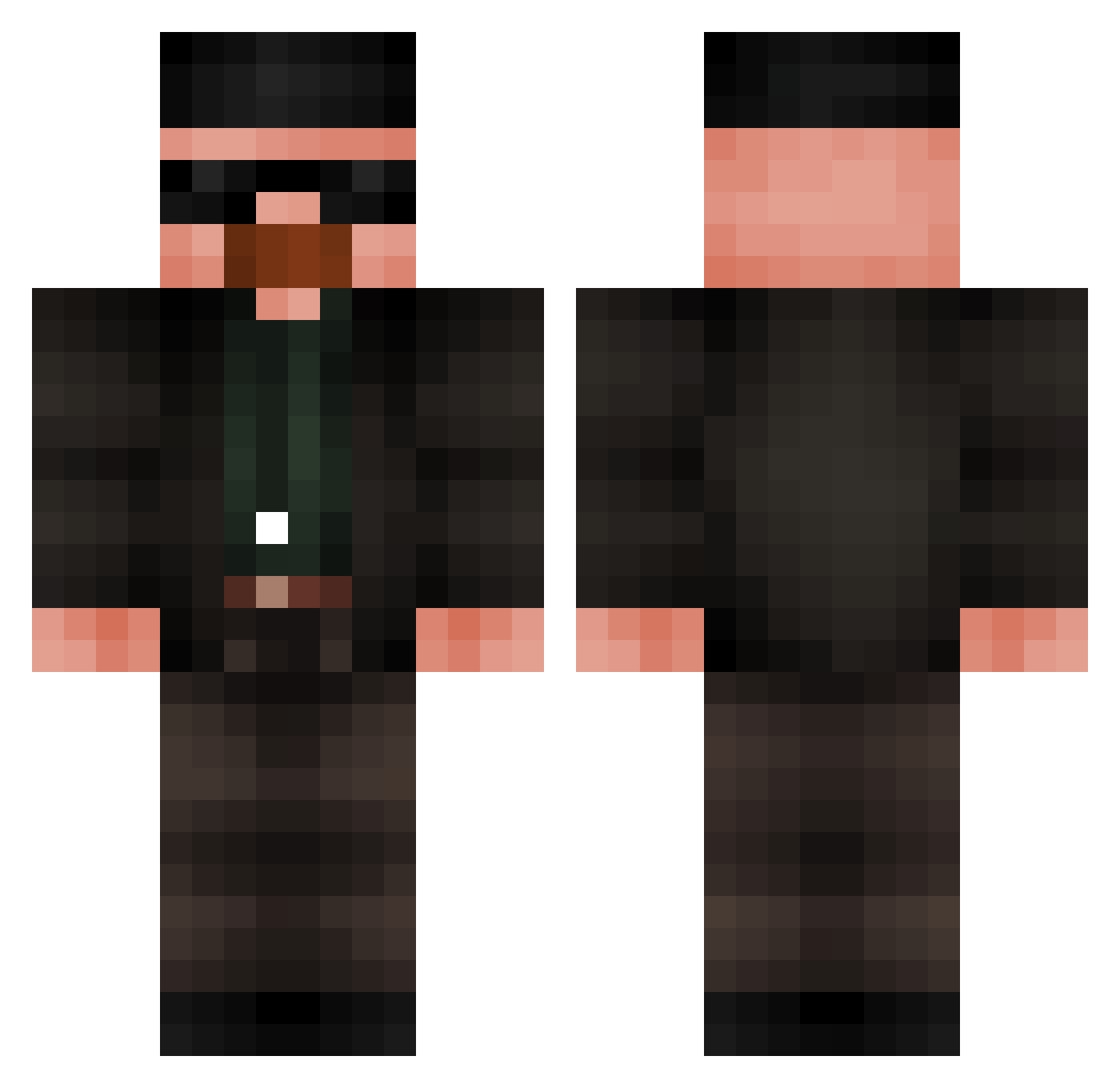
Current Minecraft skin of the player Jkrsz, loaded from the official Mojang API. Rotate the 3D model with your mouse or finger, then download the skin as a PNG file and use it in Minecraft: Bedrock Edition or Java Edition for free. When Jkrsz changes their skin, this page updates automatically and the old skin stays in the history below.
Other players with this skin (686)
Jkrsz was the 149th player we have seen with this skin, first spotted on 16.08.2026. The same skin was seen on these players. Open a nickname to see their current skin and skin history.
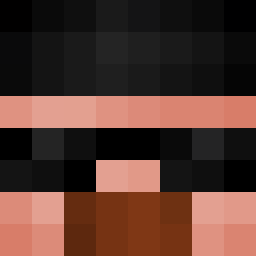 Schlit_Rick lvkxta TheGuyJohn Kevyenn arnaly Archie0902 Budy030 resulaks SunTilin Schnicter LoKaizer Goutelette Stevehed golerzz whitefire2222 Cr0c4nte BigLuscious SkyFall257 saymyname1337 Mysterpumpkin BubblyMeth Kouzi2137 MrPP88 assasian0911 Ggrus AsianBoy098 xColome SaladMeat noobistankrali31 weekdey StoneX__ Laczundo1 tjorlando2 BigTessticles Gr3Juva POLICIABANANA LUCKEIY Sci_Fi1 xoquinho MoreOnionPlease KakaDoCapa nehuhh titoflash7 eterp RussiasDictator escarabajo2 Ian48 tdografa rob_de_cargobob Eternal_Blaze_X
 Ninja_starzz ScarletRexa unopineapple HyBrixdz FIFADABOSS MirloxGG I_Sign_I AtlasTheMighty CasaMores EpicAlyQuinn
More Heisenberg Minecraft skins
How to install the Jkrsz skin
- Press the Download button above to save the skin as a PNG file.
- Minecraft: Bedrock Edition (PE): open the Dressing Room from the main menu (or tap your character → Edit Character), go to Classic Skins → Owned, press the + (new skin) button, choose the downloaded PNG and pick the Classic (Steve) model. Works on PC and mobile; consoles cannot import custom skins.
- Minecraft: Java Edition: open the Minecraft Launcher, go to the Skins tab, click New Skin, load the PNG, pick the Classic (Steve) model and press Save & Use. You can also upload it at minecraft.net → Profile → Change Skin.
The skin does not show up after import - what should I do?
Restart Minecraft and open the Dressing Room again - imported skins sometimes appear only after a restart. Also make sure you selected the imported skin and picked the Classic (Steve) model.
Which model should I choose, Classic or Slim?
This skin is designed for the Classic (Steve) model. If you pick the wrong model, the arms of the skin will look stretched or squeezed.
Is the skin of Jkrsz free to download?
Yes. Press Download, save the PNG file and use it in Minecraft: Bedrock Edition or Java Edition - no payment or registration needed. The skin also works on multiplayer servers and Realms.
More skins
Looking for more? Go back to all Minecraft skins and check the top skins of the week, month and all time, or find any player's skin by nickname.