
Jimy12235 - Minecraft Skins & Skin History
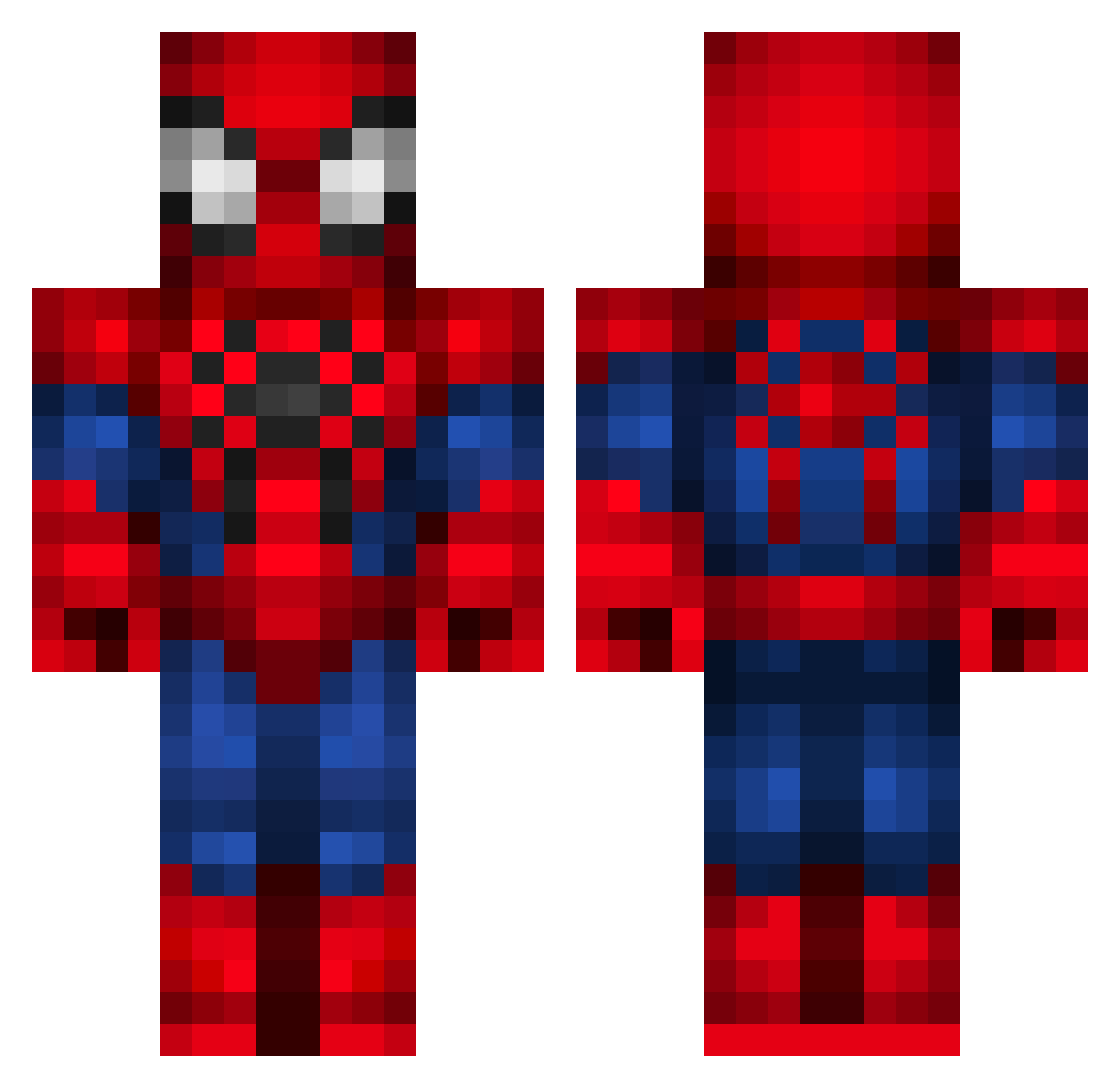
Current Minecraft skin of the player Jimy12235, loaded from the official Mojang API. Rotate the 3D model with your mouse or finger, then download the skin as a PNG file and use it in Minecraft: Bedrock Edition or Java Edition for free. When Jimy12235 changes their skin, this page updates automatically and the old skin stays in the history below.
Other players with this skin (336)
Jimy12235 was the 270th player we have seen with this skin, first spotted on 16.10.2026. The same skin was seen on these players. Open a nickname to see their current skin and skin history.
 T_amber_T SopaDeBarata Jguigp Gohanzito Mrapollo93 Sebsys23 barona2003 kvicente TechnoTonne xGuardianGamesx cacaioba Grinch0317 JazzHand_ GenT3T AlexCoding10 S1lentzzz svann Atila68 Lucks808 _SpiderMonkey Francisco_Morais XenZZ_ TheRealADA jocko_erv033 Jao1219 clavi77 EDU_PEDU StrawhatSpooder s0ultz FabianOyarce dannykimchiii Jahoood Fernadosanchezzz Guiguigamies asde13tobotando kosio9856 Aimarotl Zuckyy08 Lianno hudoska vitt0riA17_ sete360 kaniza711 FreezeZeD Rauppera Edu1604 astrxlogus Rave3 Ventura_1245 kyrsturk sirNichol carmelomeow eodanne benCabi Jackson_897 nickesmurf DiegoM22 BetoSilva18 Yudii tr5589
More Spider-Man Minecraft skins
How to install the Jimy12235 skin
- Press the Download button above to save the skin as a PNG file.
- Minecraft: Bedrock Edition (PE): open the Dressing Room from the main menu (or tap your character → Edit Character), go to Classic Skins → Owned, press the + (new skin) button, choose the downloaded PNG and pick the Classic (Steve) model. Works on PC and mobile; consoles cannot import custom skins.
- Minecraft: Java Edition: open the Minecraft Launcher, go to the Skins tab, click New Skin, load the PNG, pick the Classic (Steve) model and press Save & Use. You can also upload it at minecraft.net → Profile → Change Skin.
The skin does not show up after import - what should I do?
Restart Minecraft and open the Dressing Room again - imported skins sometimes appear only after a restart. Also make sure you selected the imported skin and picked the Classic (Steve) model.
Which model should I choose, Classic or Slim?
This skin is designed for the Classic (Steve) model. If you pick the wrong model, the arms of the skin will look stretched or squeezed.
Is the skin of Jimy12235 free to download?
Yes. Press Download, save the PNG file and use it in Minecraft: Bedrock Edition or Java Edition - no payment or registration needed. The skin also works on multiplayer servers and Realms.
More skins
Looking for more? Go back to all Minecraft skins and check the top skins of the week, month and all time, or find any player's skin by nickname.