
Jeyjey8a - Minecraft Skins & Skin History
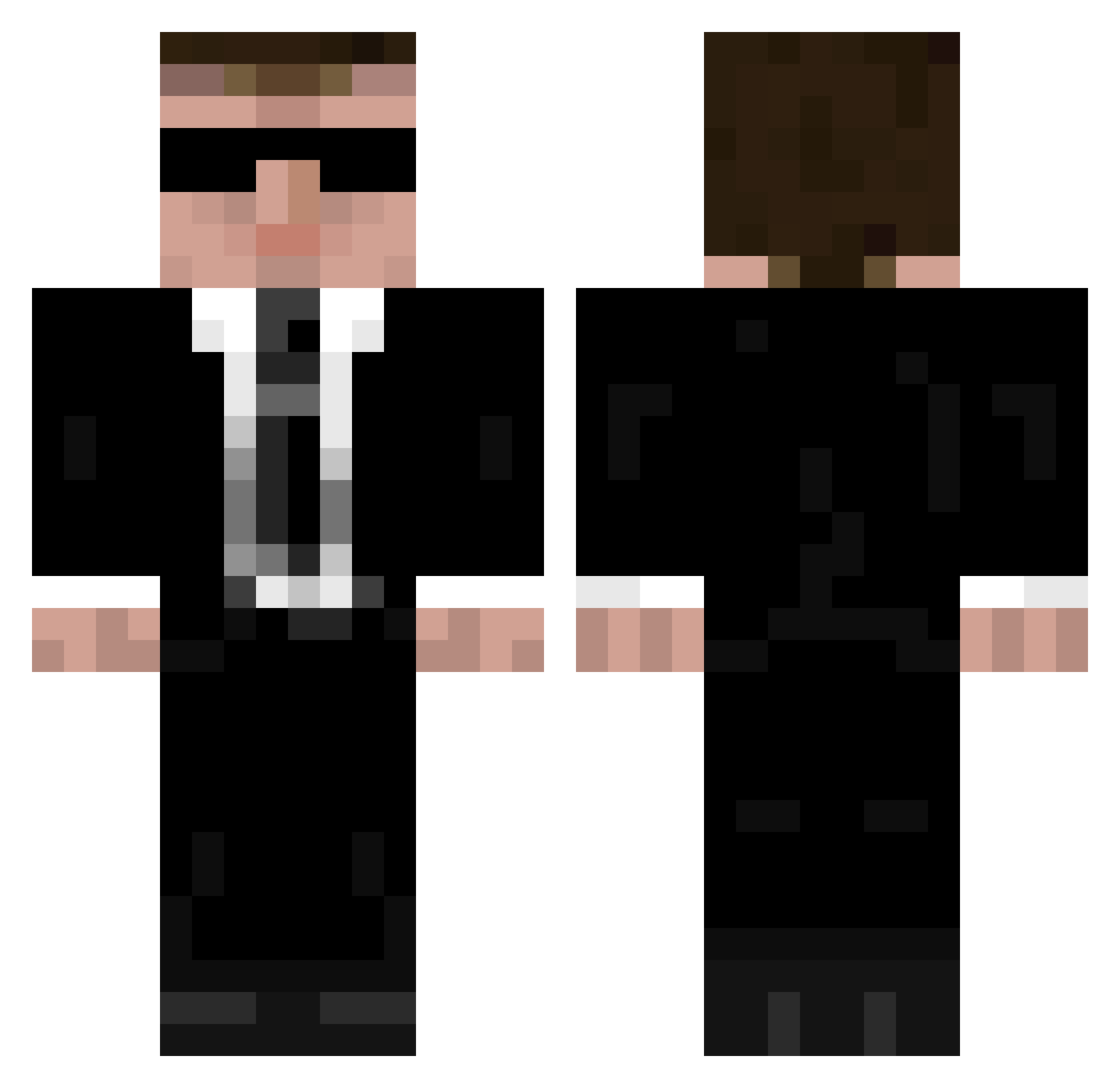
Current Minecraft skin of the player Jeyjey8a, loaded from the official Mojang API. Rotate the 3D model with your mouse or finger, then download the skin as a PNG file and use it in Minecraft: Bedrock Edition or Java Edition for free. When Jeyjey8a changes their skin, this page updates automatically and the old skin stays in the history below.
Other players with this skin (948)
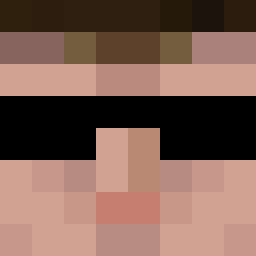
Jeyjey8a was the 286th player we have seen with this skin, first spotted on 22.08.2026. The same skin was seen on these players. Open a nickname to see their current skin and skin history.
 StumpyT wackojacko200109 HERMEESDO Donnerkarlson AndreaG153 ThePhoenix2013 pimppanda_142699 tiptoptoppen pigscz Quinnie28 LinkSimo SyedGOD St4ncel Agent9806 NitroGaming33 TheFaIIOut littlekoala97 avenirus minefo Buzz313th Nasty210 MafiaBeer CraftmineFTW Bogieman Falke151191 TingedMist KuberBees FodMar3 jkingst Leitl AKTK96 ceromusx agent4510 eternities Corpsemak3r Ziadron TheComposed orinhagbi Mad__97 WimpyWizard spiffy956 Iveel04 KLr llBoatll MyStyle93 BaltFellhand stijnslime hart_1 PhilTrier austin1812 AshenOz pancy TheMinerXIV Mr_Mistoffelees soullessLASER youngliberal SleepersNL rocker202 JerodHunt Lordkashue
More Agent 47 Minecraft skins
How to install the Jeyjey8a skin
- Press the Download button above to save the skin as a PNG file.
- Minecraft: Bedrock Edition (PE): open the Dressing Room from the main menu (or tap your character → Edit Character), go to Classic Skins → Owned, press the + (new skin) button, choose the downloaded PNG and pick the Classic (Steve) model. Works on PC and mobile; consoles cannot import custom skins.
- Minecraft: Java Edition: open the Minecraft Launcher, go to the Skins tab, click New Skin, load the PNG, pick the Classic (Steve) model and press Save & Use. You can also upload it at minecraft.net → Profile → Change Skin.
The skin does not show up after import - what should I do?
Restart Minecraft and open the Dressing Room again - imported skins sometimes appear only after a restart. Also make sure you selected the imported skin and picked the Classic (Steve) model.
Which model should I choose, Classic or Slim?
This skin is designed for the Classic (Steve) model. If you pick the wrong model, the arms of the skin will look stretched or squeezed.
Is the skin of Jeyjey8a free to download?
Yes. Press Download, save the PNG file and use it in Minecraft: Bedrock Edition or Java Edition - no payment or registration needed. The skin also works on multiplayer servers and Realms.
More skins
Looking for more? Go back to all Minecraft skins and check the top skins of the week, month and all time, or find any player's skin by nickname.