
JediChung - Minecraft Skins & Skin History
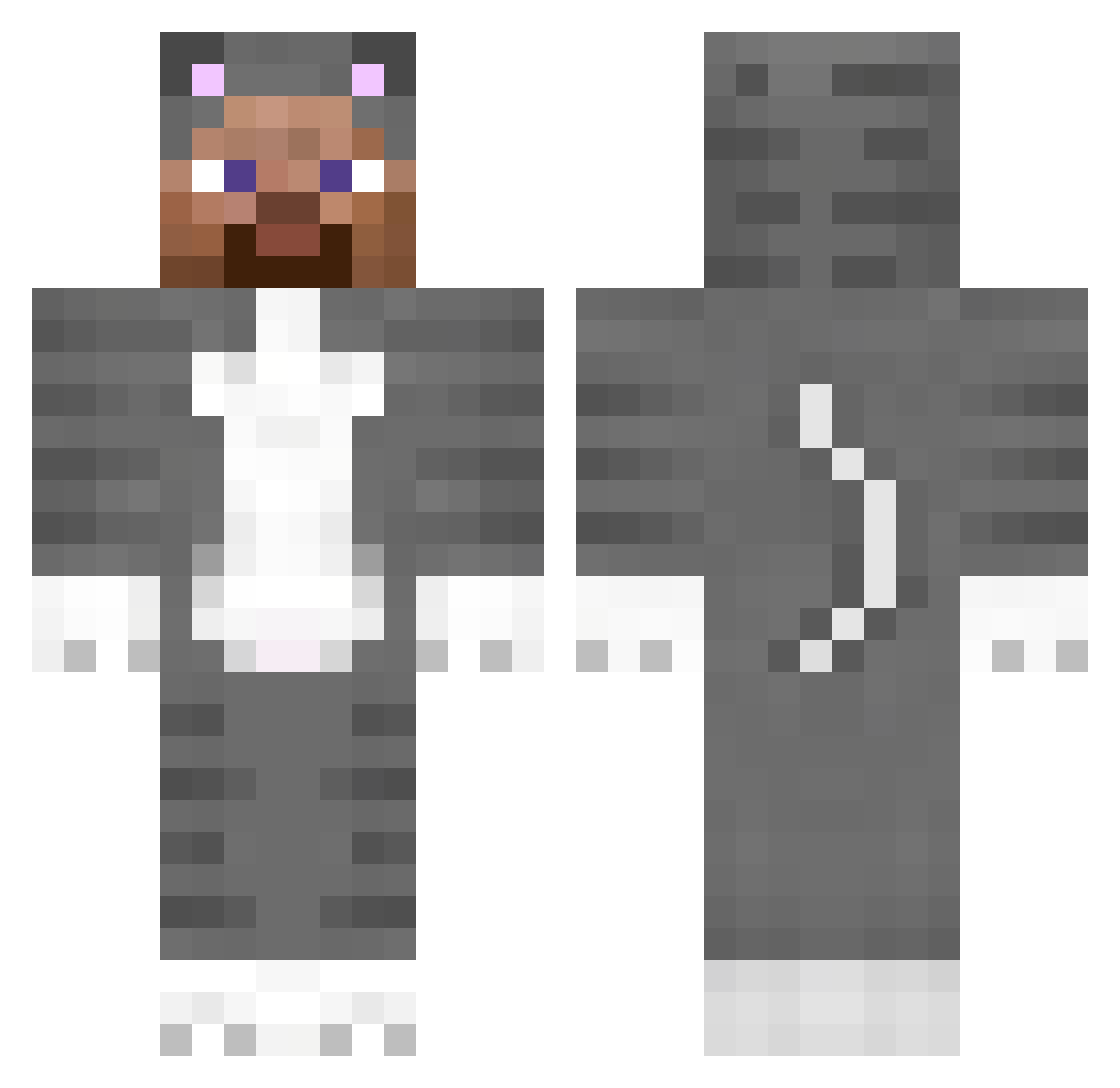
Current Minecraft skin of the player JediChung, loaded from the official Mojang API. Rotate the 3D model with your mouse or finger, then download the skin as a PNG file and use it in Minecraft: Bedrock Edition or Java Edition for free. When JediChung changes their skin, this page updates automatically and the old skin stays in the history below.
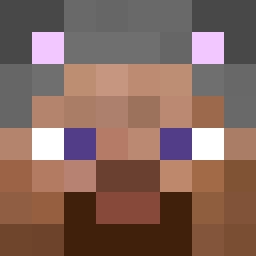
Other players with this skin (151)
JediChung was the 30th player we have seen with this skin, first spotted on 14.08.2026. The same skin was seen on these players. Open a nickname to see their current skin and skin history.
 Mixer fighters yHodniczek64 Vruny Bullhorn2011 bebetunes prowessed kimsw1010 piggod1116 prizc TrooperJRyan wilump07 Apollo1985 FurowZ Tamzen amxnn boomerman44 Narcism OutBuilding purpleinsecure snaar1 Dominkus RainbowArabella
 obicajnyzahradka KSAWIXX_P0WP0W winterindex pareti4242 Redware
 ajs_racer09 Unforgot HuhA14i 3pat Kubujuss fyrflies llliiilllil apartness josheph Keester catguts yell0ll GOINGREHAB RedLogan7
 SunlessParrot99 dragonwizard2 Rampage39 hat1want Pi0tru3 NotHep1ss MySoulYourBeat Fessing Steve SkibidiRizz19 eeXtu teade craftyRun Mediocrely BearticSteve
 tyrigue SlushyReal Gloly
More Animal Onesie Minecraft skins
See all 2099 Animal Onesie skins
How to install the JediChung skin
- Press the Download button above to save the skin as a PNG file.
- Minecraft: Bedrock Edition (PE): open the Dressing Room from the main menu (or tap your character → Edit Character), go to Classic Skins → Owned, press the + (new skin) button, choose the downloaded PNG and pick the Classic (Steve) model. Works on PC and mobile; consoles cannot import custom skins.
- Minecraft: Java Edition: open the Minecraft Launcher, go to the Skins tab, click New Skin, load the PNG, pick the Classic (Steve) model and press Save & Use. You can also upload it at minecraft.net → Profile → Change Skin.
The skin does not show up after import - what should I do?
Restart Minecraft and open the Dressing Room again - imported skins sometimes appear only after a restart. Also make sure you selected the imported skin and picked the Classic (Steve) model.
Which model should I choose, Classic or Slim?
This skin is designed for the Classic (Steve) model. If you pick the wrong model, the arms of the skin will look stretched or squeezed.
Is the skin of JediChung free to download?
Yes. Press Download, save the PNG file and use it in Minecraft: Bedrock Edition or Java Edition - no payment or registration needed. The skin also works on multiplayer servers and Realms.
More skins
Looking for more? Go back to all Minecraft skins and check the top skins of the week, month and all time, or find any player's skin by nickname.