
JamesCRAZEN - Minecraft Skins & Skin History
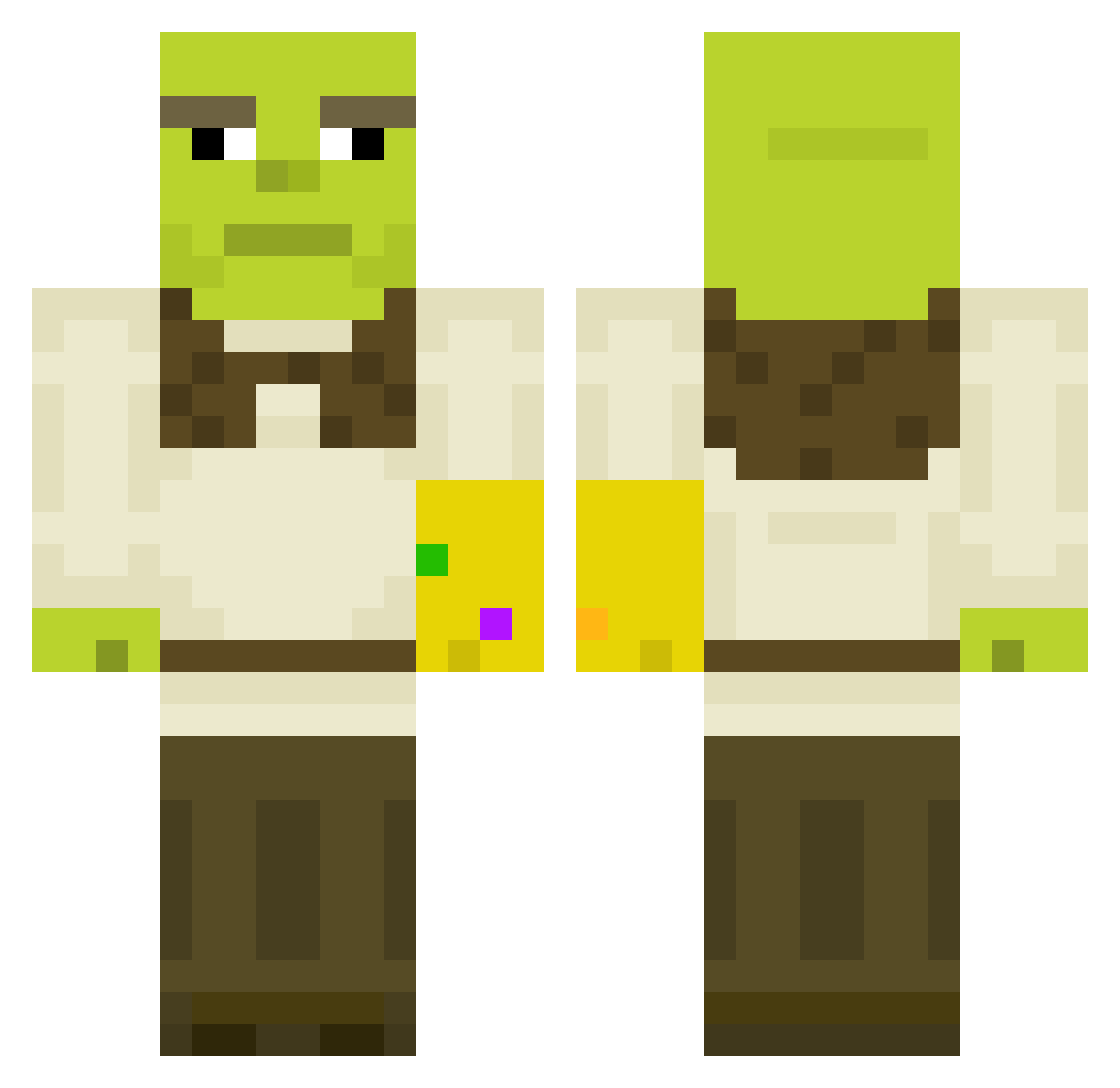
Current Minecraft skin of the player JamesCRAZEN, loaded from the official Mojang API. Rotate the 3D model with your mouse or finger, then download the skin as a PNG file and use it in Minecraft: Bedrock Edition or Java Edition for free. When JamesCRAZEN changes their skin, this page updates automatically and the old skin stays in the history below.
Other players with this skin (450)
JamesCRAZEN was the 89th player we have seen with this skin, first spotted on 16.08.2026. The same skin was seen on these players. Open a nickname to see their current skin and skin history.
 Mackynator Anna319 sunny900 StartledHare DerpusM redmizt Crusher913 natxwik eidk Wolfst10 Kingaling11235 L_Dr conor_os Dirtydietrich Itsjyi kreamurpants INFARKTZHOPA mhughes97 softsean BigBreadsticks Tutter1337 Quasar50 Borboc Padman33 De_real_Snowy alisa_rkv KennyPl4yz MaxPlayer42 eterna11y Chioman scumbagsesilu ZinedineZoro CamDaManK BlockDrip FlaccidFlute TheHagTag longed_dog tylerinho DoNkEY_00 okeyflexer pomexgranate loginator13 bossbedel MarraDHN KUTAFIKSIOR Oafius jumangee SpeedRitter Shrekskulbreaker Divad34 Saju56 jae2002 XYZarifox RobustPangolin GhettoGeckos SMAWYX Hodgebodge juliandagoat Unbekannt121 AppleJuiceDeuce
More Thanos Minecraft skins
How to install the JamesCRAZEN skin
- Press the Download button above to save the skin as a PNG file.
- Minecraft: Bedrock Edition (PE): open the Dressing Room from the main menu (or tap your character → Edit Character), go to Classic Skins → Owned, press the + (new skin) button, choose the downloaded PNG and pick the Classic (Steve) model. Works on PC and mobile; consoles cannot import custom skins.
- Minecraft: Java Edition: open the Minecraft Launcher, go to the Skins tab, click New Skin, load the PNG, pick the Classic (Steve) model and press Save & Use. You can also upload it at minecraft.net → Profile → Change Skin.
The skin does not show up after import - what should I do?
Restart Minecraft and open the Dressing Room again - imported skins sometimes appear only after a restart. Also make sure you selected the imported skin and picked the Classic (Steve) model.
Which model should I choose, Classic or Slim?
This skin is designed for the Classic (Steve) model. If you pick the wrong model, the arms of the skin will look stretched or squeezed.
Is the skin of JamesCRAZEN free to download?
Yes. Press Download, save the PNG file and use it in Minecraft: Bedrock Edition or Java Edition - no payment or registration needed. The skin also works on multiplayer servers and Realms.
More skins
Looking for more? Go back to all Minecraft skins and check the top skins of the week, month and all time, or find any player's skin by nickname.