
Jakarus - Minecraft Skins & Skin History
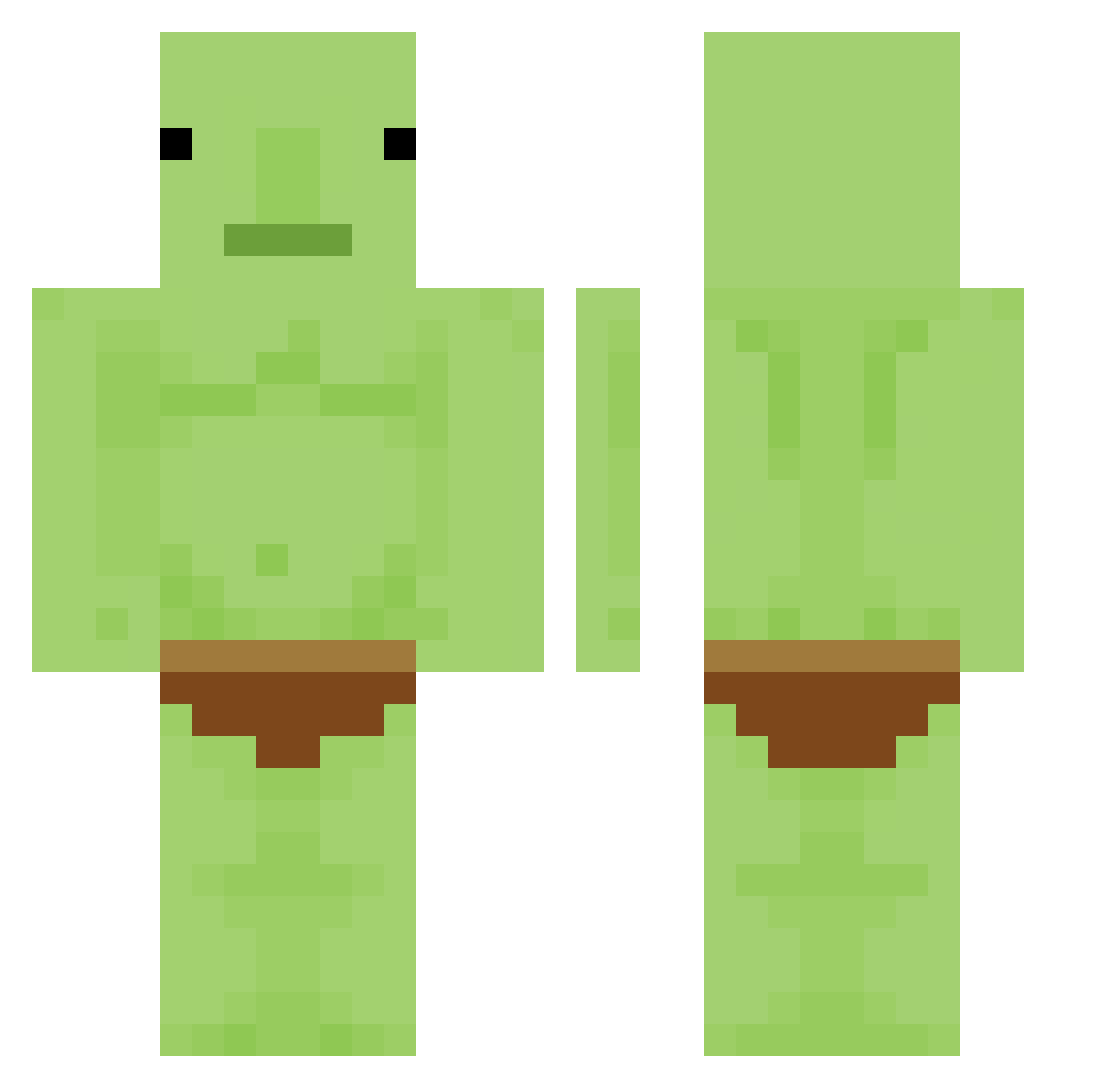
Current Minecraft skin of the player Jakarus, loaded from the official Mojang API. Rotate the 3D model with your mouse or finger, then download the skin as a PNG file and use it in Minecraft: Bedrock Edition or Java Edition for free. When Jakarus changes their skin, this page updates automatically and the old skin stays in the history below.
Other players with this skin (336)
Jakarus was the 42nd player we have seen with this skin, first spotted on 08.08.2026. The same skin was seen on these players. Open a nickname to see their current skin and skin history.
 WillSnek malpooop Qyndo nnifvw Helpnens Gram_Crackr BrOWNyi Milk_Add1ct Caca_Boudinet Phil_L_P TOXIC_jason joemmm FlxClap Rogie808 8frodofordawin8 Fishfood22 LilHoss69 Destructor0109 Kelpshroom luisdavitt leandrinho10 lcqsnd RobertJN0 AAzkee keenos69 dan__gleeballs BigBoiBriann WinterMouse886 HeyItsDully xNotClint Tji8 babytigerr Js93 Fanrras DonLaMancha Zephyriq SW_SKY robo__cop Egselfff jestemfajny098 A3glos Chaff3y Myrco69420 SKRLeVrai DANISNTN Carterballs Temper912 IMinsideYourhome seimax ItzDrimz JonskiQ
 OwlMr Kopfhalter nanmin666 Frenzied_ JealousHotel HONGJUNGLE mrkiwi64 Opunkt RedPanda1045
More Blobfish Minecraft skins
How to install the Jakarus skin
- Press the Download button above to save the skin as a PNG file.
- Minecraft: Bedrock Edition (PE): open the Dressing Room from the main menu (or tap your character → Edit Character), go to Classic Skins → Owned, press the + (new skin) button, choose the downloaded PNG and pick the Classic (Steve) model. Works on PC and mobile; consoles cannot import custom skins.
- Minecraft: Java Edition: open the Minecraft Launcher, go to the Skins tab, click New Skin, load the PNG, pick the Classic (Steve) model and press Save & Use. You can also upload it at minecraft.net → Profile → Change Skin.
The skin does not show up after import - what should I do?
Restart Minecraft and open the Dressing Room again - imported skins sometimes appear only after a restart. Also make sure you selected the imported skin and picked the Classic (Steve) model.
Which model should I choose, Classic or Slim?
This skin is designed for the Classic (Steve) model. If you pick the wrong model, the arms of the skin will look stretched or squeezed.
Is the skin of Jakarus free to download?
Yes. Press Download, save the PNG file and use it in Minecraft: Bedrock Edition or Java Edition - no payment or registration needed. The skin also works on multiplayer servers and Realms.
More skins
Looking for more? Go back to all Minecraft skins and check the top skins of the week, month and all time, or find any player's skin by nickname.