
Jaheluna - Minecraft Skins & Skin History
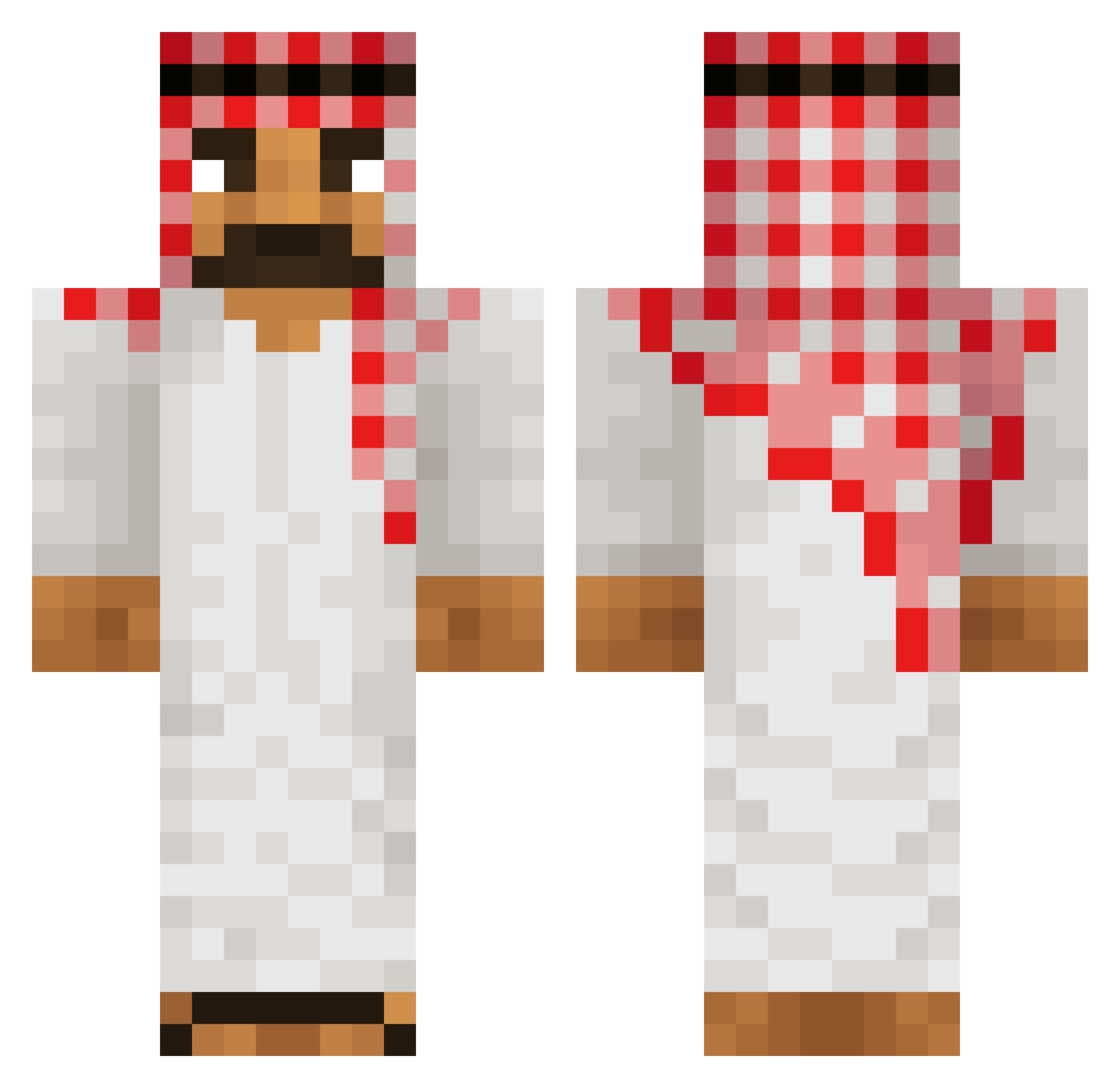
Current Minecraft skin of the player Jaheluna, loaded from the official Mojang API. Rotate the 3D model with your mouse or finger, then download the skin as a PNG file and use it in Minecraft: Bedrock Edition or Java Edition for free. When Jaheluna changes their skin, this page updates automatically and the old skin stays in the history below.
Other players with this skin (514)
Jaheluna was the 368th player we have seen with this skin, first spotted on 07.10.2026. The same skin was seen on these players. Open a nickname to see their current skin and skin history.
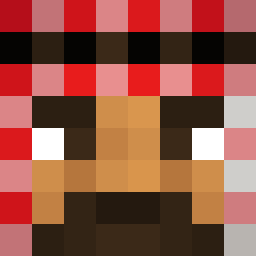 Joelpl Sebol5032 Irongoleto ZORINCIRE Pfoeeeeeeee JensBaekgaard minikreacher pollicapelua_03 Griffiy Moisty_69 Sansinoo Broxigar6 iTz_Death_II Mackinaw_ Mandolier HazeLevi_ke Craftxin 2PacBobMarley Marco_CR StolenIce22 Spice6969 yaboihohoMC Japencio Mikilone EURO2004 matteo407 TheWolfik_ 24I7 crml7676 drueda12 mib_ombo kokorahalla ReiDaSensi yuxae Saberknight999 Pierique Snakepit_HD dnlcheth Tr1ggered_Af7zz Aukkis Boylupus wasamami Fatall69 qwwwsa coconut1415 TinTinMf AleTheMaster_ CosmicTH TeejayScam Blackas0 NxkLord duinha JoshGHG ARNOLDUKAS1 MinecraftSutter bouncy_bongo44 Shoqzi Sigmabober12 denoskies _Dewi__
More Sheikh Minecraft skins
How to install the Jaheluna skin
- Press the Download button above to save the skin as a PNG file.
- Minecraft: Bedrock Edition (PE): open the Dressing Room from the main menu (or tap your character → Edit Character), go to Classic Skins → Owned, press the + (new skin) button, choose the downloaded PNG and pick the Classic (Steve) model. Works on PC and mobile; consoles cannot import custom skins.
- Minecraft: Java Edition: open the Minecraft Launcher, go to the Skins tab, click New Skin, load the PNG, pick the Classic (Steve) model and press Save & Use. You can also upload it at minecraft.net → Profile → Change Skin.
The skin does not show up after import - what should I do?
Restart Minecraft and open the Dressing Room again - imported skins sometimes appear only after a restart. Also make sure you selected the imported skin and picked the Classic (Steve) model.
Which model should I choose, Classic or Slim?
This skin is designed for the Classic (Steve) model. If you pick the wrong model, the arms of the skin will look stretched or squeezed.
Is the skin of Jaheluna free to download?
Yes. Press Download, save the PNG file and use it in Minecraft: Bedrock Edition or Java Edition - no payment or registration needed. The skin also works on multiplayer servers and Realms.
More skins
Looking for more? Go back to all Minecraft skins and check the top skins of the week, month and all time, or find any player's skin by nickname.