
JackB1220 - Minecraft Skins & Skin History
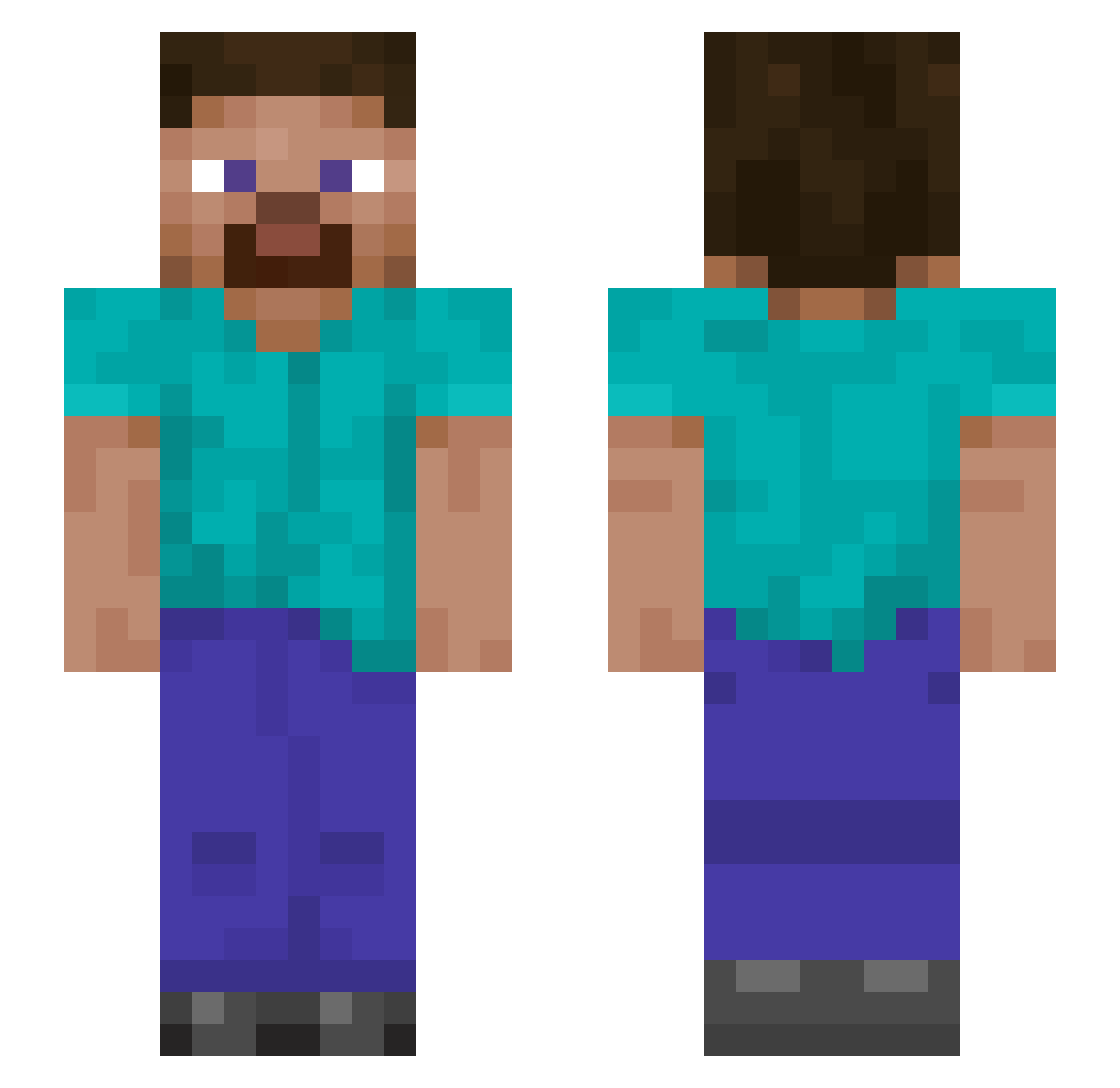
Current Minecraft skin of the player JackB1220, loaded from the official Mojang API. Rotate the 3D model with your mouse or finger, then download the skin as a PNG file and use it in Minecraft: Bedrock Edition or Java Edition for free. When JackB1220 changes their skin, this page updates automatically and the old skin stays in the history below.
Other players with this skin (902)
JackB1220 was the 560th player we have seen with this skin, first spotted on 22.09.2026. The same skin was seen on these players. Open a nickname to see their current skin and skin history.
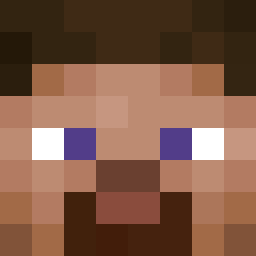 Bmaleri Stroper_fly MRJINJJ Frqncoco ik_jin takedown1000 Murchison17 Jordanplays1766 akarohn Straykerr Jonatank82 JoyBoy7 MrTex361 GreatLummox42 SmoczyOddech Gng_20 Super_FranE tank99jd WOOLIES4EVER AceBluWolf XxJAKExK2xX CoachAge315 helpmenuns Jaqobs isaiah2345 TFWatcher FloweR823 constantmoon000 kotsiossp97 Rapponghi FK_MASO CarsonTian Lukeeg BritaWater Gillium22 seyun0316 RINGR57 __Fusion oTommie chungso HappyAsianZ DR3DK1NG Jaon18 irdeka Damach legion096 G0tc6 gaevam Fonsaey cesar234 ChristopheRomeo Cairn50 brn00x liliangrd LeeroyGGWP Enderpro1233 MisterMontyP ZippersDad wasabiabi69 yeetboy360
How to install the JackB1220 skin
- Press the Download button above to save the skin as a PNG file.
- Minecraft: Bedrock Edition (PE): open the Dressing Room from the main menu (or tap your character → Edit Character), go to Classic Skins → Owned, press the + (new skin) button, choose the downloaded PNG and pick the Slim (Alex) model. Works on PC and mobile; consoles cannot import custom skins.
- Minecraft: Java Edition: open the Minecraft Launcher, go to the Skins tab, click New Skin, load the PNG, pick the Slim (Alex) model and press Save & Use. You can also upload it at minecraft.net → Profile → Change Skin.
The skin does not show up after import - what should I do?
Restart Minecraft and open the Dressing Room again - imported skins sometimes appear only after a restart. Also make sure you selected the imported skin and picked the Slim (Alex) model.
Which model should I choose, Classic or Slim?
This skin is designed for the Slim (Alex) model. If you pick the wrong model, the arms of the skin will look stretched or squeezed.
Is the skin of JackB1220 free to download?
Yes. Press Download, save the PNG file and use it in Minecraft: Bedrock Edition or Java Edition - no payment or registration needed. The skin also works on multiplayer servers and Realms.
More skins
Looking for more? Go back to all Minecraft skins and check the top skins of the week, month and all time, or find any player's skin by nickname.