
JackAttack450 - Minecraft Skins & Skin History
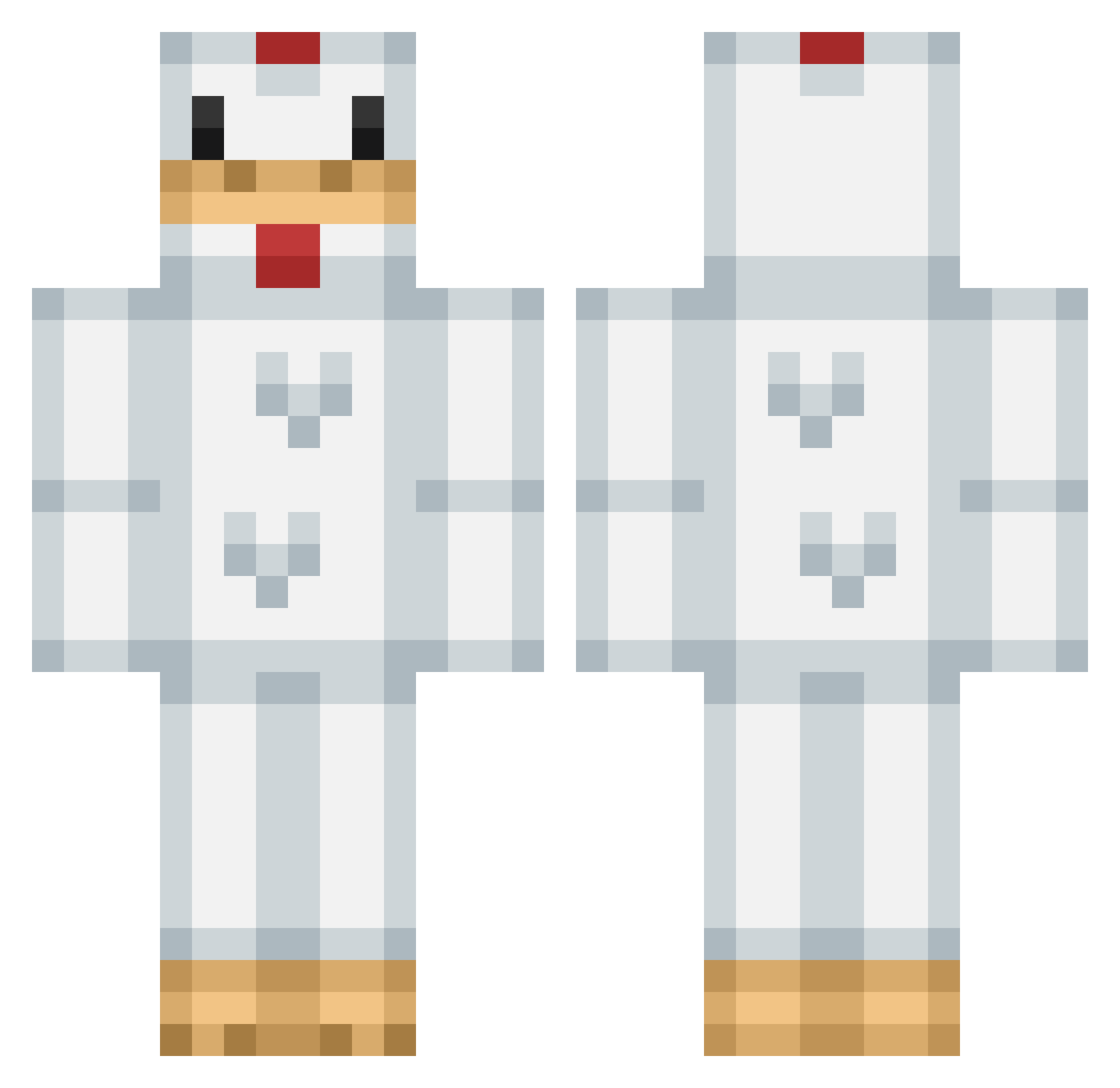
Current Minecraft skin of the player JackAttack450, loaded from the official Mojang API. Rotate the 3D model with your mouse or finger, then download the skin as a PNG file and use it in Minecraft: Bedrock Edition or Java Edition for free. When JackAttack450 changes their skin, this page updates automatically and the old skin stays in the history below.
Other players with this skin (299)
JackAttack450 was the 223rd player we have seen with this skin, first spotted on 13.10.2026. The same skin was seen on these players. Open a nickname to see their current skin and skin history.
 mcbrix135 Chronos_V chloebowy JCBUTTERCUP NoisyChicken ZoomBoy5 Amped_Cylo Marie5003 idsquid c3nt NotyNoah craykamiland xplodingcreep KFC_Lord_101 zomar539 CaitPotate STEPA1000 binghamsrule dried_mango AndreMcFl BadDeviledEgg LilleMannen elmox2 GoatButt992 PhatKnut cob6000 rupertdexter Max12345lolXD FamousPute EKG00000 BEND55_BR Erlhillk96 taaaako joshab537 BabbyTheDuck DrMugg99 Jamesey Lemptia Tinou enderr_mc JdBears Dubcloe kekego MinimumWage3 Ronogo Tooleboys 916CVV Du3kz VyIo oreokeks2000 timtim44 Jimoneh MelaNera pon_ot hasvold princesscone metalchicken97 ashtaylor054 Buster252 MistaPhil
More Animal Costume Minecraft skins
See all 229 Animal Costume skins
How to install the JackAttack450 skin
- Press the Download button above to save the skin as a PNG file.
- Minecraft: Bedrock Edition (PE): open the Dressing Room from the main menu (or tap your character → Edit Character), go to Classic Skins → Owned, press the + (new skin) button, choose the downloaded PNG and pick the Classic (Steve) model. Works on PC and mobile; consoles cannot import custom skins.
- Minecraft: Java Edition: open the Minecraft Launcher, go to the Skins tab, click New Skin, load the PNG, pick the Classic (Steve) model and press Save & Use. You can also upload it at minecraft.net → Profile → Change Skin.
The skin does not show up after import - what should I do?
Restart Minecraft and open the Dressing Room again - imported skins sometimes appear only after a restart. Also make sure you selected the imported skin and picked the Classic (Steve) model.
Which model should I choose, Classic or Slim?
This skin is designed for the Classic (Steve) model. If you pick the wrong model, the arms of the skin will look stretched or squeezed.
Is the skin of JackAttack450 free to download?
Yes. Press Download, save the PNG file and use it in Minecraft: Bedrock Edition or Java Edition - no payment or registration needed. The skin also works on multiplayer servers and Realms.
More skins
Looking for more? Go back to all Minecraft skins and check the top skins of the week, month and all time, or find any player's skin by nickname.