
Jack5752 - Minecraft Skins & Skin History
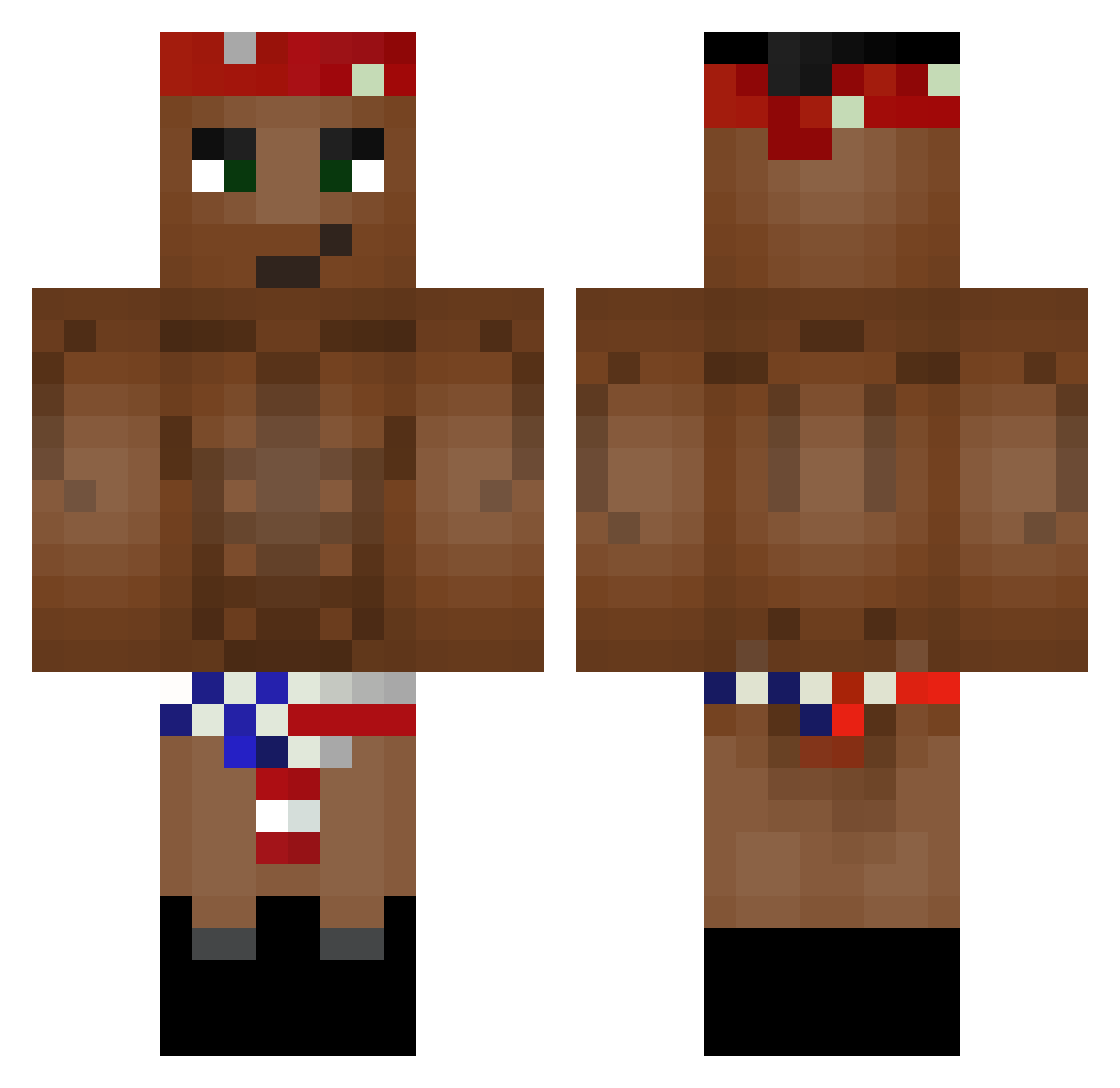
Current Minecraft skin of the player Jack5752, loaded from the official Mojang API. Rotate the 3D model with your mouse or finger, then download the skin as a PNG file and use it in Minecraft: Bedrock Edition or Java Edition for free. When Jack5752 changes their skin, this page updates automatically and the old skin stays in the history below.
Other players with this skin (226)
Jack5752 was the 58th player we have seen with this skin, first spotted on 21.08.2026. The same skin was seen on these players. Open a nickname to see their current skin and skin history.
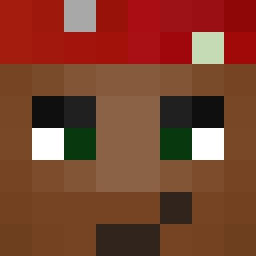 ezemtex_prime BlackCatArt NET_NIMBA annTDM rustedsilvia ptojepan gYatochka Noble_7743 Sushilla Omnomneck wxcWXC525 matyas77 Vasgenchik1337 Decim_11 GuardiaanAngel Seopakit mr_stont kwikrex
 I_Phat_I KpyTou_4EJIoBEK Farelai YourOldDrunk Qwayb tete0000 Lowqs Pezese edurnee5 BaldiBlack adi13 agluteusmaximus Miti260 BossInThisGym Aetheryn ESQUILOBEBADO RagoutPoutre LucaFiltro M_639 TDCarson karl80038 d014 McNugsPls Victorcaamano MEN0R ItsukaTohka TheLegland27 ManniMuellmann danielek_kk Santsaka oVultures TimJulian12345 Gamellex RowdyBumhole xJUP1TRx lok7 viQUEUEtor SYNDROME_51 MartwySchab ClayMess NepatikDzive TooFast4You
More Tupac Shakur Minecraft skins
See all 182 Tupac Shakur skins
How to install the Jack5752 skin
- Press the Download button above to save the skin as a PNG file.
- Minecraft: Bedrock Edition (PE): open the Dressing Room from the main menu (or tap your character → Edit Character), go to Classic Skins → Owned, press the + (new skin) button, choose the downloaded PNG and pick the Classic (Steve) model. Works on PC and mobile; consoles cannot import custom skins.
- Minecraft: Java Edition: open the Minecraft Launcher, go to the Skins tab, click New Skin, load the PNG, pick the Classic (Steve) model and press Save & Use. You can also upload it at minecraft.net → Profile → Change Skin.
The skin does not show up after import - what should I do?
Restart Minecraft and open the Dressing Room again - imported skins sometimes appear only after a restart. Also make sure you selected the imported skin and picked the Classic (Steve) model.
Which model should I choose, Classic or Slim?
This skin is designed for the Classic (Steve) model. If you pick the wrong model, the arms of the skin will look stretched or squeezed.
Is the skin of Jack5752 free to download?
Yes. Press Download, save the PNG file and use it in Minecraft: Bedrock Edition or Java Edition - no payment or registration needed. The skin also works on multiplayer servers and Realms.
More skins
Looking for more? Go back to all Minecraft skins and check the top skins of the week, month and all time, or find any player's skin by nickname.