
Jabubix222 - Minecraft Skins & Skin History
Current Minecraft skin of the player Jabubix222, loaded from the official Mojang API. Rotate the 3D model with your mouse or finger, then download the skin as a PNG file and use it in Minecraft: Bedrock Edition or Java Edition for free. When Jabubix222 changes their skin, this page updates automatically and the old skin stays in the history below.
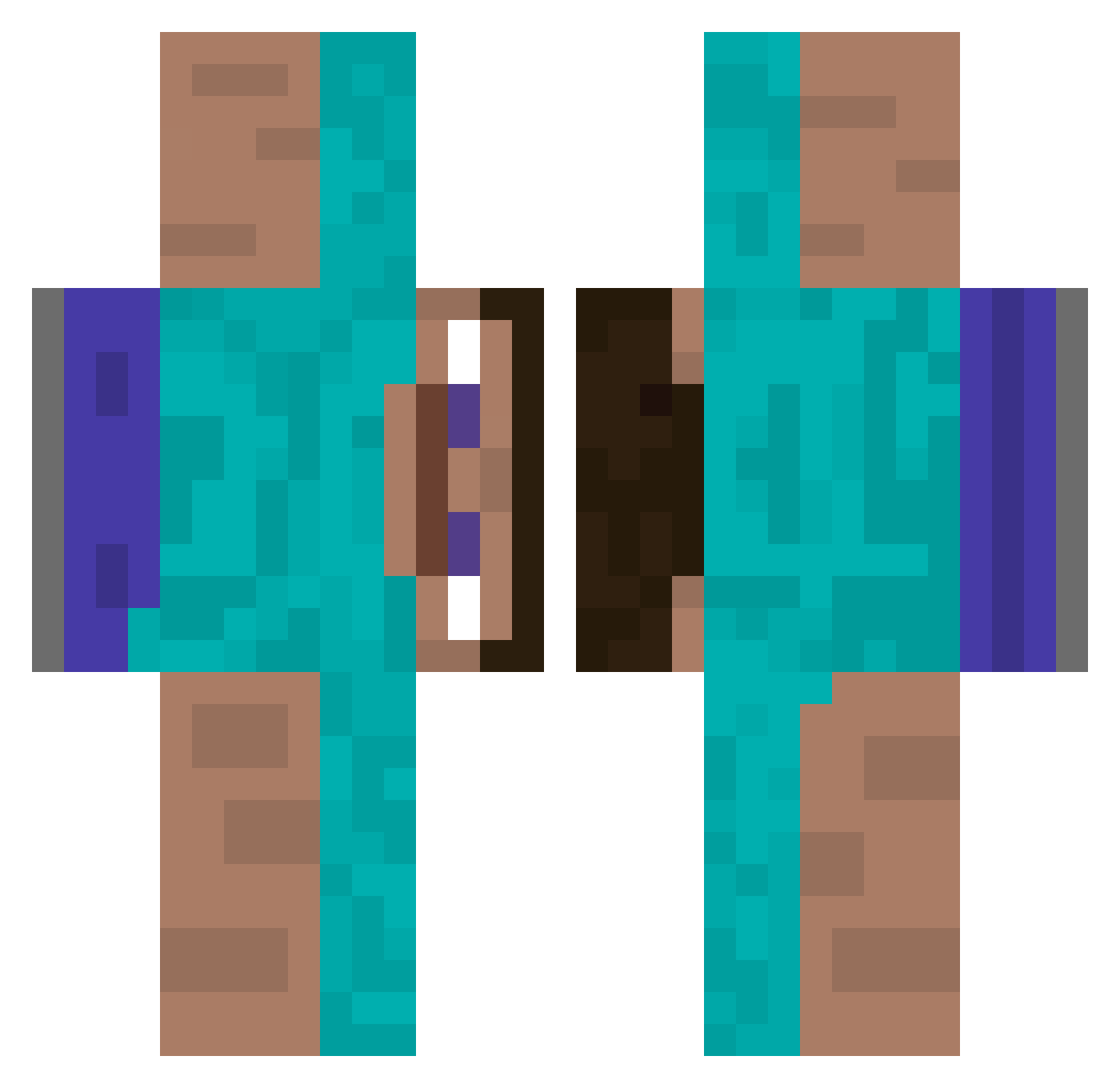
Other players with this skin (337)
Jabubix222 was the 181st player we have seen with this skin, first spotted on 17.09.2026. The same skin was seen on these players. Open a nickname to see their current skin and skin history.
 DigitalMantis NateRov turtlelord Urdog27 takeyourwallet MrFluffyGN Opqls Mau412 TastyAnimal27 theuhohfactor tx0e8 kanoli8 Jhabs13 BiggSuccc wwers fjle iDoesDoStuff976 RealBottledWater child_stealer_69 PatrickBalka lynxtarr_ Itachee_ alt142 DavidAddMoreRAM coltxcaliber Alexi1202 votlu BBWorthless kinkymonster rixV micah1880q lerond Cheesyburger917 Joereevo Dalluhn MthwMx HellFireZuko FakeLeandro MarcosDesu Legomax derhartestinker Sanic0539 Arexoh gordon2623904 JKK2k Macarel_ faltkiste Caven69 ____ICY asianchief ppedrotopro b3atloaf ZYZ8 bepppi StoefNoe a48777 tawnymold541392 Supahpingas Beanos88550 theshyyyyyyyyyyy
How to install the Jabubix222 skin
- Press the Download button above to save the skin as a PNG file.
- Minecraft: Bedrock Edition (PE): open the Dressing Room from the main menu (or tap your character → Edit Character), go to Classic Skins → Owned, press the + (new skin) button, choose the downloaded PNG and pick the Classic (Steve) model. Works on PC and mobile; consoles cannot import custom skins.
- Minecraft: Java Edition: open the Minecraft Launcher, go to the Skins tab, click New Skin, load the PNG, pick the Classic (Steve) model and press Save & Use. You can also upload it at minecraft.net → Profile → Change Skin.
The skin does not show up after import - what should I do?
Restart Minecraft and open the Dressing Room again - imported skins sometimes appear only after a restart. Also make sure you selected the imported skin and picked the Classic (Steve) model.
Which model should I choose, Classic or Slim?
This skin is designed for the Classic (Steve) model. If you pick the wrong model, the arms of the skin will look stretched or squeezed.
Is the skin of Jabubix222 free to download?
Yes. Press Download, save the PNG file and use it in Minecraft: Bedrock Edition or Java Edition - no payment or registration needed. The skin also works on multiplayer servers and Realms.
More skins
Looking for more? Go back to all Minecraft skins and check the top skins of the week, month and all time, or find any player's skin by nickname.