
JOTTA13_ - Minecraft Skins & Skin History
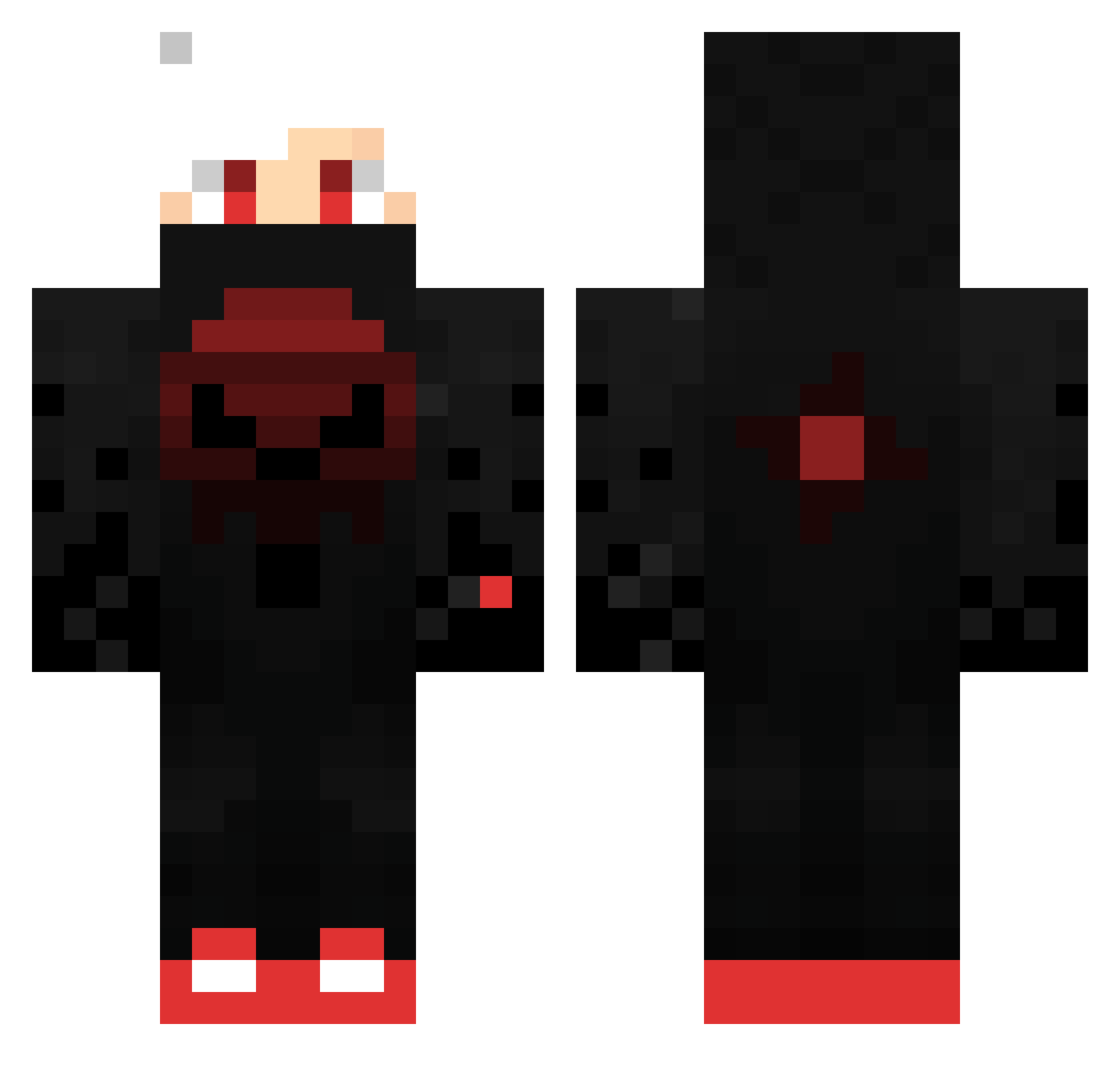
Current Minecraft skin of the player JOTTA13_, loaded from the official Mojang API. Rotate the 3D model with your mouse or finger, then download the skin as a PNG file and use it in Minecraft: Bedrock Edition or Java Edition for free. When JOTTA13_ changes their skin, this page updates automatically and the old skin stays in the history below.
Other players with this skin (424)
JOTTA13_ was the 175th player we have seen with this skin, first spotted on 10.09.2026. The same skin was seen on these players. Open a nickname to see their current skin and skin history.
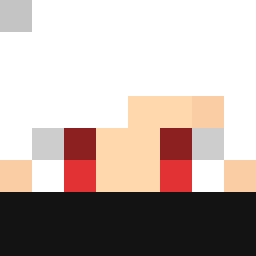 Petabreada TBGAMER1981 c0rteX69 ShinFPS iEqq_ Shirenzo xGogli MI207 inesum321 CptBakun HGF_07 SharkyAFES Mika836274 Orbismark Shadow7Fighter Antdevil sLILIYAn mohamed2008dz NAEDxNEB GrimReaper6312 Peville Luiketsu JQUWU F4b1X8 Granito2015 kamyu24 R3VEN4NT__TTV EmirEzim26 Shadow_Master79 Opiemaster Seantoprex Raja994 arijan1908 Mitsuko_x Zajda26 HYuugo0416 NeXBeNn BaggiestBugle12 Ruulerr Eiswolf28 jojoil Lusvicc 0_DarkLord_0 munozgodzilla518 _OneEyedOwl ksam_khaIed UHC_ElusionHD keno4711 _Kokolol_ MartinCastellano Oli00W RizCraft78_ kingk1tty astoks1 MoDNam tiomio0803 YolotHD weitang0513 kawan_13 DarkLShadow
More Skull Minecraft skins
How to install the JOTTA13_ skin
- Press the Download button above to save the skin as a PNG file.
- Minecraft: Bedrock Edition (PE): open the Dressing Room from the main menu (or tap your character → Edit Character), go to Classic Skins → Owned, press the + (new skin) button, choose the downloaded PNG and pick the Classic (Steve) model. Works on PC and mobile; consoles cannot import custom skins.
- Minecraft: Java Edition: open the Minecraft Launcher, go to the Skins tab, click New Skin, load the PNG, pick the Classic (Steve) model and press Save & Use. You can also upload it at minecraft.net → Profile → Change Skin.
The skin does not show up after import - what should I do?
Restart Minecraft and open the Dressing Room again - imported skins sometimes appear only after a restart. Also make sure you selected the imported skin and picked the Classic (Steve) model.
Which model should I choose, Classic or Slim?
This skin is designed for the Classic (Steve) model. If you pick the wrong model, the arms of the skin will look stretched or squeezed.
Is the skin of JOTTA13_ free to download?
Yes. Press Download, save the PNG file and use it in Minecraft: Bedrock Edition or Java Edition - no payment or registration needed. The skin also works on multiplayer servers and Realms.
More skins
Looking for more? Go back to all Minecraft skins and check the top skins of the week, month and all time, or find any player's skin by nickname.