
Itzrexlme_ - Minecraft Skins & Skin History
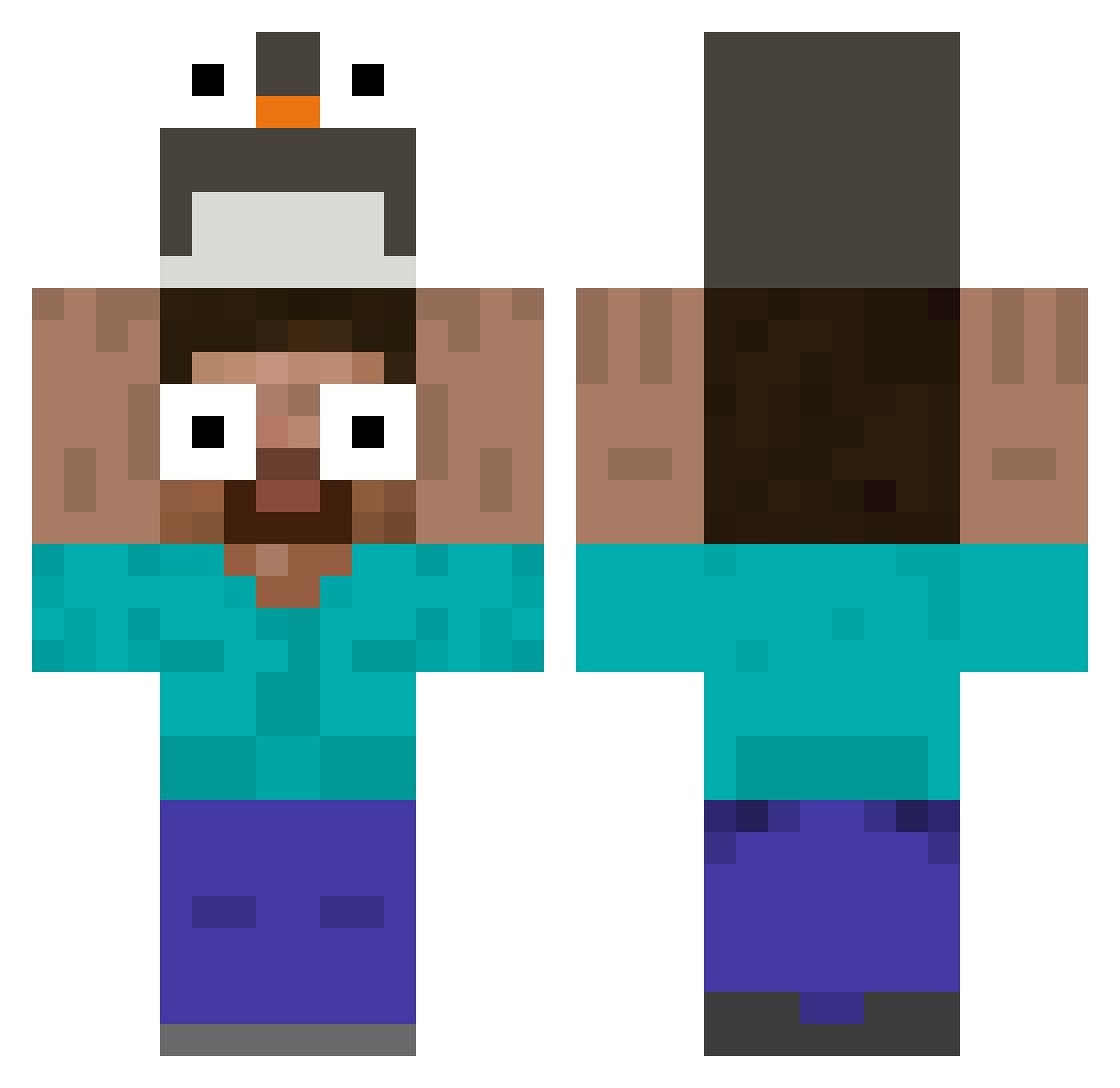
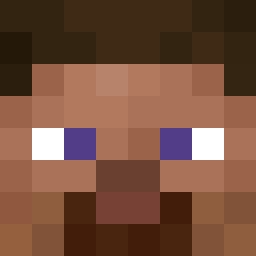
Current Minecraft skin of the player Itzrexlme_, loaded from the official Mojang API. Rotate the 3D model with your mouse or finger, then download the skin as a PNG file and use it in Minecraft: Bedrock Edition or Java Edition for free. When Itzrexlme_ changes their skin, this page updates automatically and the old skin stays in the history below.
Other players with this skin (95)
Itzrexlme_ was the 55th player we have seen with this skin, first spotted on 18.09.2026. The same skin was seen on these players. Open a nickname to see their current skin and skin history.
 ilan_012 Shuunx lucas_s_ tolevisuals DallasLocation46 Mewzu_ Testoesterone Xeylorr natozaurus juniorbaconn Rex_Hunter Eltrux57 PURE_01 gaegul1234 kidchompi lilaKlopapier mrTrexs Sony445 010410 RunningMouse FunnyJack11 EmersonBR iDrxpxs Alexandre070812 axctyy Aicxer tong716 Kaikee_ Colindwerg Eoinocal
 diddey123 HovanLeny kimdy121 _LASAW6_ _DarkOfTheNight_ WickedPelmen
 Usxr52 RollyStory0711 xLEYO magh4648 beiam09 Cuouc Raflous Dodo240808 Jamievoid D_KX HipSiuNhan sertdfyguhi
 QbaoHG miko1177 A7m4dxD CountryThread9 DaggerNation MuKrop01 hukun144 Liliang252 gr1ngo18 AumpieWumpie
 rubyrusf TheCoolPeople_1
More Penguin Hat Minecraft skins
How to install the Itzrexlme_ skin
- Press the Download button above to save the skin as a PNG file.
- Minecraft: Bedrock Edition (PE): open the Dressing Room from the main menu (or tap your character → Edit Character), go to Classic Skins → Owned, press the + (new skin) button, choose the downloaded PNG and pick the Classic (Steve) model. Works on PC and mobile; consoles cannot import custom skins.
- Minecraft: Java Edition: open the Minecraft Launcher, go to the Skins tab, click New Skin, load the PNG, pick the Classic (Steve) model and press Save & Use. You can also upload it at minecraft.net → Profile → Change Skin.
The skin does not show up after import - what should I do?
Restart Minecraft and open the Dressing Room again - imported skins sometimes appear only after a restart. Also make sure you selected the imported skin and picked the Classic (Steve) model.
Which model should I choose, Classic or Slim?
This skin is designed for the Classic (Steve) model. If you pick the wrong model, the arms of the skin will look stretched or squeezed.
Is the skin of Itzrexlme_ free to download?
Yes. Press Download, save the PNG file and use it in Minecraft: Bedrock Edition or Java Edition - no payment or registration needed. The skin also works on multiplayer servers and Realms.
More skins
Looking for more? Go back to all Minecraft skins and check the top skins of the week, month and all time, or find any player's skin by nickname.