
ItzGlubub - Minecraft Skins & Skin History
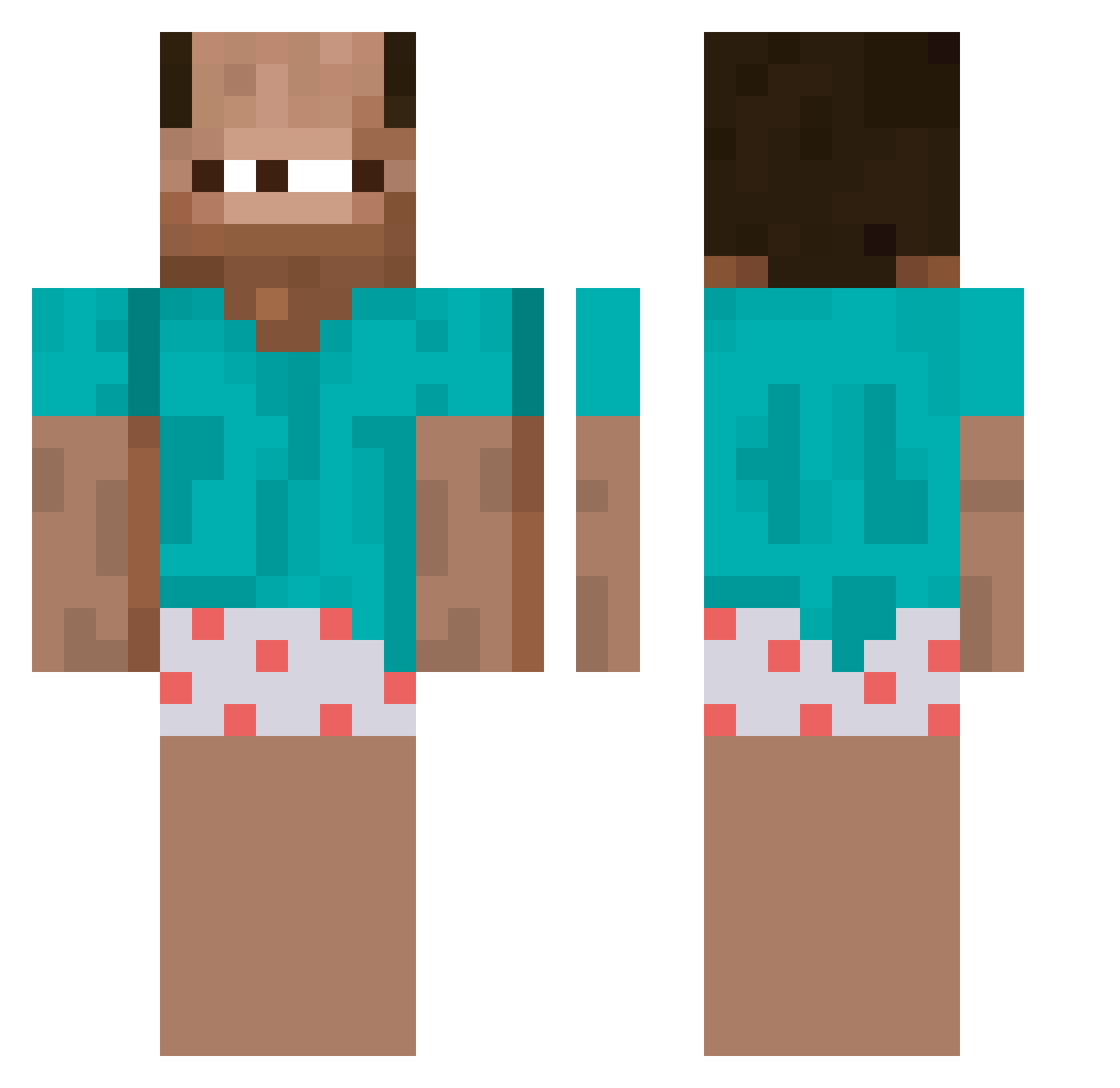
Current Minecraft skin of the player ItzGlubub, loaded from the official Mojang API. Rotate the 3D model with your mouse or finger, then download the skin as a PNG file and use it in Minecraft: Bedrock Edition or Java Edition for free. When ItzGlubub changes their skin, this page updates automatically and the old skin stays in the history below.
Other players with this skin (256)
ItzGlubub was the 223rd player we have seen with this skin, first spotted on 13.10.2026. The same skin was seen on these players. Open a nickname to see their current skin and skin history.
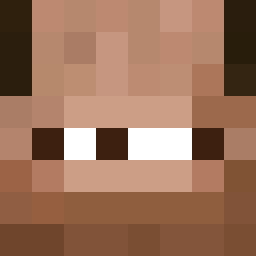 1FPSSS Janikdenktandich marcelnuno leeraekim Mimigue grumpymanmr Respirations ValentinMDZ LeeHyoJun0319 ElpGaming MiawShark cute_yejun Skeleten1 xtchg Kermityy xand3sz KADINDOVEN33 kossional ushyy_ chilly2times wojciechu13 Malboroglick I007551 s3x2 Bahli89 Ayulvs XKosey Shrezzle senelyzas04 Sh1eep Zetacraft777 arrowbutareo P00WN Chookity__ Teo0410 s3bbee Gabi_1608_ GreenToadfish lazardGVGF FindingTimo Jamieabi ekdnjs_ OreNaiMeoMeo Wasszd giga_ninja67 JuBaKu thiagoo07 _Darkghost_ Callmefishken Blocki2007 Bartozin12 erycmyoko Mafiu_0 Leuk0s monkeman101L TekoFree zetrixz Snugo2K Woocihuandani Julioxx13
More Baba Minecraft skins
How to install the ItzGlubub skin
- Press the Download button above to save the skin as a PNG file.
- Minecraft: Bedrock Edition (PE): open the Dressing Room from the main menu (or tap your character → Edit Character), go to Classic Skins → Owned, press the + (new skin) button, choose the downloaded PNG and pick the Classic (Steve) model. Works on PC and mobile; consoles cannot import custom skins.
- Minecraft: Java Edition: open the Minecraft Launcher, go to the Skins tab, click New Skin, load the PNG, pick the Classic (Steve) model and press Save & Use. You can also upload it at minecraft.net → Profile → Change Skin.
The skin does not show up after import - what should I do?
Restart Minecraft and open the Dressing Room again - imported skins sometimes appear only after a restart. Also make sure you selected the imported skin and picked the Classic (Steve) model.
Which model should I choose, Classic or Slim?
This skin is designed for the Classic (Steve) model. If you pick the wrong model, the arms of the skin will look stretched or squeezed.
Is the skin of ItzGlubub free to download?
Yes. Press Download, save the PNG file and use it in Minecraft: Bedrock Edition or Java Edition - no payment or registration needed. The skin also works on multiplayer servers and Realms.
More skins
Looking for more? Go back to all Minecraft skins and check the top skins of the week, month and all time, or find any player's skin by nickname.