
ItzFinn___ - Minecraft Skins & Skin History
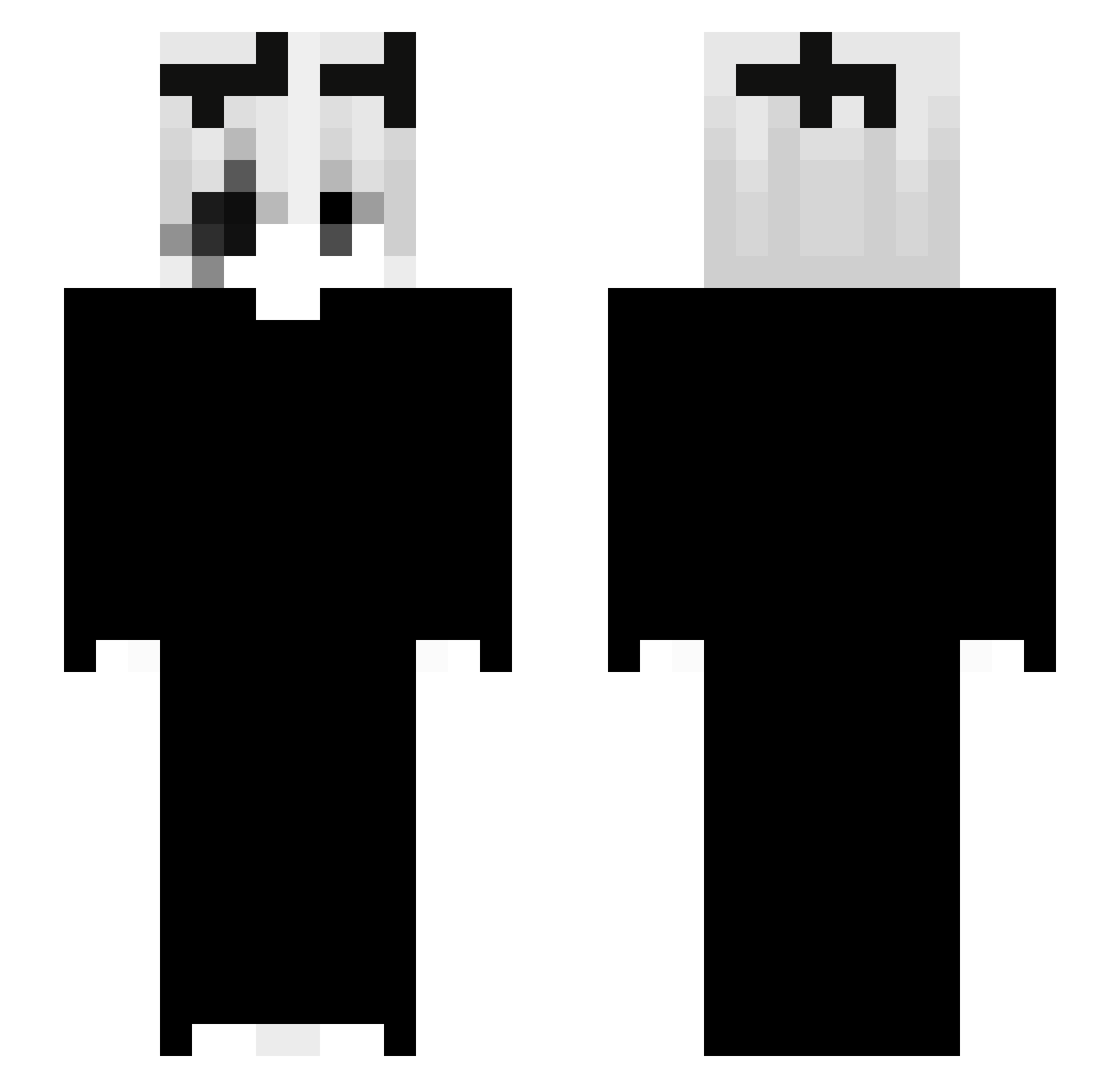
Current Minecraft skin of the player ItzFinn___, loaded from the official Mojang API. Rotate the 3D model with your mouse or finger, then download the skin as a PNG file and use it in Minecraft: Bedrock Edition or Java Edition for free. When ItzFinn___ changes their skin, this page updates automatically and the old skin stays in the history below.
Other players with this skin (65)
ItzFinn___ was the 48th player we have seen with this skin, first spotted on 23.10.2026. The same skin was seen on these players. Open a nickname to see their current skin and skin history.
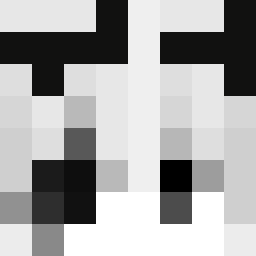 _Sunboiix Blxxck7 blackwtf Quach23 Fogaca stojuu V01D99 cv7e wiatreczek peligrosuper hyper_ofc gruelings ezcalc svfa Abex2137 _KilnEc_cz Sxn_666 Sudxxxlz wahappen1 Abt_Chan BENIsan20 HoangMinh_Itz Myszer20 s1lkified doyun721 72_s Technobladevn FutoYuuki 3Tadek Cafeinah yReds_66 VornexisTheGoat x066 __vict 0p0znienie_ yngsy EmmyStrada bedduu xCrazyBoy M0n0xide7 meliodas387 Alexkob Riesenbaby_ ulist chutad Itzrace evanforlife smxosh renchucro DeepNest_ X_TheReaper_X Tomparoski SaikoBohnes clark574 fragmen1 Callebanan0 iTzRenaa M_CSHG_C oskx1 PyroSet
More Gaster Minecraft skins
How to install the ItzFinn___ skin
- Press the Download button above to save the skin as a PNG file.
- Minecraft: Bedrock Edition (PE): open the Dressing Room from the main menu (or tap your character → Edit Character), go to Classic Skins → Owned, press the + (new skin) button, choose the downloaded PNG and pick the Slim (Alex) model. Works on PC and mobile; consoles cannot import custom skins.
- Minecraft: Java Edition: open the Minecraft Launcher, go to the Skins tab, click New Skin, load the PNG, pick the Slim (Alex) model and press Save & Use. You can also upload it at minecraft.net → Profile → Change Skin.
The skin does not show up after import - what should I do?
Restart Minecraft and open the Dressing Room again - imported skins sometimes appear only after a restart. Also make sure you selected the imported skin and picked the Slim (Alex) model.
Which model should I choose, Classic or Slim?
This skin is designed for the Slim (Alex) model. If you pick the wrong model, the arms of the skin will look stretched or squeezed.
Is the skin of ItzFinn___ free to download?
Yes. Press Download, save the PNG file and use it in Minecraft: Bedrock Edition or Java Edition - no payment or registration needed. The skin also works on multiplayer servers and Realms.
More skins
Looking for more? Go back to all Minecraft skins and check the top skins of the week, month and all time, or find any player's skin by nickname.