
ItxZikes - Minecraft Skins & Skin History
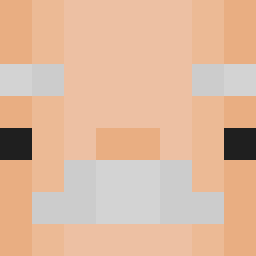
Current Minecraft skin of the player ItxZikes, loaded from the official Mojang API. Rotate the 3D model with your mouse or finger, then download the skin as a PNG file and use it in Minecraft: Bedrock Edition or Java Edition for free. When ItxZikes changes their skin, this page updates automatically and the old skin stays in the history below.
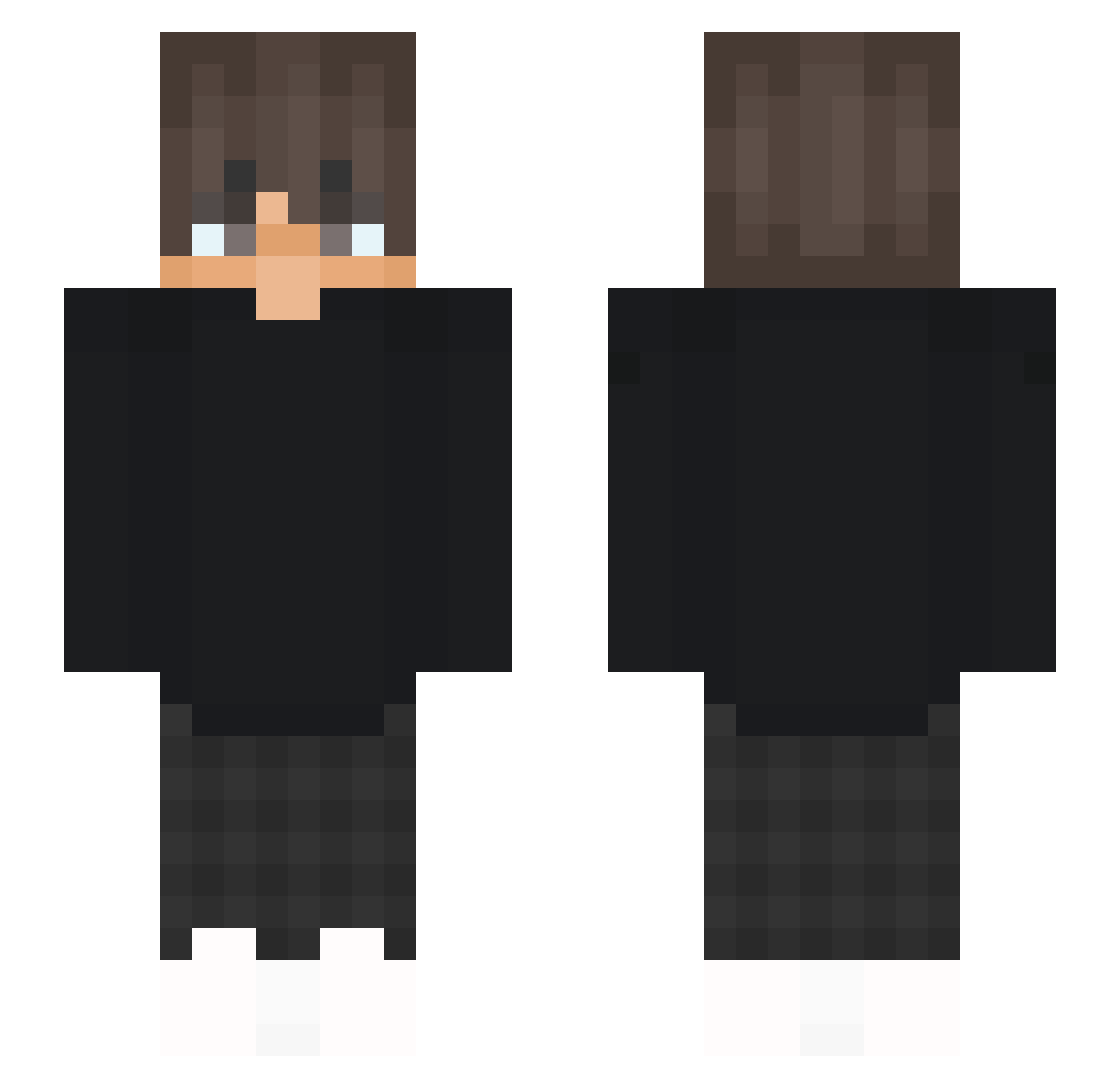
Other players with this skin (53)
ItxZikes was the 4th player we have seen with this skin, first spotted on 06.08.2026. The same skin was seen on these players. Open a nickname to see their current skin and skin history.
 LeonLeon_2018
 Prot_VII CheatCheatFive ViperZen_X
 foxy562_boy SlimStreamMC zaba334 ENNVYS_Marlow Ohleaver greylotz kaacpeerr2014 Craff02 Mr_ampf klemens14 Joshinathor PieselkiGora LethalLiamYT Zwightt realcazvr BaLLy05
 __Fluppi LucasQQQ Hacpi323 SaliPL MilkyWay_66 Txm1812 Eekachu15 BigE27 q6ty rylexly Glvb zqliam EnderLord1311 tjmgamer _Le4zer_2 RevoTro GaurguiOfficiel SplBear8mx Rimawi LewixClorusy jueday TheGamingRes S1mba1989 AizenSouke_Bleac MxB_Enrico3312 Jakubosky Oskar14327 xStarfire Freezyar milanka2010 fbarrr JustYuyus TurnoverBoat618
More Grunge Minecraft skins
How to install the ItxZikes skin
- Press the Download button above to save the skin as a PNG file.
- Minecraft: Bedrock Edition (PE): open the Dressing Room from the main menu (or tap your character → Edit Character), go to Classic Skins → Owned, press the + (new skin) button, choose the downloaded PNG and pick the Slim (Alex) model. Works on PC and mobile; consoles cannot import custom skins.
- Minecraft: Java Edition: open the Minecraft Launcher, go to the Skins tab, click New Skin, load the PNG, pick the Slim (Alex) model and press Save & Use. You can also upload it at minecraft.net → Profile → Change Skin.
The skin does not show up after import - what should I do?
Restart Minecraft and open the Dressing Room again - imported skins sometimes appear only after a restart. Also make sure you selected the imported skin and picked the Slim (Alex) model.
Which model should I choose, Classic or Slim?
This skin is designed for the Slim (Alex) model. If you pick the wrong model, the arms of the skin will look stretched or squeezed.
Is the skin of ItxZikes free to download?
Yes. Press Download, save the PNG file and use it in Minecraft: Bedrock Edition or Java Edition - no payment or registration needed. The skin also works on multiplayer servers and Realms.
More skins
Looking for more? Go back to all Minecraft skins and check the top skins of the week, month and all time, or find any player's skin by nickname.