
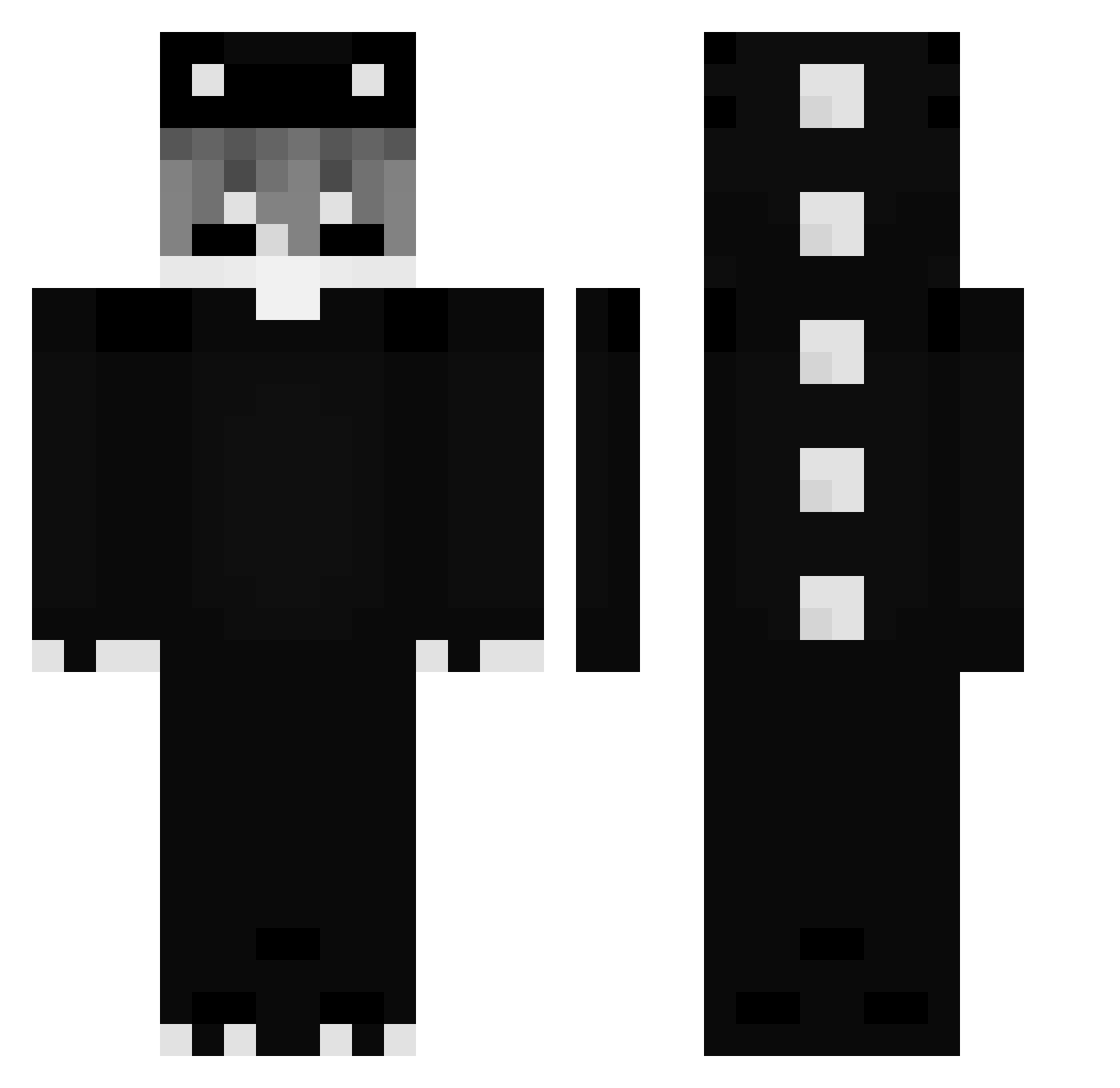
Current Minecraft skin of the player Its_dixter, loaded from the official Mojang API. Rotate the 3D model with your mouse or finger, then download the skin as a PNG file and use it in Minecraft: Bedrock Edition or Java Edition for free. When Its_dixter changes their skin, this page updates automatically and the old skin stays in the history below.
Other players with this skin (226)
Its_dixter was the 96th player we have seen with this skin, first spotted on 29.08.2026. The same skin was seen on these players. Open a nickname to see their current skin and skin history.
 vSharpnessIV _ork0 LxVurge ichigo_jkl Spicy619 ZNG_Skye hatespec VoidMCLOXI Dragonman6025 Qw3rto_ korea_kyr really_tt BONKUTIN Andreaskrg wingedman LarryMcMuffin xuryant WhiteFlameGod Xyxon koyulvz LinhPPhMe0102 Susa1San Riplz
 Josu_Mal KazucoMC k4zu_51 h0g5 Coffee77773 kwj12 _Dylusional svukal ai0YanZu gimms4 Xylix_mc LUNAR_BROOO Vloski_ AveX_X __teflonik__ d1slay v0kzyyfan20 C_Ryu mediwyd doddang ItssMrc
 Elmasinsano777xd Byzzx LUKI032013 xWhiteSheepx Bare_GUY bbryx MoonCat527 Askata450 fffeq NeroMF LinhuygaQ0102 PatientNo_333 Mao_Akira Puff16kTasty EXDMATIGOTYAY123 jasonkwack
More Dinosaur Minecraft skins
How to install the Its_dixter skin
- Press the Download button above to save the skin as a PNG file.
- Minecraft: Bedrock Edition (PE): open the Dressing Room from the main menu (or tap your character → Edit Character), go to Classic Skins → Owned, press the + (new skin) button, choose the downloaded PNG and pick the Classic (Steve) model. Works on PC and mobile; consoles cannot import custom skins.
- Minecraft: Java Edition: open the Minecraft Launcher, go to the Skins tab, click New Skin, load the PNG, pick the Classic (Steve) model and press Save & Use. You can also upload it at minecraft.net → Profile → Change Skin.
The skin does not show up after import - what should I do?
Restart Minecraft and open the Dressing Room again - imported skins sometimes appear only after a restart. Also make sure you selected the imported skin and picked the Classic (Steve) model.
Which model should I choose, Classic or Slim?
This skin is designed for the Classic (Steve) model. If you pick the wrong model, the arms of the skin will look stretched or squeezed.
Is the skin of Its_dixter free to download?
Yes. Press Download, save the PNG file and use it in Minecraft: Bedrock Edition or Java Edition - no payment or registration needed. The skin also works on multiplayer servers and Realms.
More skins
Looking for more? Go back to all Minecraft skins and check the top skins of the week, month and all time, or find any player's skin by nickname.