
ItsDrewAgain - Minecraft Skins & Skin History
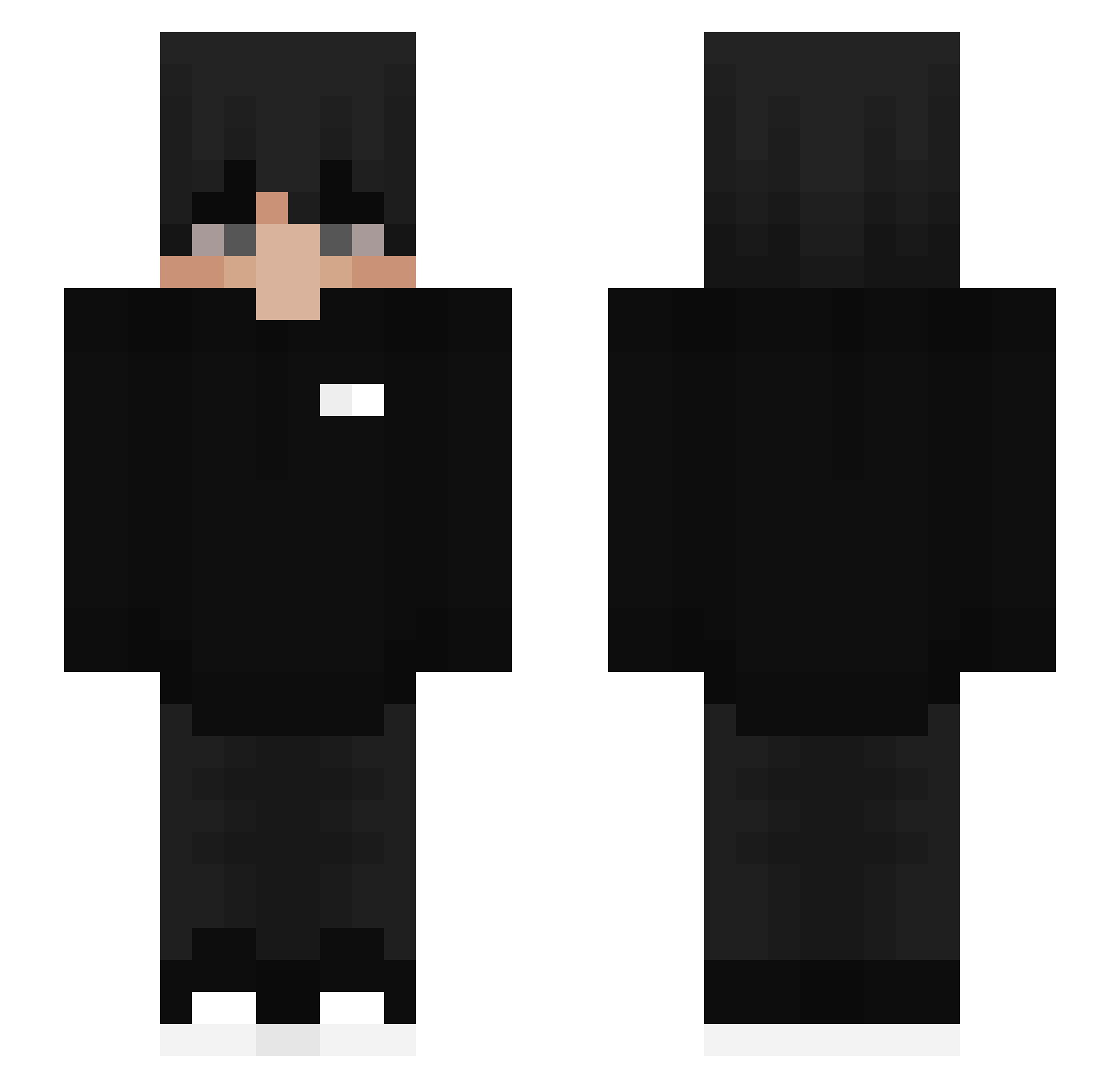
Current Minecraft skin of the player ItsDrewAgain, loaded from the official Mojang API. Rotate the 3D model with your mouse or finger, then download the skin as a PNG file and use it in Minecraft: Bedrock Edition or Java Edition for free. When ItsDrewAgain changes their skin, this page updates automatically and the old skin stays in the history below.
Other players with this skin (544)
ItsDrewAgain was the 465th player we have seen with this skin, first spotted on 03.11.2026. The same skin was seen on these players. Open a nickname to see their current skin and skin history.
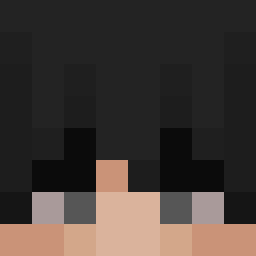 Hiand198 ShoGa_65536 Emb4rrassed thesweats kobymocha17 pavlit0qq SemiYhYh Horw0n BayKiviTR Asymptic lxt666 BuiBackup Sukuna92_ SrEquisdee MechazCR iwxn_q Carotsotchanh Misterdw3b KAUA11 Scht0rch dam2020 morthoXd212 rveg WichuraHig 5GreeGames LEX999 TheRealLaxus Zsombikaa magicman0 PuggyDee DFYAHYA11 xiaoxing12 Ambrosina not_mohamed__ pinohs spaghettimafia69 L4nau Domzz_xD Wayats Lithium133321 LetschiXD kiceop123 Sukeen Bloodhound0912 cyla1337 Zom_bie_me Blaadde BolotaRF addon713 TehGelly Nietypowus ABC012 Dr_Mxne SpikySun REDZ4LYFE dailydudes MarioCraftYTGFX oasis81 The_Sharp Playnerxx
How to install the ItsDrewAgain skin
- Press the Download button above to save the skin as a PNG file.
- Minecraft: Bedrock Edition (PE): open the Dressing Room from the main menu (or tap your character → Edit Character), go to Classic Skins → Owned, press the + (new skin) button, choose the downloaded PNG and pick the Slim (Alex) model. Works on PC and mobile; consoles cannot import custom skins.
- Minecraft: Java Edition: open the Minecraft Launcher, go to the Skins tab, click New Skin, load the PNG, pick the Slim (Alex) model and press Save & Use. You can also upload it at minecraft.net → Profile → Change Skin.
The skin does not show up after import - what should I do?
Restart Minecraft and open the Dressing Room again - imported skins sometimes appear only after a restart. Also make sure you selected the imported skin and picked the Slim (Alex) model.
Which model should I choose, Classic or Slim?
This skin is designed for the Slim (Alex) model. If you pick the wrong model, the arms of the skin will look stretched or squeezed.
Is the skin of ItsDrewAgain free to download?
Yes. Press Download, save the PNG file and use it in Minecraft: Bedrock Edition or Java Edition - no payment or registration needed. The skin also works on multiplayer servers and Realms.
More skins
Looking for more? Go back to all Minecraft skins and check the top skins of the week, month and all time, or find any player's skin by nickname.