
Issah_lp - Minecraft Skins & Skin History
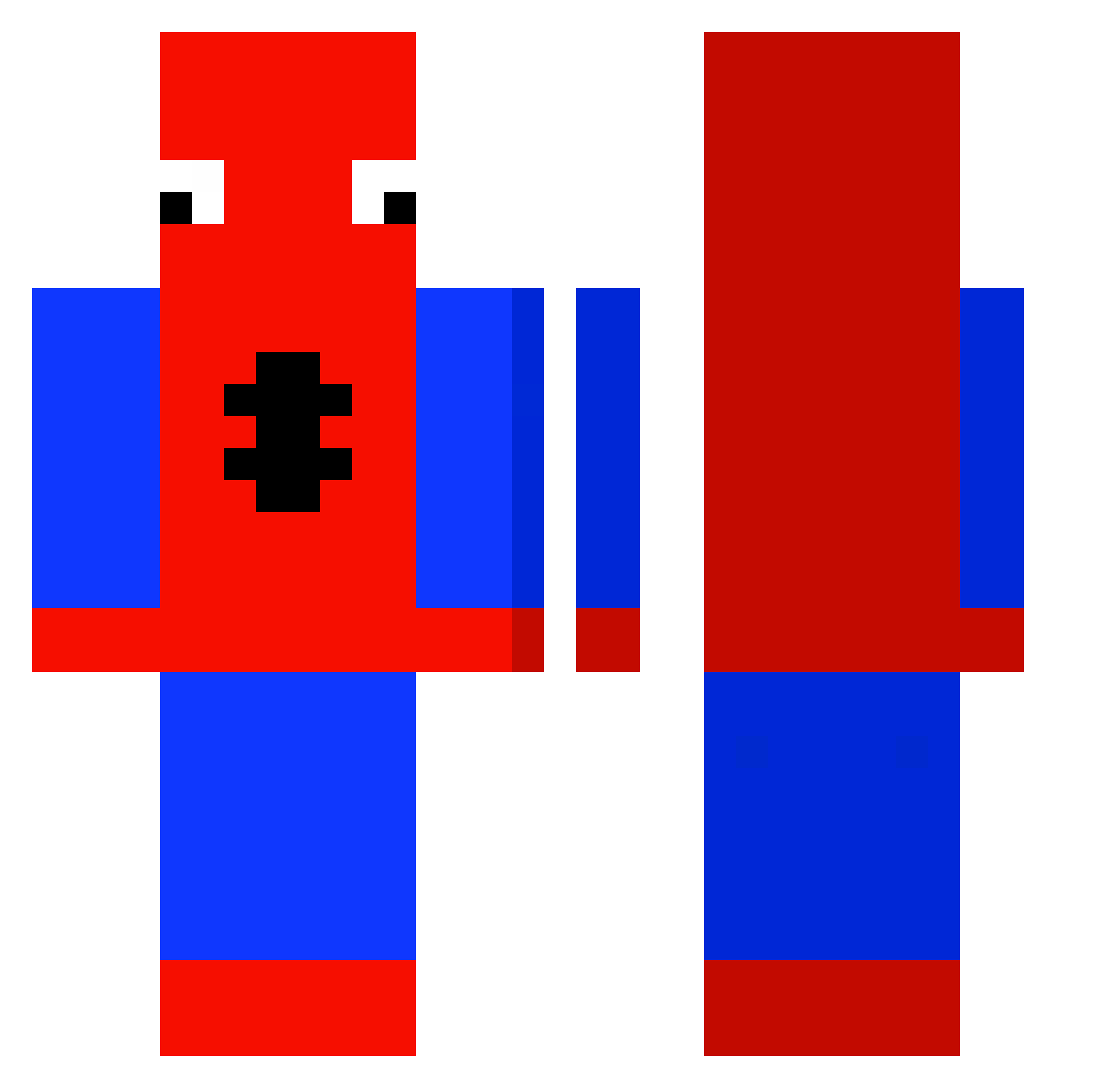
Current Minecraft skin of the player Issah_lp, loaded from the official Mojang API. Rotate the 3D model with your mouse or finger, then download the skin as a PNG file and use it in Minecraft: Bedrock Edition or Java Edition for free. When Issah_lp changes their skin, this page updates automatically and the old skin stays in the history below.
Other players with this skin (507)
Issah_lp was the 501st player we have seen with this skin, first spotted on 18.11.2026. The same skin was seen on these players. Open a nickname to see their current skin and skin history.
 salakeel DonCoochie Flikzjack CommunistCosmo Atenoxe Bujai_ GOINGTOPOPO Vultraz_ toyolaa niekkkkk Noixuss SillyBilly8877 xptr spoederman2007 Hugolesympa tenebre123 MakDa44y fogolim fuxxkyou ingridw0w luvhskaya Dankop_ siw00 Netherianscate Frost005 Mehmet_69 ihythosh Squamp_Man MattLePhoenix Frunkyl NeLeonel WobbyBobbyLobby CleverX3 _Pacholak kkgg1115 Jhoetromundo Loyaliteit LargeLeek326 Gami_Bv Meth_Junkie tentaki123 FridaySAGA xman2010 Allonso Gibblets8 Graybear42 229p3 ilay_abo Gahsss Spaduderman Step_Bwo soupylol T4Z1B Z1nche matteodennie victorpuromalte SayzzMC xXNinjaStingerXx ItZ_StormzYT Spooder696969
More Spider-Man Minecraft skins
How to install the Issah_lp skin
- Press the Download button above to save the skin as a PNG file.
- Minecraft: Bedrock Edition (PE): open the Dressing Room from the main menu (or tap your character → Edit Character), go to Classic Skins → Owned, press the + (new skin) button, choose the downloaded PNG and pick the Classic (Steve) model. Works on PC and mobile; consoles cannot import custom skins.
- Minecraft: Java Edition: open the Minecraft Launcher, go to the Skins tab, click New Skin, load the PNG, pick the Classic (Steve) model and press Save & Use. You can also upload it at minecraft.net → Profile → Change Skin.
The skin does not show up after import - what should I do?
Restart Minecraft and open the Dressing Room again - imported skins sometimes appear only after a restart. Also make sure you selected the imported skin and picked the Classic (Steve) model.
Which model should I choose, Classic or Slim?
This skin is designed for the Classic (Steve) model. If you pick the wrong model, the arms of the skin will look stretched or squeezed.
Is the skin of Issah_lp free to download?
Yes. Press Download, save the PNG file and use it in Minecraft: Bedrock Edition or Java Edition - no payment or registration needed. The skin also works on multiplayer servers and Realms.
More skins
Looking for more? Go back to all Minecraft skins and check the top skins of the week, month and all time, or find any player's skin by nickname.