
IsaacLeiva - Minecraft Skins & Skin History
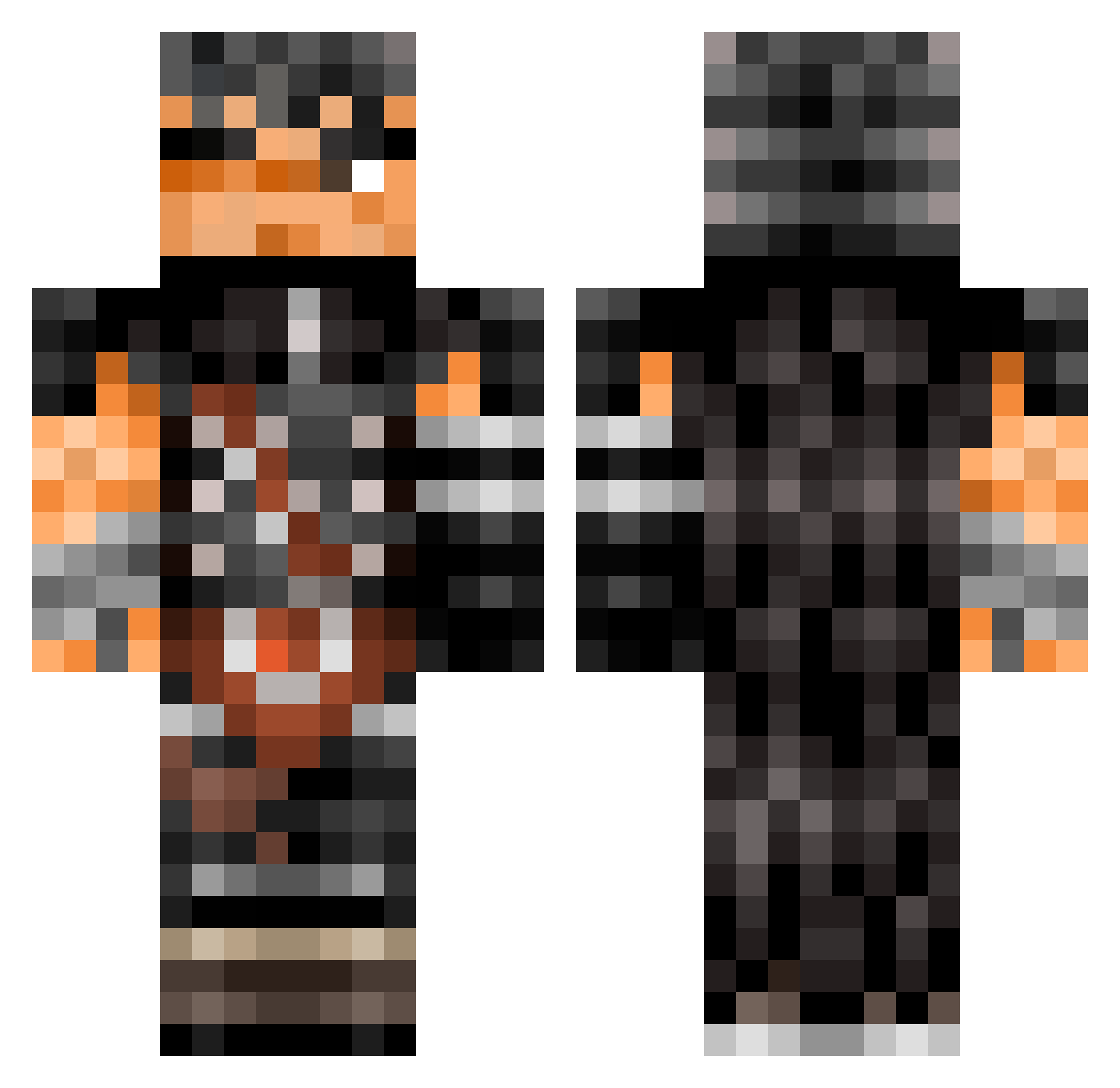
Current Minecraft skin of the player IsaacLeiva, loaded from the official Mojang API. Rotate the 3D model with your mouse or finger, then download the skin as a PNG file and use it in Minecraft: Bedrock Edition or Java Edition for free. When IsaacLeiva changes their skin, this page updates automatically and the old skin stays in the history below.
Other players with this skin (505)
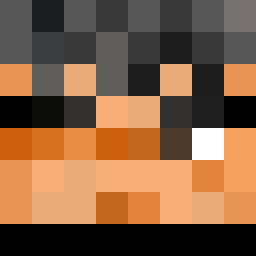
IsaacLeiva was the 180th player we have seen with this skin, first spotted on 03.09.2026. The same skin was seen on these players. Open a nickname to see their current skin and skin history.
 Exequas x2aziss Desui123 ComradeRem TakeshiSensei MrBlu3Eyes_ Ryvgor PedroXN3_0 Absolute2207 HaRLoCK72 bhg050907 poopfac3 Antoninorre PepitoMorales joeychin01 vStormy WaDFFle Rockojocko1 kdiggydog CapacityRocket69 samcaltabiano sillybilly987 IlyesBrj BlackAkvma616 neogenio Dutenkoo 3morey Biel_n0vo4 Pet_Shoppe RcPot sonos_agmen Pukuchu Tetsu09 deldmidth K1ngCurry SirSweggy Valkrie454 St_doom RONALDOELPRO Julian7702 Autistx69 _Newii Amumuhabibi cocasho ShogunMaster640 RealWiggaa Psycho_Coyote69 Argy_Roxey Byakuran946 ImmortalVino XOTIOD MagicNooodlez McGeet KlappyKeith CO_02 SuberiYasui M0B_8 ed1ak MangoWaterIce LampLeg
More Guts Minecraft skins
How to install the IsaacLeiva skin
- Press the Download button above to save the skin as a PNG file.
- Minecraft: Bedrock Edition (PE): open the Dressing Room from the main menu (or tap your character → Edit Character), go to Classic Skins → Owned, press the + (new skin) button, choose the downloaded PNG and pick the Classic (Steve) model. Works on PC and mobile; consoles cannot import custom skins.
- Minecraft: Java Edition: open the Minecraft Launcher, go to the Skins tab, click New Skin, load the PNG, pick the Classic (Steve) model and press Save & Use. You can also upload it at minecraft.net → Profile → Change Skin.
The skin does not show up after import - what should I do?
Restart Minecraft and open the Dressing Room again - imported skins sometimes appear only after a restart. Also make sure you selected the imported skin and picked the Classic (Steve) model.
Which model should I choose, Classic or Slim?
This skin is designed for the Classic (Steve) model. If you pick the wrong model, the arms of the skin will look stretched or squeezed.
Is the skin of IsaacLeiva free to download?
Yes. Press Download, save the PNG file and use it in Minecraft: Bedrock Edition or Java Edition - no payment or registration needed. The skin also works on multiplayer servers and Realms.
More skins
Looking for more? Go back to all Minecraft skins and check the top skins of the week, month and all time, or find any player's skin by nickname.