
Insayno17 - Minecraft Skins & Skin History
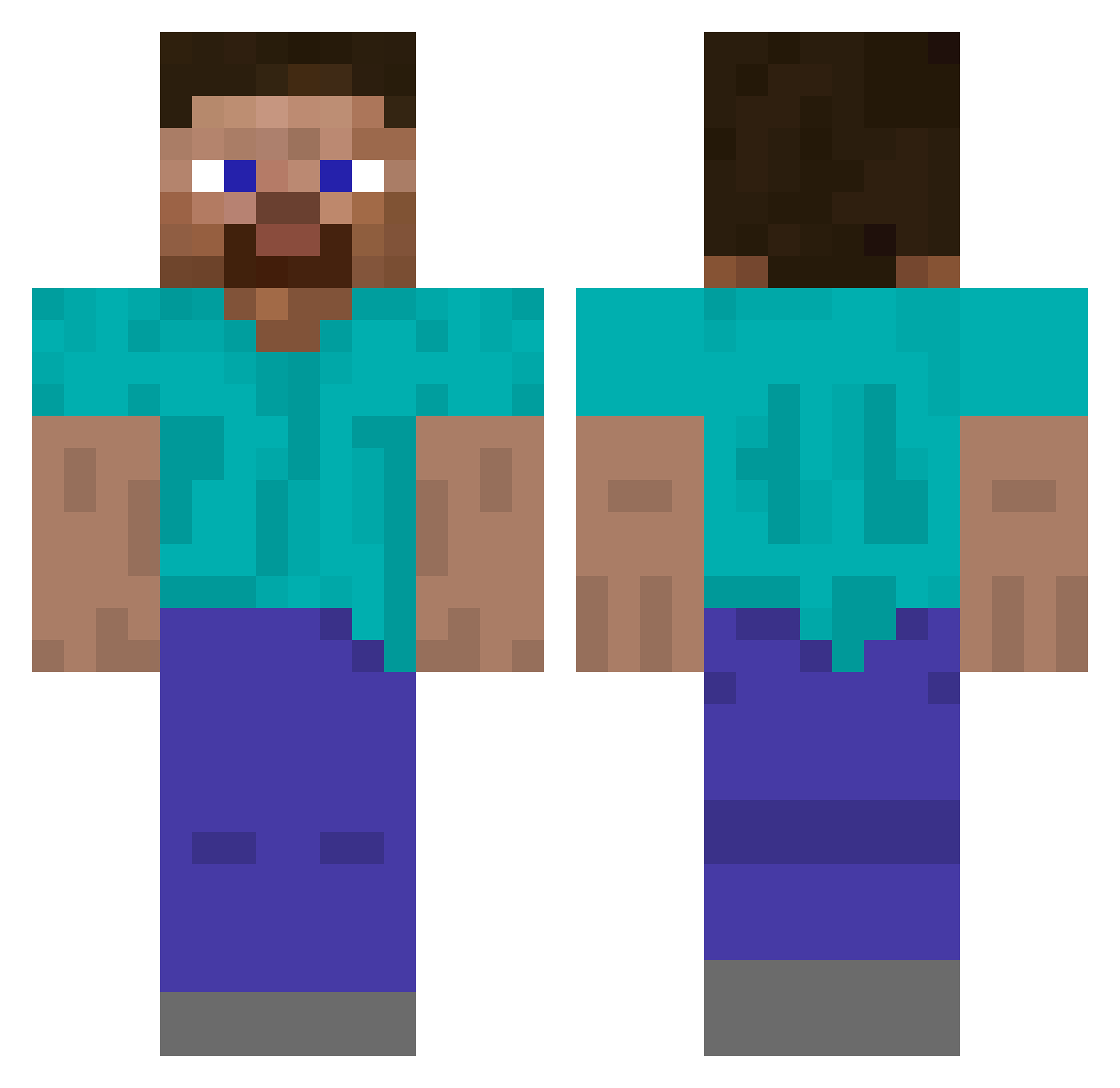
Current Minecraft skin of the player Insayno17, loaded from the official Mojang API. Rotate the 3D model with your mouse or finger, then download the skin as a PNG file and use it in Minecraft: Bedrock Edition or Java Edition for free. When Insayno17 changes their skin, this page updates automatically and the old skin stays in the history below.
Other players with this skin (488)
Insayno17 was the 415th player we have seen with this skin, first spotted on 18.10.2026. The same skin was seen on these players. Open a nickname to see their current skin and skin history.
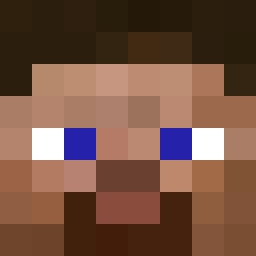 Girouxdudes 2saxon gfasufsdjvfaudff Unl3ashd ZakJay cience king2000gt rizztergaard TeamMcPro mr_jvcob Vitely_ garrettwn2 reluctorwheel aedelamn KeXaEZ bojibori Speeler Vanissyu BasiliskGaming saltyapple123 Vincentkanin matavav NegativeW0lf n0_mNd Bolby223 sopdmanki WesMan0224 Senzable Pjoter37 LumaHoosk mattize14 RaisedRain Obstbecher InsertName20938 Feone jxsw17 nixter2670 saidburger CardinalTarjan SigmaTimur Ceedea vissers24 GeorgeTheGangsta Thats_tough_lma0 ChequerRed thomastog02 cloudzinhah xboxBoy2003 lofi_account Troudbalos_ Megamaze10 Htzoz phooned AgentT102 emilieolivia luggi_luggo SolarSolSoul bluescorpion10 Maniac23 okiewaka
How to install the Insayno17 skin
- Press the Download button above to save the skin as a PNG file.
- Minecraft: Bedrock Edition (PE): open the Dressing Room from the main menu (or tap your character → Edit Character), go to Classic Skins → Owned, press the + (new skin) button, choose the downloaded PNG and pick the Classic (Steve) model. Works on PC and mobile; consoles cannot import custom skins.
- Minecraft: Java Edition: open the Minecraft Launcher, go to the Skins tab, click New Skin, load the PNG, pick the Classic (Steve) model and press Save & Use. You can also upload it at minecraft.net → Profile → Change Skin.
The skin does not show up after import - what should I do?
Restart Minecraft and open the Dressing Room again - imported skins sometimes appear only after a restart. Also make sure you selected the imported skin and picked the Classic (Steve) model.
Which model should I choose, Classic or Slim?
This skin is designed for the Classic (Steve) model. If you pick the wrong model, the arms of the skin will look stretched or squeezed.
Is the skin of Insayno17 free to download?
Yes. Press Download, save the PNG file and use it in Minecraft: Bedrock Edition or Java Edition - no payment or registration needed. The skin also works on multiplayer servers and Realms.
More skins
Looking for more? Go back to all Minecraft skins and check the top skins of the week, month and all time, or find any player's skin by nickname.