
Injaog - Minecraft Skins & Skin History
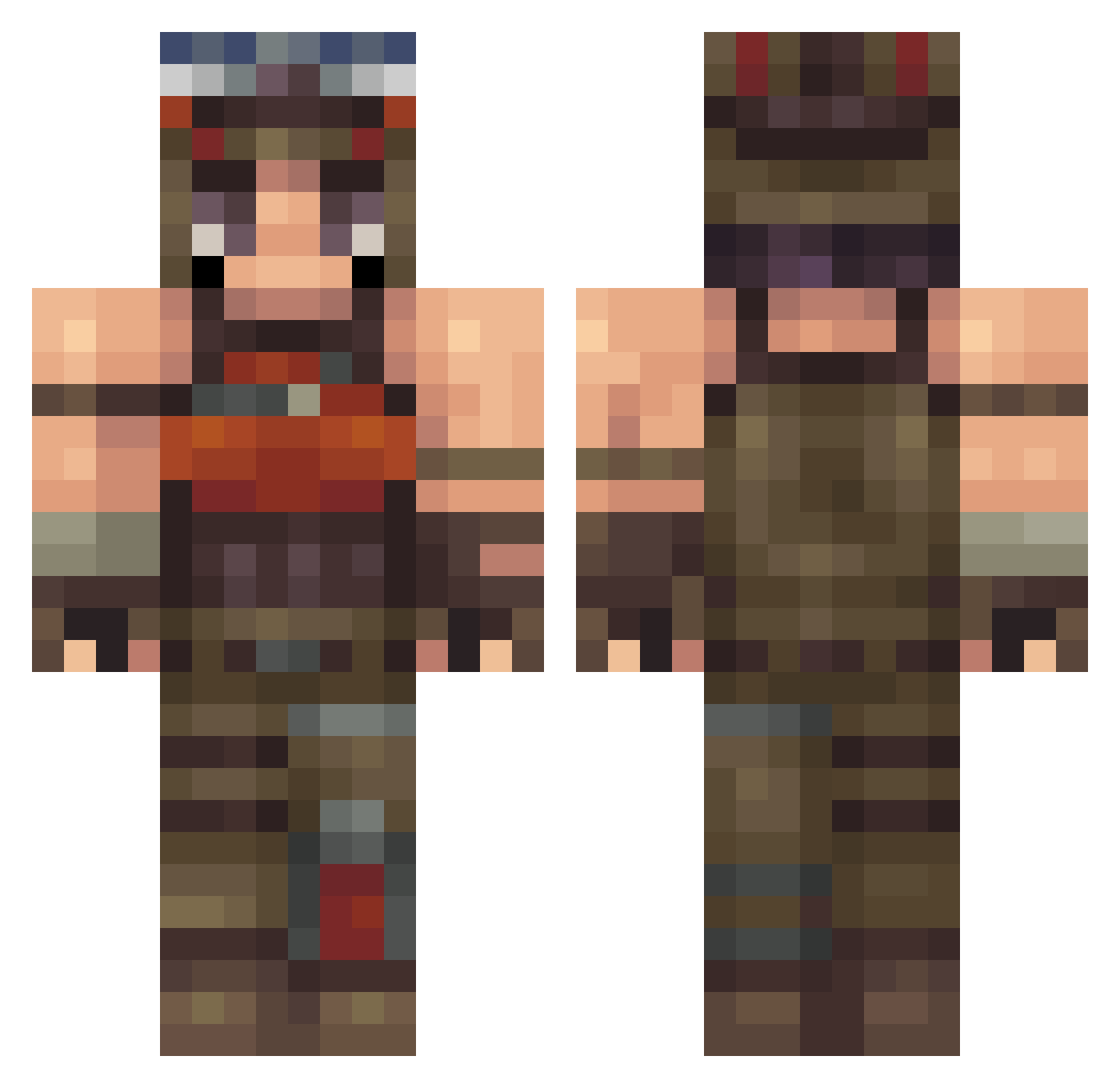
Current Minecraft skin of the player Injaog, loaded from the official Mojang API. Rotate the 3D model with your mouse or finger, then download the skin as a PNG file and use it in Minecraft: Bedrock Edition or Java Edition for free. When Injaog changes their skin, this page updates automatically and the old skin stays in the history below.
Other players with this skin (182)
Injaog was the 42nd player we have seen with this skin, first spotted on 17.08.2026. The same skin was seen on these players. Open a nickname to see their current skin and skin history.
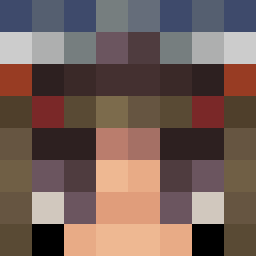 K2ysX Melennia maron245444 Waarlock jackdavoo
 EmpiricalFan64 Raaahz God_destroyer Sunn599 Ytn1M xDiegoD99 KiwiWololo Bxlly Foxyboy23345 NerdyJE MadFHD katekyo9995 Falc0N30 Oakliie Cuvies_ ZakolakPolak Jstnn1x hirigakuri jucevision J_x_l_y_o qidens UnknXwn_Prospect UrFooT Sweguuu Mizore12 noamamrosi ImmortalInVal jikan DR0VE MC7038 logan534 skulltro_ stevespamsL2 Madfr0g_ misterhuman_ 42kyze centraltrix pryne gus25132 GillBates420 Zorfd Awokeness aagar PopkaSoda miak2970 monkey_man6969 PVPCOMBOZZZ fernanflores FlyEag1e ofurIsWashed tylersuch lomexwolf Sarah_Lily713 razicals BughaLovesFn
More Apocalyptic Survivor Minecraft skins
See all 258 Apocalyptic Survivor skins
How to install the Injaog skin
- Press the Download button above to save the skin as a PNG file.
- Minecraft: Bedrock Edition (PE): open the Dressing Room from the main menu (or tap your character → Edit Character), go to Classic Skins → Owned, press the + (new skin) button, choose the downloaded PNG and pick the Classic (Steve) model. Works on PC and mobile; consoles cannot import custom skins.
- Minecraft: Java Edition: open the Minecraft Launcher, go to the Skins tab, click New Skin, load the PNG, pick the Classic (Steve) model and press Save & Use. You can also upload it at minecraft.net → Profile → Change Skin.
The skin does not show up after import - what should I do?
Restart Minecraft and open the Dressing Room again - imported skins sometimes appear only after a restart. Also make sure you selected the imported skin and picked the Classic (Steve) model.
Which model should I choose, Classic or Slim?
This skin is designed for the Classic (Steve) model. If you pick the wrong model, the arms of the skin will look stretched or squeezed.
Is the skin of Injaog free to download?
Yes. Press Download, save the PNG file and use it in Minecraft: Bedrock Edition or Java Edition - no payment or registration needed. The skin also works on multiplayer servers and Realms.
More skins
Looking for more? Go back to all Minecraft skins and check the top skins of the week, month and all time, or find any player's skin by nickname.