
IndexDeny - Minecraft Skins & Skin History
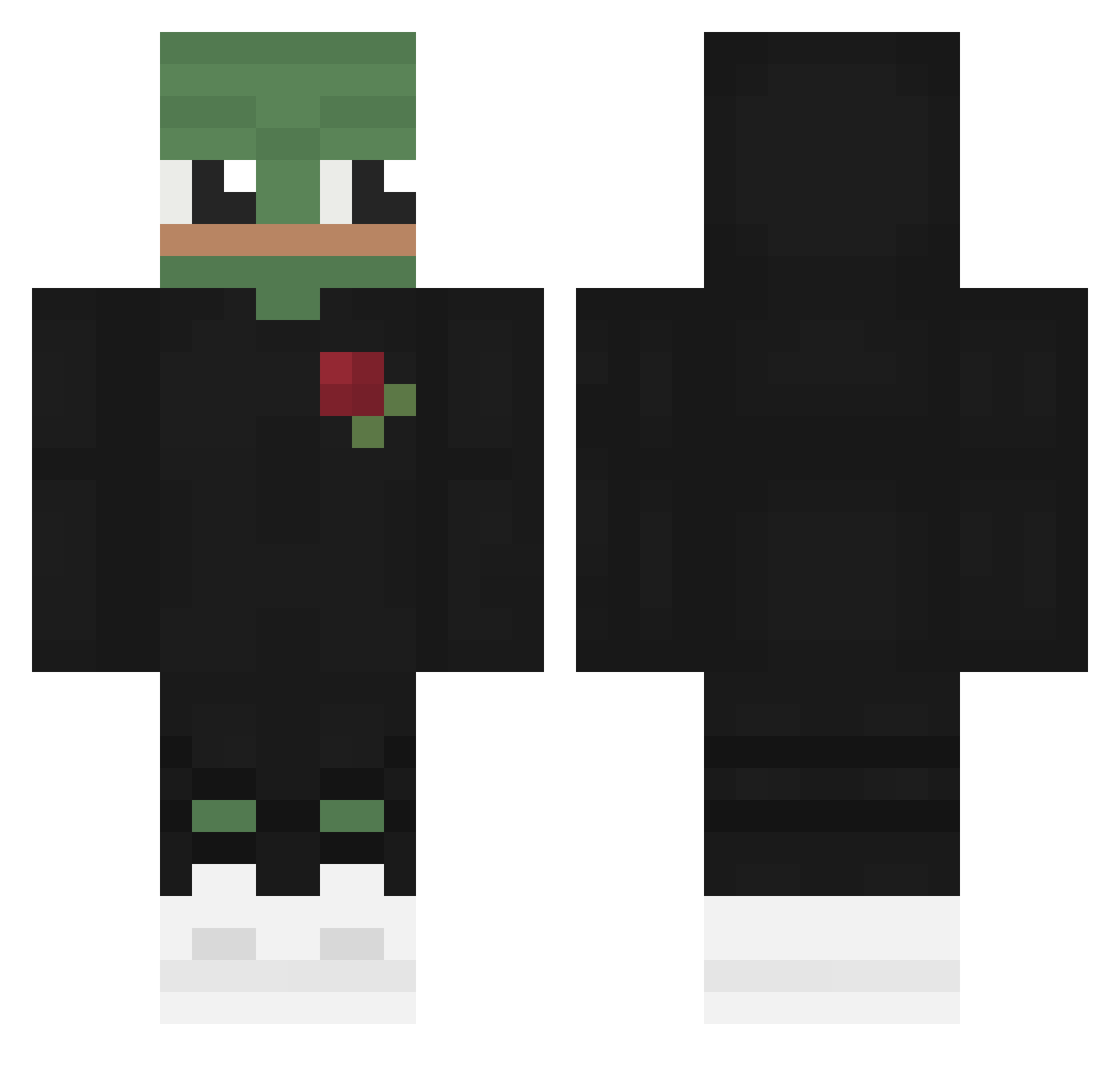
Current Minecraft skin of the player IndexDeny, loaded from the official Mojang API. Rotate the 3D model with your mouse or finger, then download the skin as a PNG file and use it in Minecraft: Bedrock Edition or Java Edition for free. When IndexDeny changes their skin, this page updates automatically and the old skin stays in the history below.
Other players with this skin (565)
IndexDeny was the 75th player we have seen with this skin, first spotted on 09.08.2026. The same skin was seen on these players. Open a nickname to see their current skin and skin history.
 KRYP7A Zolastic Carlos_Carlito keSor55 bunny403 MelancholySushi Kapixx_ BlueZ14 OLEGATOR666 SmallIrishMan SproutClemens Catfish7177 Gasitte Legouher Soo123 SheepVT sampei727 Florrimon Murf0424 julbo2 ImMaask BryanH83 WackyPeter Ljs0303 Crusherthefirst KolyaDaWinner19 Kommuxim Szymonhaha Tritonall TescosFinest444 SofifaWC theyemsMC humanez18 blinxx7 JulianVD__ ironalex999 Xx_SlavPepe_xX MrPerson212 WALTx0 BakeNasty LactatingFish HetRito
 ThudThudTonk MrAoura FreddyA1220 Gamingstar277 Nattywow Pixomator Ariyas_ Picarona Latheless Crane15 R3V1L0_ Leonashley31 HEKIT_DEBIK KoMmEn18 Wogboy22 CrawfyBear qupsluger SkonyHD
More Pepe Minecraft skins
How to install the IndexDeny skin
- Press the Download button above to save the skin as a PNG file.
- Minecraft: Bedrock Edition (PE): open the Dressing Room from the main menu (or tap your character → Edit Character), go to Classic Skins → Owned, press the + (new skin) button, choose the downloaded PNG and pick the Classic (Steve) model. Works on PC and mobile; consoles cannot import custom skins.
- Minecraft: Java Edition: open the Minecraft Launcher, go to the Skins tab, click New Skin, load the PNG, pick the Classic (Steve) model and press Save & Use. You can also upload it at minecraft.net → Profile → Change Skin.
The skin does not show up after import - what should I do?
Restart Minecraft and open the Dressing Room again - imported skins sometimes appear only after a restart. Also make sure you selected the imported skin and picked the Classic (Steve) model.
Which model should I choose, Classic or Slim?
This skin is designed for the Classic (Steve) model. If you pick the wrong model, the arms of the skin will look stretched or squeezed.
Is the skin of IndexDeny free to download?
Yes. Press Download, save the PNG file and use it in Minecraft: Bedrock Edition or Java Edition - no payment or registration needed. The skin also works on multiplayer servers and Realms.
More skins
Looking for more? Go back to all Minecraft skins and check the top skins of the week, month and all time, or find any player's skin by nickname.