
ImperatorGovna - Minecraft Skins & Skin History
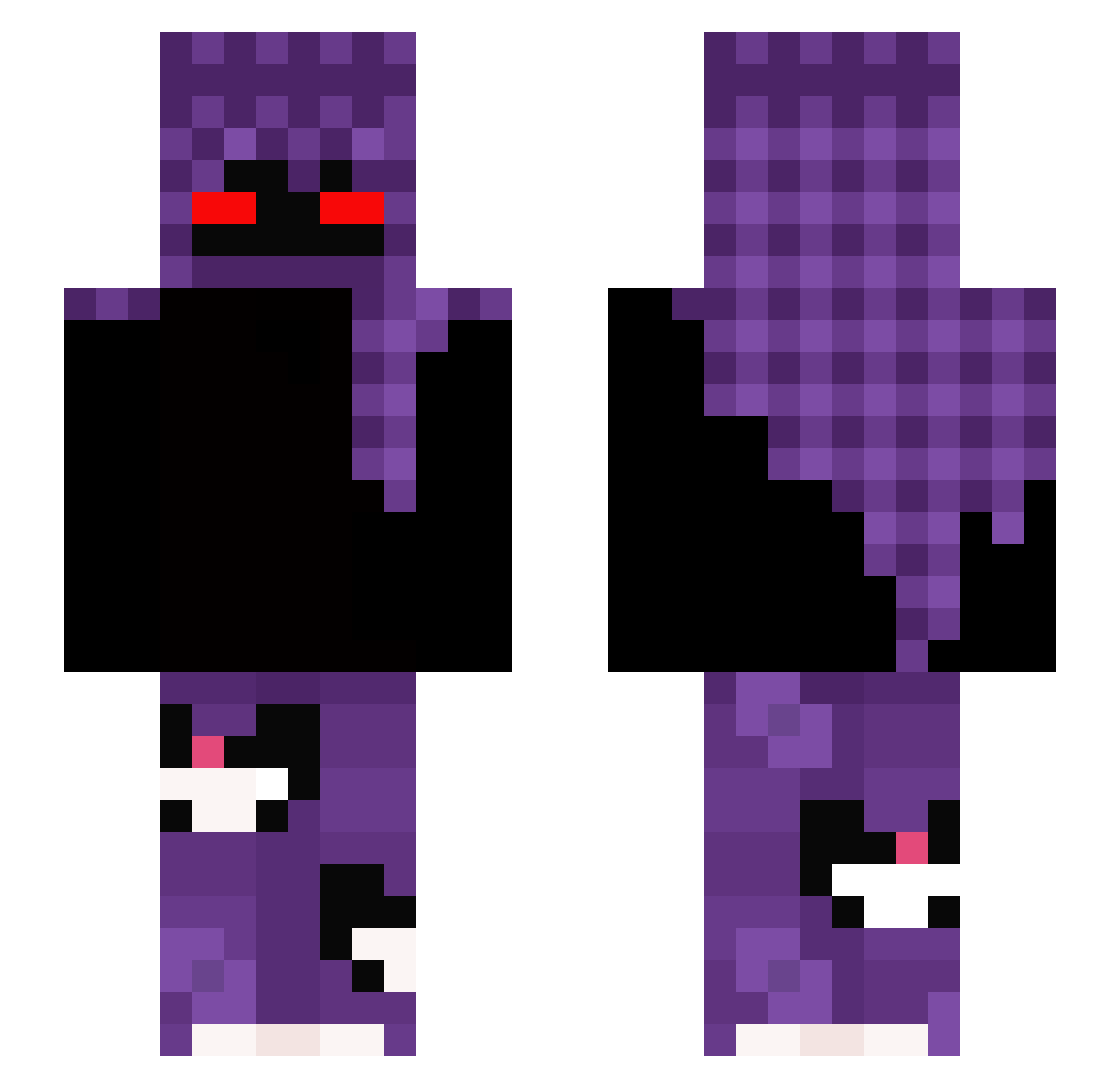
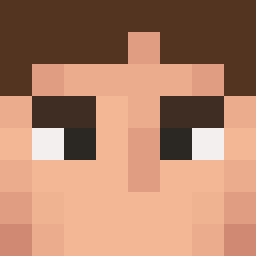
Current Minecraft skin of the player ImperatorGovna, loaded from the official Mojang API. Rotate the 3D model with your mouse or finger, then download the skin as a PNG file and use it in Minecraft: Bedrock Edition or Java Edition for free. When ImperatorGovna changes their skin, this page updates automatically and the old skin stays in the history below.
Other players with this skin (300)
ImperatorGovna was the 39th player we have seen with this skin, first spotted on 07.08.2026. The same skin was seen on these players. Open a nickname to see their current skin and skin history.
 om3r_333 TheRonin11 Waksmundzki777 Kam0zz DesignVLone ssisl JonasArning vladoxy Monguy szoter133 tzi_fmmB6_10_31 aytnkp2356
 Kazik__ Nasmo6798 ttvfazer Bompaa CAWLOR emliopaulux sunday301 Syed_Ismail
 jimpppa vapaa_ MiataGaming
 1Nivy burgersnatcher12 Gohtex Liberty1234 TAINOXD Rudnikkk MaxiBot04 xAdriqn_777x Necrotic_Riposte scottishcb7 Sejmior __Alberto __cuki__ TZHex LxxL101 BlindStrike_ Luki2812 Ap3r50n_sl33p syed9807 nks4rabe zLicht__ Sabeent
 Antoneio creamy_x willinator24 Acidic274 Im444adj Kasia17337 retr0_1337 VANDIT_DHURIA KakaSiManusia r_i_p_Kaiser iSwitch_ jokke_boi povprestige Lukose
 uhhMicahh
More Cat Minecraft skins
How to install the ImperatorGovna skin
- Press the Download button above to save the skin as a PNG file.
- Minecraft: Bedrock Edition (PE): open the Dressing Room from the main menu (or tap your character → Edit Character), go to Classic Skins → Owned, press the + (new skin) button, choose the downloaded PNG and pick the Slim (Alex) model. Works on PC and mobile; consoles cannot import custom skins.
- Minecraft: Java Edition: open the Minecraft Launcher, go to the Skins tab, click New Skin, load the PNG, pick the Slim (Alex) model and press Save & Use. You can also upload it at minecraft.net → Profile → Change Skin.
The skin does not show up after import - what should I do?
Restart Minecraft and open the Dressing Room again - imported skins sometimes appear only after a restart. Also make sure you selected the imported skin and picked the Slim (Alex) model.
Which model should I choose, Classic or Slim?
This skin is designed for the Slim (Alex) model. If you pick the wrong model, the arms of the skin will look stretched or squeezed.
Is the skin of ImperatorGovna free to download?
Yes. Press Download, save the PNG file and use it in Minecraft: Bedrock Edition or Java Edition - no payment or registration needed. The skin also works on multiplayer servers and Realms.
More skins
Looking for more? Go back to all Minecraft skins and check the top skins of the week, month and all time, or find any player's skin by nickname.