
ImNotAGingerTart - Minecraft Skins & Skin History
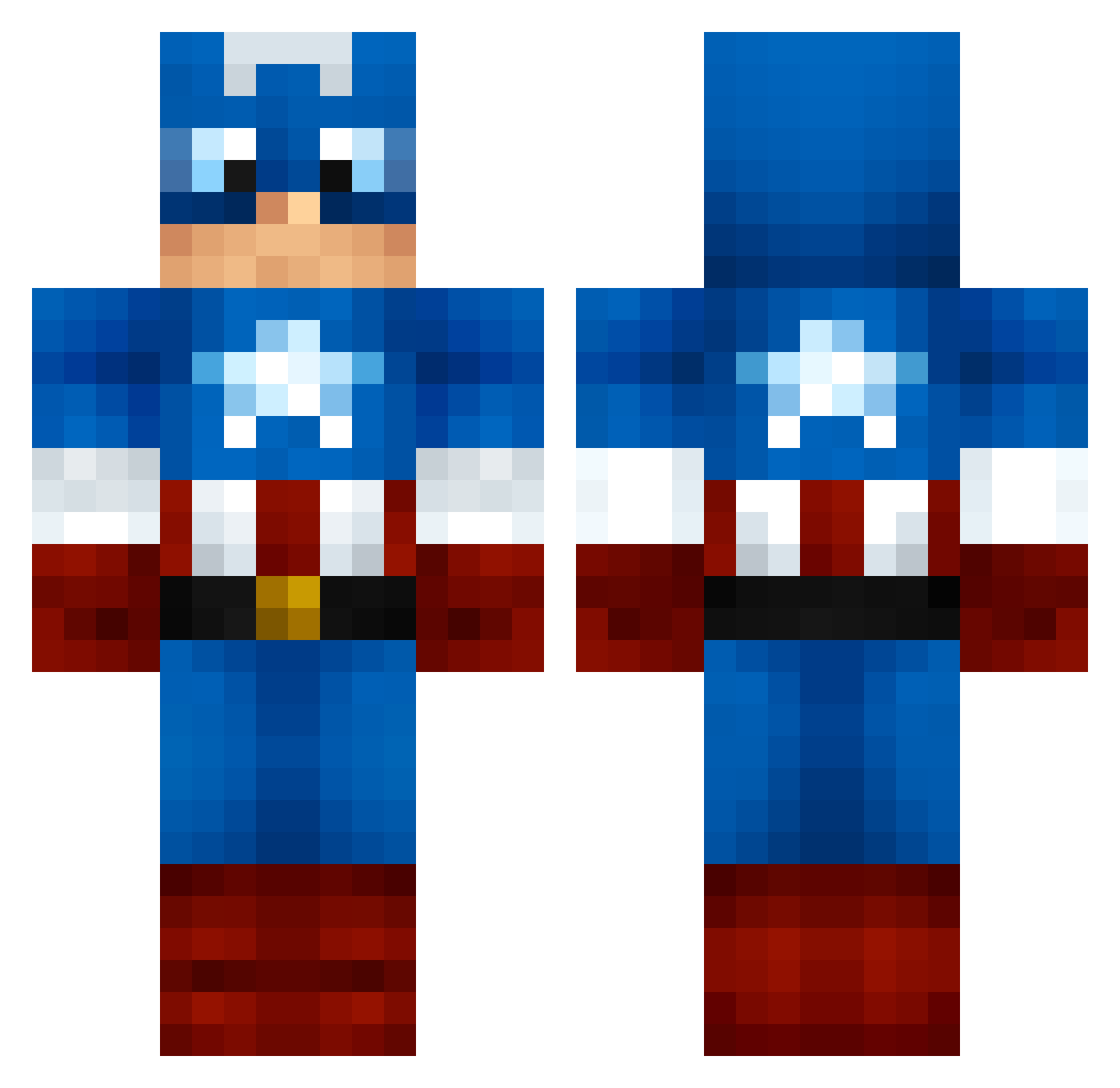
Current Minecraft skin of the player ImNotAGingerTart, loaded from the official Mojang API. Rotate the 3D model with your mouse or finger, then download the skin as a PNG file and use it in Minecraft: Bedrock Edition or Java Edition for free. When ImNotAGingerTart changes their skin, this page updates automatically and the old skin stays in the history below.
Other players with this skin (1000)
ImNotAGingerTart was the 163rd player we have seen with this skin, first spotted on 07.08.2026. The same skin was seen on these players. Open a nickname to see their current skin and skin history.
 Den0 TigerJared BachSwine chevy1blue2 Trigon Marvel_Man ibob1987 EChrissi Navyveteran Sergeant_America lilheff1214 Los_Jesus mozzilla104 PattxFBco TheLoLPvP GhoulCat FinnSSH wiishghd Multininja hades59950 TheSnipingShadow ALEXOFGAMER Mannionator14 freezefox3 Murckiz TheFlyingBaboon bennygampo DNS99 soccerattack5000 epicmonster920 st69 OberFlunder Tergimael uhhLinxx KMANBEAST1234 scarycoma Isranes Debob2 Payoso FussKids oempoetoftheyear TheJohny182 nukeman04 EzraMedic airchino32 TheMarty26 D_Blocalypse brio69 LewisEagland Captaina848 UlasGD grummel_max RobotoDUDE UnleashedPower floody17 HBoomer redrocky1999 Dylan_Rob17 timmie0802 lighdoor
More Captain America Minecraft skins
See all 148 Captain America skins
How to install the ImNotAGingerTart skin
- Press the Download button above to save the skin as a PNG file.
- Minecraft: Bedrock Edition (PE): open the Dressing Room from the main menu (or tap your character → Edit Character), go to Classic Skins → Owned, press the + (new skin) button, choose the downloaded PNG and pick the Classic (Steve) model. Works on PC and mobile; consoles cannot import custom skins.
- Minecraft: Java Edition: open the Minecraft Launcher, go to the Skins tab, click New Skin, load the PNG, pick the Classic (Steve) model and press Save & Use. You can also upload it at minecraft.net → Profile → Change Skin.
The skin does not show up after import - what should I do?
Restart Minecraft and open the Dressing Room again - imported skins sometimes appear only after a restart. Also make sure you selected the imported skin and picked the Classic (Steve) model.
Which model should I choose, Classic or Slim?
This skin is designed for the Classic (Steve) model. If you pick the wrong model, the arms of the skin will look stretched or squeezed.
Is the skin of ImNotAGingerTart free to download?
Yes. Press Download, save the PNG file and use it in Minecraft: Bedrock Edition or Java Edition - no payment or registration needed. The skin also works on multiplayer servers and Realms.
More skins
Looking for more? Go back to all Minecraft skins and check the top skins of the week, month and all time, or find any player's skin by nickname.