
ImKalozz - Minecraft Skins & Skin History
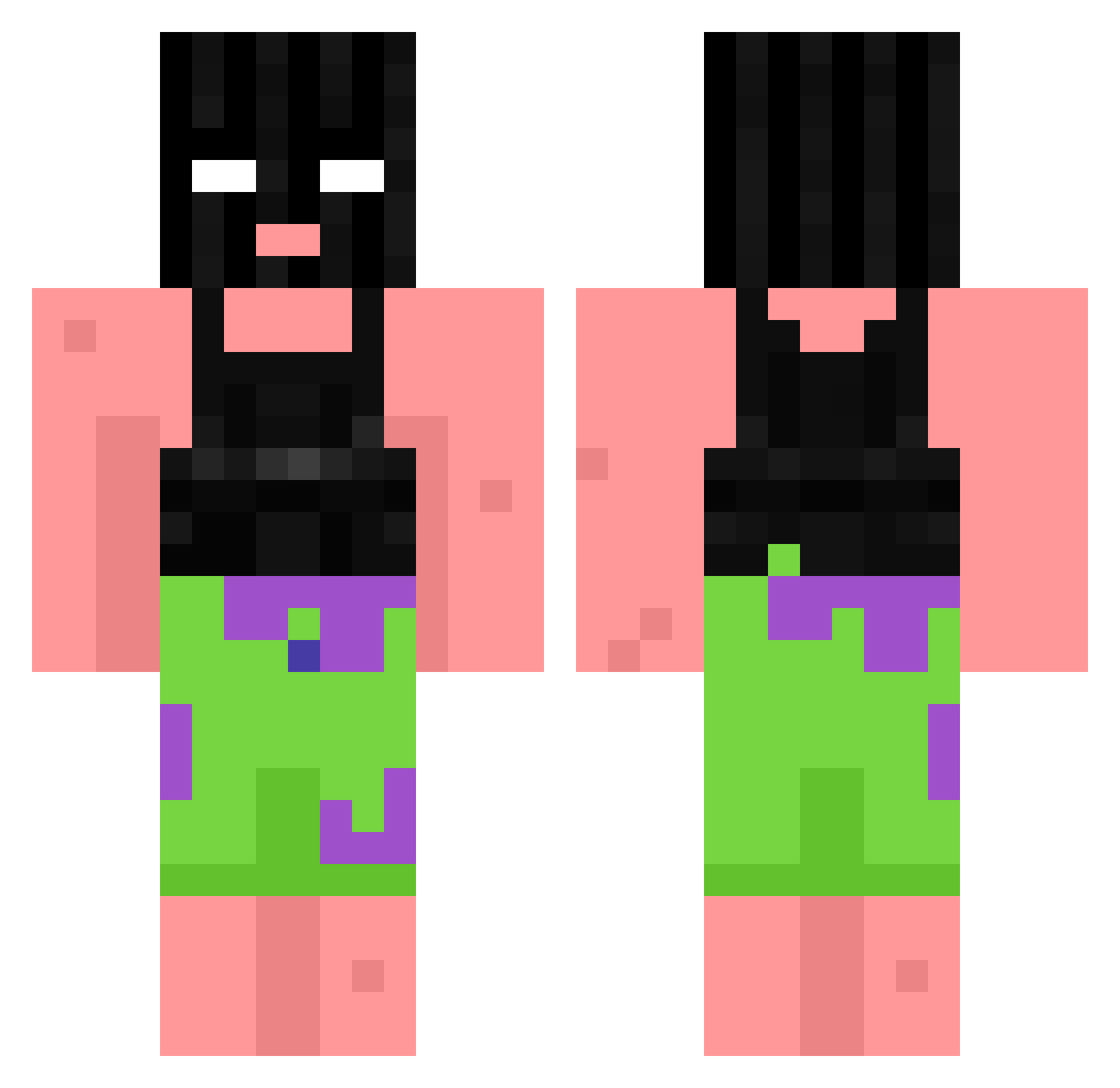
Current Minecraft skin of the player ImKalozz, loaded from the official Mojang API. Rotate the 3D model with your mouse or finger, then download the skin as a PNG file and use it in Minecraft: Bedrock Edition or Java Edition for free. When ImKalozz changes their skin, this page updates automatically and the old skin stays in the history below.
Other players with this skin (1061)
ImKalozz was the 1029th player we have seen with this skin, first spotted on 15.11.2026. The same skin was seen on these players. Open a nickname to see their current skin and skin history.
 AdaSerin ezkwjw Aldi_Kassierer lunalucy00 slatt_justin Kamirah7 DoeKnight Franjer Spixxxel trueno26 BingoJongen Tkuo OGBev MEMERJR JustaMinxIsThicc _Frosty2289 SergeantS1mp MRx_CybeR SnowyyIsCool chubchub___ gwonden Boyuer ALTERCATION69 S4nntt1 marius380 zBalqy hagglers Just_Trigga maichinah VanPoorn i_LOEV_JOJO 3xlusive xX_TheSuspect_Xx HungChungler n0ahhhh_ CubLaCk2462 elclutch 21bolebour YouTubeZuryz SelooAbi TheKeks1k Raenseon_ Freak858 Naomipig nieveflqke ikerggteam22 HelloKama swolePatch fishyfishy_skep Joseppi1023 omesjon Rifflettn_ALT24 DiscipleOfSosa xldminichop3d wagawaga_aa naoeomega YExingtian Goose_228 ShartingKing dtyc
More Ski Mask Minecraft skins
How to install the ImKalozz skin
- Press the Download button above to save the skin as a PNG file.
- Minecraft: Bedrock Edition (PE): open the Dressing Room from the main menu (or tap your character → Edit Character), go to Classic Skins → Owned, press the + (new skin) button, choose the downloaded PNG and pick the Classic (Steve) model. Works on PC and mobile; consoles cannot import custom skins.
- Minecraft: Java Edition: open the Minecraft Launcher, go to the Skins tab, click New Skin, load the PNG, pick the Classic (Steve) model and press Save & Use. You can also upload it at minecraft.net → Profile → Change Skin.
The skin does not show up after import - what should I do?
Restart Minecraft and open the Dressing Room again - imported skins sometimes appear only after a restart. Also make sure you selected the imported skin and picked the Classic (Steve) model.
Which model should I choose, Classic or Slim?
This skin is designed for the Classic (Steve) model. If you pick the wrong model, the arms of the skin will look stretched or squeezed.
Is the skin of ImKalozz free to download?
Yes. Press Download, save the PNG file and use it in Minecraft: Bedrock Edition or Java Edition - no payment or registration needed. The skin also works on multiplayer servers and Realms.
More skins
Looking for more? Go back to all Minecraft skins and check the top skins of the week, month and all time, or find any player's skin by nickname.