
IllicitKiwi - Minecraft Skins & Skin History
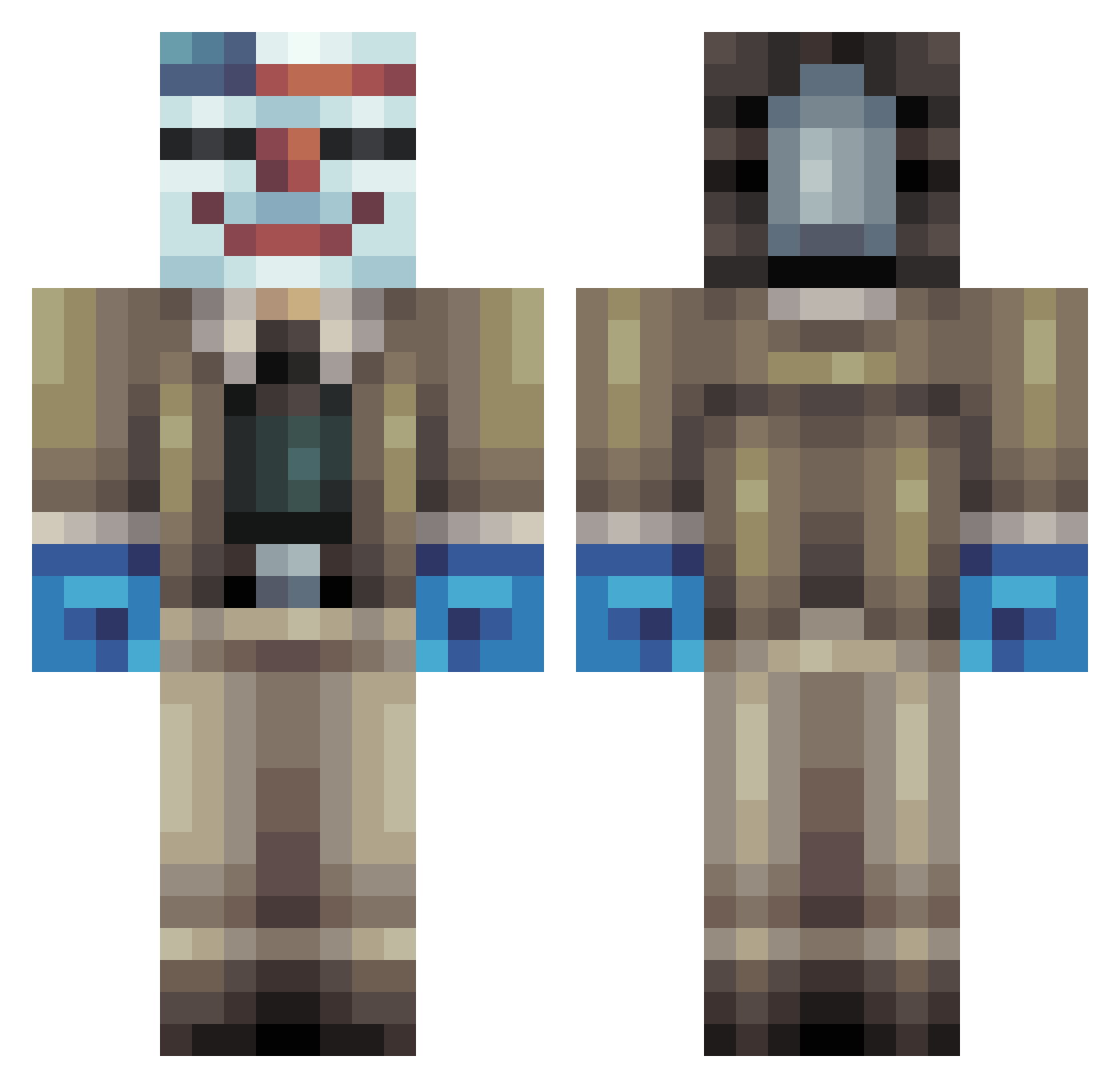
Current Minecraft skin of the player IllicitKiwi, loaded from the official Mojang API. Rotate the 3D model with your mouse or finger, then download the skin as a PNG file and use it in Minecraft: Bedrock Edition or Java Edition for free. When IllicitKiwi changes their skin, this page updates automatically and the old skin stays in the history below.
Other players with this skin (112)
IllicitKiwi was the 83rd player we have seen with this skin, first spotted on 23.10.2026. The same skin was seen on these players. Open a nickname to see their current skin and skin history.
 dogepolice233 FriesNoire ogoooooh Memeseller69 WallyBally_ Big_Cleepus bulle2004 NotTellingU Incons66 Aherrera98 SpaceMagicLIVE Barbousa WAC4 Vet3ran GoonMaster1 UltraBaad themaskeddallas Thomasninja Dallas_Trump ButtSwaggington PenguinLoaf7781 1Degon yr983 BenjaminDover_SB rio6712 ErnestOMinator Bruh2999 Mozkorra Chungus_pot TheRobbebas Mrshogo11 DeadlyMack9 NathanCreeper McKinleyLuster Classic_Louis R1chm4n2001 6CandiceSugma9 Deccc5 washameloune Demopano blacksebas Gasco_21 ThatOneGuy415 Mcchicken5874 Leufiere Atisi3 louiedig ItalianWhiteGuy wpm2011 keldontmiss xhekd Etopu FuizeMan IronViking524 PAVAN007 Voldyre marcushou DemonHunter2244 ajjkn4AICoLJYSny wettyfap1738
More Bank Robber Minecraft skins
How to install the IllicitKiwi skin
- Press the Download button above to save the skin as a PNG file.
- Minecraft: Bedrock Edition (PE): open the Dressing Room from the main menu (or tap your character → Edit Character), go to Classic Skins → Owned, press the + (new skin) button, choose the downloaded PNG and pick the Classic (Steve) model. Works on PC and mobile; consoles cannot import custom skins.
- Minecraft: Java Edition: open the Minecraft Launcher, go to the Skins tab, click New Skin, load the PNG, pick the Classic (Steve) model and press Save & Use. You can also upload it at minecraft.net → Profile → Change Skin.
The skin does not show up after import - what should I do?
Restart Minecraft and open the Dressing Room again - imported skins sometimes appear only after a restart. Also make sure you selected the imported skin and picked the Classic (Steve) model.
Which model should I choose, Classic or Slim?
This skin is designed for the Classic (Steve) model. If you pick the wrong model, the arms of the skin will look stretched or squeezed.
Is the skin of IllicitKiwi free to download?
Yes. Press Download, save the PNG file and use it in Minecraft: Bedrock Edition or Java Edition - no payment or registration needed. The skin also works on multiplayer servers and Realms.
More skins
Looking for more? Go back to all Minecraft skins and check the top skins of the week, month and all time, or find any player's skin by nickname.