
Ikaros_Horizon - Minecraft Skins & Skin History
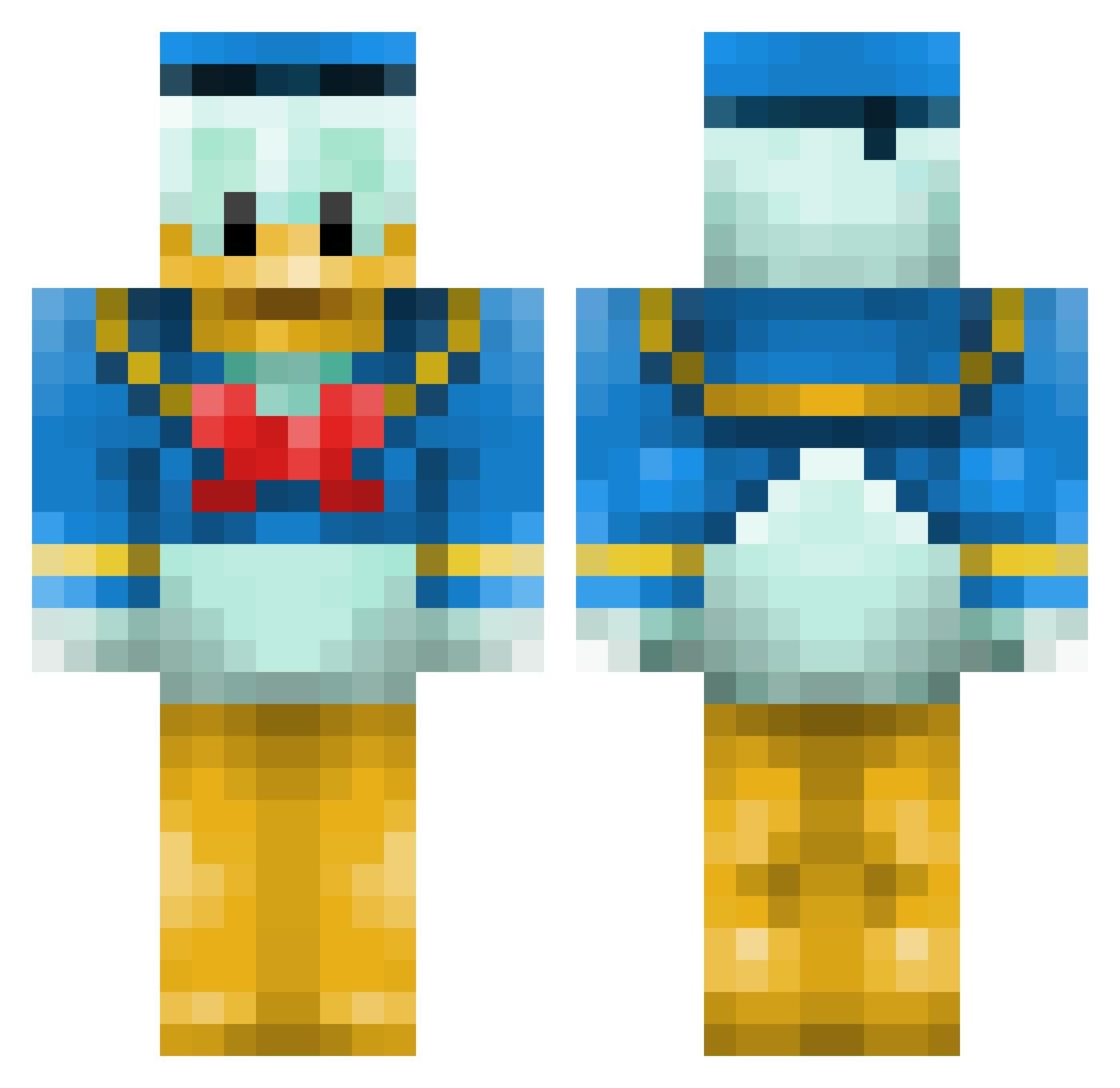
Current Minecraft skin of the player Ikaros_Horizon, loaded from the official Mojang API. Rotate the 3D model with your mouse or finger, then download the skin as a PNG file and use it in Minecraft: Bedrock Edition or Java Edition for free. When Ikaros_Horizon changes their skin, this page updates automatically and the old skin stays in the history below.
Other players with this skin (660)
Ikaros_Horizon was the 513th player we have seen with this skin, first spotted on 18.10.2026. The same skin was seen on these players. Open a nickname to see their current skin and skin history.
 uzasdsuw isaac_newton81 lucrob1711 Vectz_ AlbanBou difren CesarMeGa Skorp_ BrodsterJoe ReMixGamer SadPanda95 SheetStainz peachykins himotimo1 alexm54321 Stigmaticon DarkEx_ tjrwns806 Sof1aa DarKnight93 globy uglypink Rurikon1 GrilledKenny befapo magnum4400 mizunos Silver_Fish Sygtra TalBB2 MarcoElsie x1XK1NGX1x NotMech ChayoBR aws_abood Tomaho_k Juan_Miguel85 iamchucho Skeluz gangareum itsrevolver peanutcable Withdrew zartiox estephany101 Botertje simppa6996 sorencwh Lynart Senar1 Vespucci99 BrownCrayons julhaa pwrfulfish tbone1337 Aztren Gelidox VersaceWizard sierraFish gab1611
More Donald Duck Minecraft skins
How to install the Ikaros_Horizon skin
- Press the Download button above to save the skin as a PNG file.
- Minecraft: Bedrock Edition (PE): open the Dressing Room from the main menu (or tap your character → Edit Character), go to Classic Skins → Owned, press the + (new skin) button, choose the downloaded PNG and pick the Classic (Steve) model. Works on PC and mobile; consoles cannot import custom skins.
- Minecraft: Java Edition: open the Minecraft Launcher, go to the Skins tab, click New Skin, load the PNG, pick the Classic (Steve) model and press Save & Use. You can also upload it at minecraft.net → Profile → Change Skin.
The skin does not show up after import - what should I do?
Restart Minecraft and open the Dressing Room again - imported skins sometimes appear only after a restart. Also make sure you selected the imported skin and picked the Classic (Steve) model.
Which model should I choose, Classic or Slim?
This skin is designed for the Classic (Steve) model. If you pick the wrong model, the arms of the skin will look stretched or squeezed.
Is the skin of Ikaros_Horizon free to download?
Yes. Press Download, save the PNG file and use it in Minecraft: Bedrock Edition or Java Edition - no payment or registration needed. The skin also works on multiplayer servers and Realms.
More skins
Looking for more? Go back to all Minecraft skins and check the top skins of the week, month and all time, or find any player's skin by nickname.