
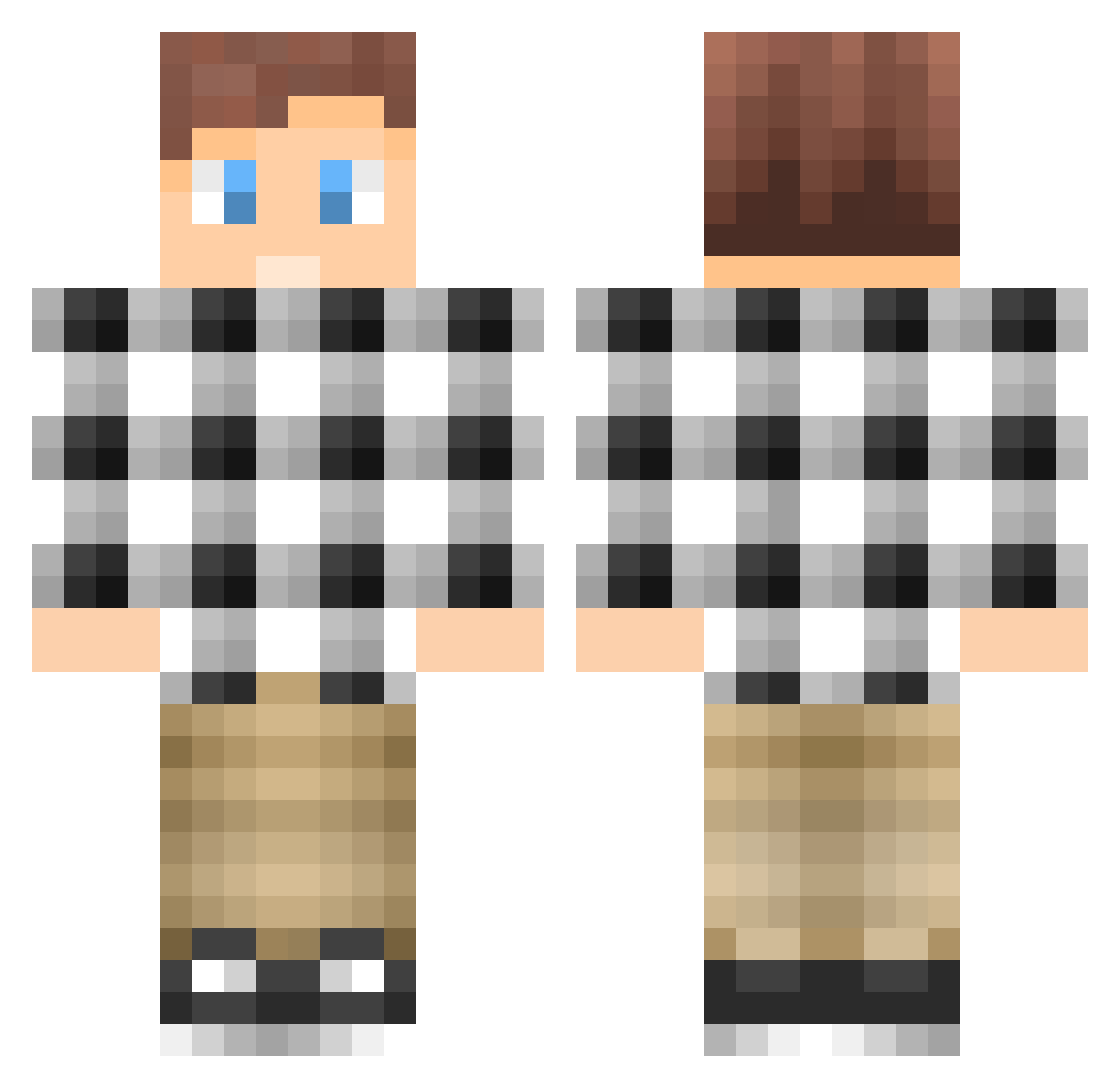
Current Minecraft skin of the player IdleHands2000, loaded from the official Mojang API. Rotate the 3D model with your mouse or finger, then download the skin as a PNG file and use it in Minecraft: Bedrock Edition or Java Edition for free. When IdleHands2000 changes their skin, this page updates automatically and the old skin stays in the history below.
Other players with this skin (100)
The same skin was seen on these players. Open a nickname to see their current skin and skin history.
 davduran NICELP gustav_sr WillyG Mexicanator101 Whitescar44 _PVP_GAMER JasonM321 Bjorno1337xd rileyrex554 Ashen_PvP BlochBuster2 kunducool serdar_zockt Bderr_ Ayeeello Drongo13 jacobanthony98 Mikeey12 Bubblebubble__ BotNoah XxmoneymakerxX04 creakyword4 Supertwin1995 serge159 Dylann_Attack TreesHaveLeaves IPort LuquinhasBOLADAO Cuz1mPaul HDN_NIKL4S TNA767 Medalz ItsBro byLenox gabriel1227 Anton_Pry PsyhoShark_ nsmyth_444 HunterTMR Epeaf PMiller59 Viveen13 janeyee110 Eprad mynetminecraft ktmnoa Lebauski ghostxide ivan93 Pearlairbuffalo Yobrofro BSheps Michael_Scotch RomppaGaming _xFireball_ Taticle_Bacon Lmmex SamuelTang02 FlameFlareG46
How to install the IdleHands2000 skin
- Press the Download button above to save the skin as a PNG file.
- Minecraft: Bedrock Edition (PE): open the Dressing Room from the main menu (or tap your character → Edit Character), go to Classic Skins → Owned, press the + (new skin) button, choose the downloaded PNG and pick the Classic (Steve) model. Works on PC and mobile; consoles cannot import custom skins.
- Minecraft: Java Edition: open the Minecraft Launcher, go to the Skins tab, click New Skin, load the PNG, pick the Classic (Steve) model and press Save & Use. You can also upload it at minecraft.net → Profile → Change Skin.
The skin does not show up after import - what should I do?
Restart Minecraft and open the Dressing Room again - imported skins sometimes appear only after a restart. Also make sure you selected the imported skin and picked the Classic (Steve) model.
Which model should I choose, Classic or Slim?
This skin is designed for the Classic (Steve) model. If you pick the wrong model, the arms of the skin will look stretched or squeezed.
Is the skin of IdleHands2000 free to download?
Yes. Press Download, save the PNG file and use it in Minecraft: Bedrock Edition or Java Edition - no payment or registration needed. The skin also works on multiplayer servers and Realms.
More skins
Looking for more? Go back to all Minecraft skins and check the top skins of the week, month and all time, or find any player's skin by nickname.