
Ichigochan48 - Minecraft Skins & Skin History
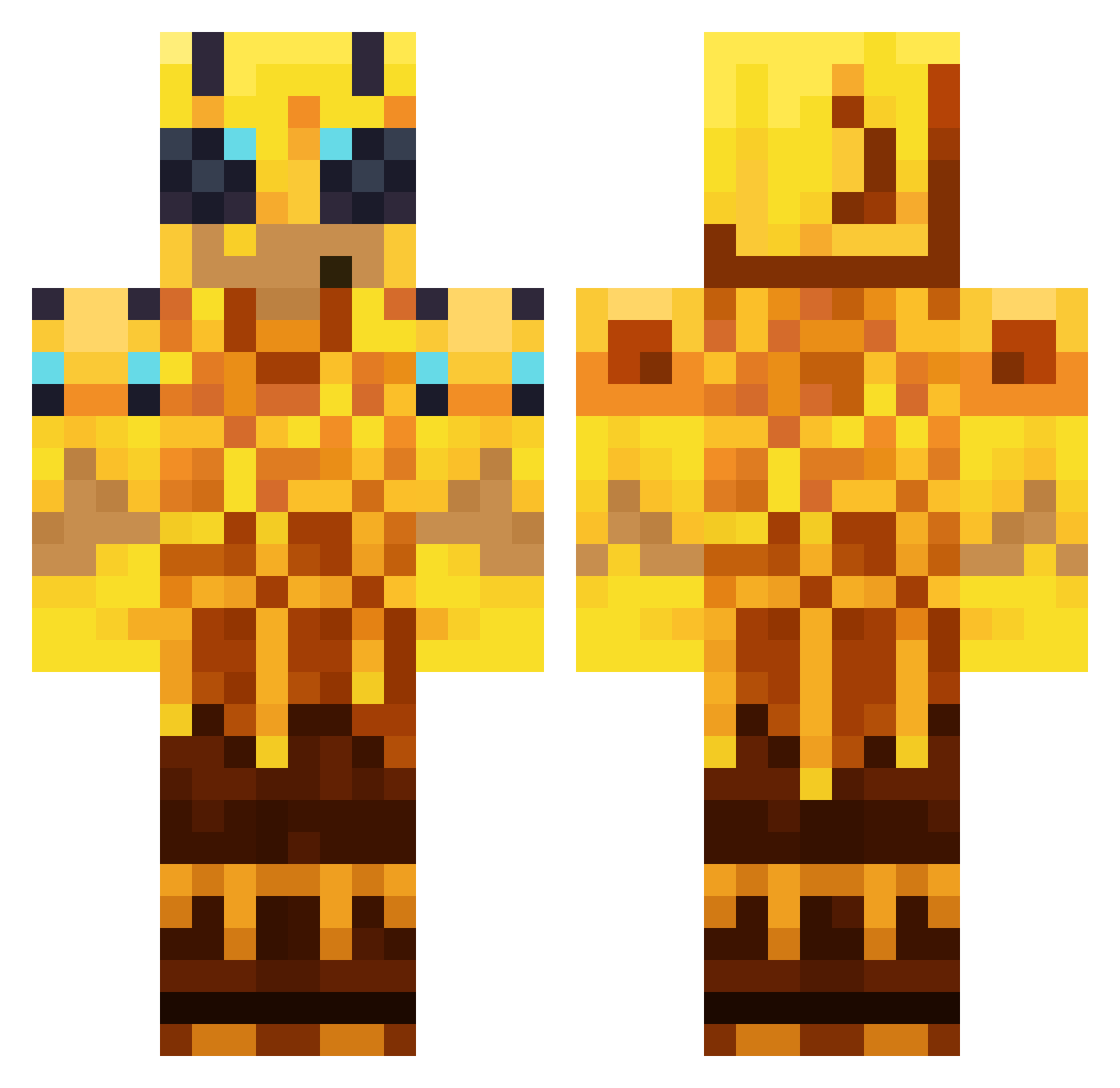
Current Minecraft skin of the player Ichigochan48, loaded from the official Mojang API. Rotate the 3D model with your mouse or finger, then download the skin as a PNG file and use it in Minecraft: Bedrock Edition or Java Edition for free. When Ichigochan48 changes their skin, this page updates automatically and the old skin stays in the history below.
Other players with this skin (163)
Ichigochan48 was the 37th player we have seen with this skin, first spotted on 21.08.2026. The same skin was seen on these players. Open a nickname to see their current skin and skin history.
 sakedawg1 Mas60
 Roeunkhosey XxxWowon
 UnsavedChanges Lemon_eva_01 yyyeeettt UncFrags zjem_ci_pierogas Proxon piroxxx julilord52
 Nissehz
 Sytimo angelojd0 200mL_Skyru d5nyr26 ahmett174
 MeneerBanaantje vexivy oylol elilikesrices eKAee Af0nych giornoboii PabloDoArrocha ENDALS Mieszas
 Ldreamur
 SimpleVillage
 Niclasweh noBru17 ShinyKogane TheShortGiant Taconut_ ILoveKimMinji Rivai_SP NEw_191 dekartt MadMatt187 benhalifeyim Justin2009123 daddygooner MaadKaat
 18ave AvgGoldorChad runnerka DAVIDzero16 Yohanael prinzkaltbluth
 OrangeEntity 6767666 kc2008_ princesiyul
 De4n_YT xc_xc Preranto
 MilkGirlAlice5 MalikZzzz Tann1485
More Honey Minecraft skins
How to install the Ichigochan48 skin
- Press the Download button above to save the skin as a PNG file.
- Minecraft: Bedrock Edition (PE): open the Dressing Room from the main menu (or tap your character → Edit Character), go to Classic Skins → Owned, press the + (new skin) button, choose the downloaded PNG and pick the Classic (Steve) model. Works on PC and mobile; consoles cannot import custom skins.
- Minecraft: Java Edition: open the Minecraft Launcher, go to the Skins tab, click New Skin, load the PNG, pick the Classic (Steve) model and press Save & Use. You can also upload it at minecraft.net → Profile → Change Skin.
The skin does not show up after import - what should I do?
Restart Minecraft and open the Dressing Room again - imported skins sometimes appear only after a restart. Also make sure you selected the imported skin and picked the Classic (Steve) model.
Which model should I choose, Classic or Slim?
This skin is designed for the Classic (Steve) model. If you pick the wrong model, the arms of the skin will look stretched or squeezed.
Is the skin of Ichigochan48 free to download?
Yes. Press Download, save the PNG file and use it in Minecraft: Bedrock Edition or Java Edition - no payment or registration needed. The skin also works on multiplayer servers and Realms.
More skins
Looking for more? Go back to all Minecraft skins and check the top skins of the week, month and all time, or find any player's skin by nickname.