
IchEsseSand - Minecraft Skins & Skin History
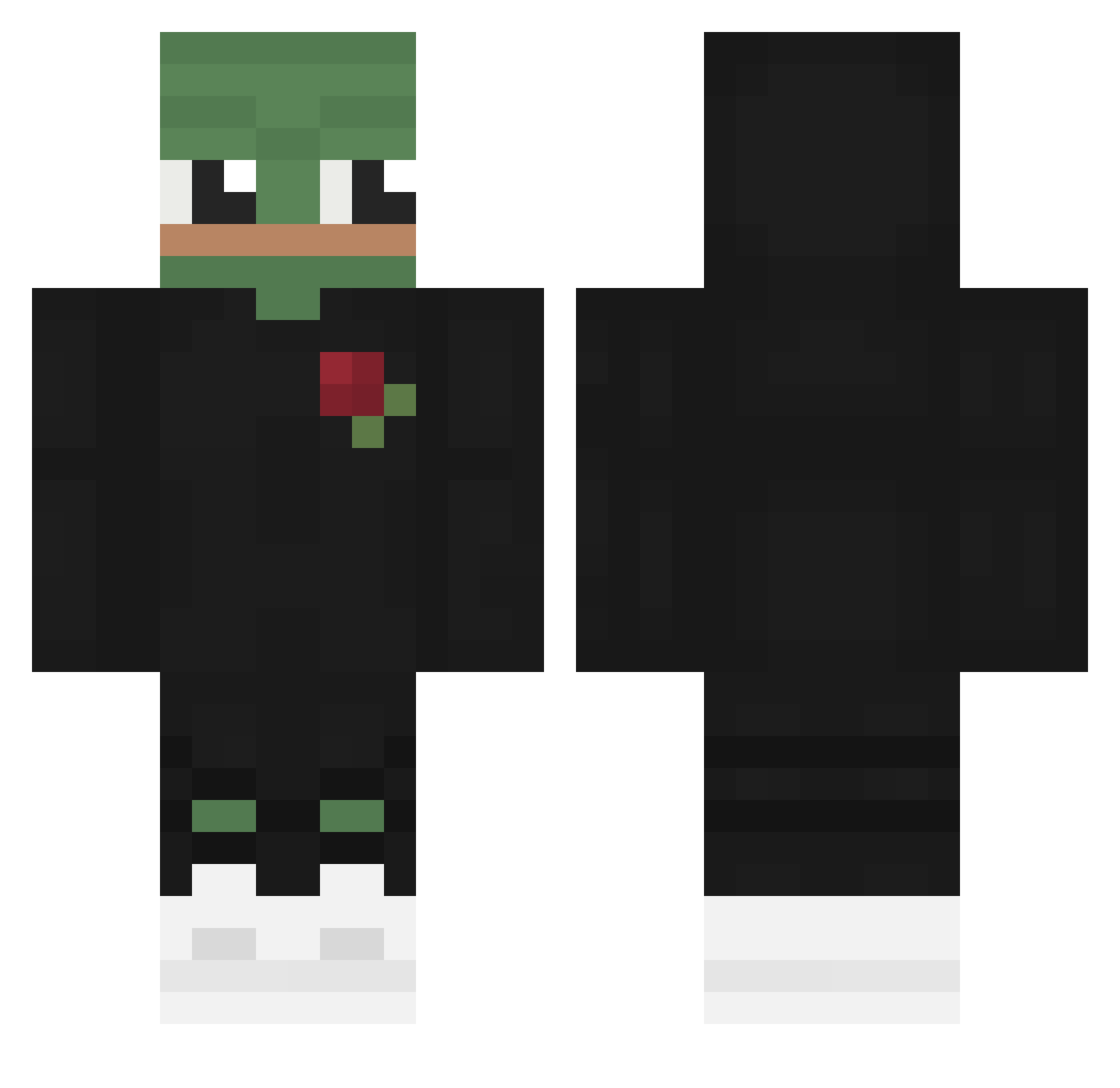
Current Minecraft skin of the player IchEsseSand, loaded from the official Mojang API. Rotate the 3D model with your mouse or finger, then download the skin as a PNG file and use it in Minecraft: Bedrock Edition or Java Edition for free. When IchEsseSand changes their skin, this page updates automatically and the old skin stays in the history below.
Other players with this skin (685)
IchEsseSand was the 647th player we have seen with this skin, first spotted on 12.11.2026. The same skin was seen on these players. Open a nickname to see their current skin and skin history.
 RKoneZ Haschmand MD9018 akenich DoctorSpookz BobDerBobster VintageAdultFilm Dark__17 HiveFR TwerKbebe Exqzmi0 ehdwls5264 MATES832335 Kakudzu Druuxd PegasusHummel_85 _F1ow Ber_nip Dearenos Finni300 SadBeanEnergy w4yfum3 SymplyButter sshuoer GODchs Ryoon21421 justinTime01 Mushifinger alexandrodebiasi oscar725 cpschuler Bohuszowy_nzl xBushi MRTERRY123456789 1_young luhux1337 MrPapixxx Zoezani ExotixNinja Laion98 x3k_ ProManel28 Zheppa SCR0T0R Zekpain Itzopa Qerrek Alexis0104 Fakerz_ drangtz BoyBacKy martingarnix2348 Tallentrox5 LAYN_LESSA AlexTuKing YitornJR KoleH SatansUsername GraXx910 SampleOCE
More Pepe Minecraft skins
How to install the IchEsseSand skin
- Press the Download button above to save the skin as a PNG file.
- Minecraft: Bedrock Edition (PE): open the Dressing Room from the main menu (or tap your character → Edit Character), go to Classic Skins → Owned, press the + (new skin) button, choose the downloaded PNG and pick the Classic (Steve) model. Works on PC and mobile; consoles cannot import custom skins.
- Minecraft: Java Edition: open the Minecraft Launcher, go to the Skins tab, click New Skin, load the PNG, pick the Classic (Steve) model and press Save & Use. You can also upload it at minecraft.net → Profile → Change Skin.
The skin does not show up after import - what should I do?
Restart Minecraft and open the Dressing Room again - imported skins sometimes appear only after a restart. Also make sure you selected the imported skin and picked the Classic (Steve) model.
Which model should I choose, Classic or Slim?
This skin is designed for the Classic (Steve) model. If you pick the wrong model, the arms of the skin will look stretched or squeezed.
Is the skin of IchEsseSand free to download?
Yes. Press Download, save the PNG file and use it in Minecraft: Bedrock Edition or Java Edition - no payment or registration needed. The skin also works on multiplayer servers and Realms.
More skins
Looking for more? Go back to all Minecraft skins and check the top skins of the week, month and all time, or find any player's skin by nickname.