
IceCream2611 - Minecraft Skins & Skin History
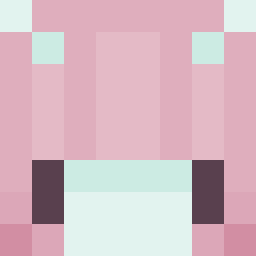
Current Minecraft skin of the player IceCream2611, loaded from the official Mojang API. Rotate the 3D model with your mouse or finger, then download the skin as a PNG file and use it in Minecraft: Bedrock Edition or Java Edition for free. When IceCream2611 changes their skin, this page updates automatically and the old skin stays in the history below.
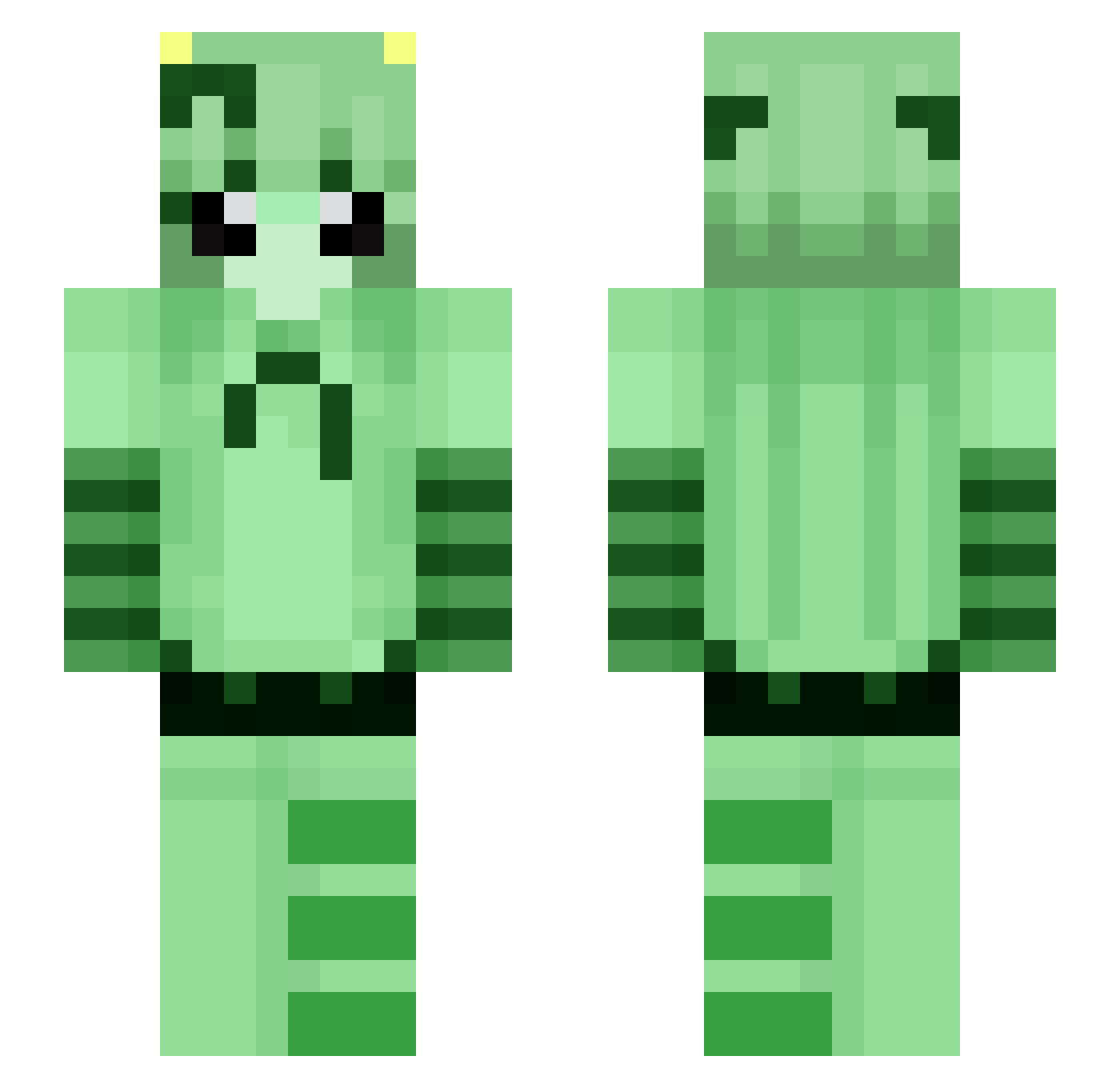
Other players with this skin (98)
IceCream2611 was the 26th player we have seen with this skin, first spotted on 22.08.2026. The same skin was seen on these players. Open a nickname to see their current skin and skin history.
 Kountcheck AvgFlatMain meowerzz ShadedHD kaleidoscope43 XxMathhxX
 NoQueue Julian_5K Mahiroz_
 tarotka Intergender LunaraYume stein20 Aero_IX AzureStab quarism
 DrdLima Dillom777 NETSKIE 1Carburettor1 gghybrid xzry soleni_ogurchik
 piterpetter Gamer_Junkie98 LiarMishima
 SantyWoW
 Hahzah Nacissu Hiikael wubzzilla
 Takashi120 GonzaGodzPvP Cyvren
 Svennerdesven
 Dannyisdum Vladik_Radik Athurfz ShortSkirt neko_615 Chazzicle dearugg Lemonadev
 Cattivooo
 ughyouknowlife zziyoung Yumkidie toxicitay IdiotamSpielen_ ariasil 0_hon3y_0 Unordnung3000 frosty3x prettypups GoldenRayedLily toofu69 SubsonicAPK Ziaa_Beeeee davidpate10 simplealiencat
More Striped Minecraft skins
How to install the IceCream2611 skin
- Press the Download button above to save the skin as a PNG file.
- Minecraft: Bedrock Edition (PE): open the Dressing Room from the main menu (or tap your character → Edit Character), go to Classic Skins → Owned, press the + (new skin) button, choose the downloaded PNG and pick the Slim (Alex) model. Works on PC and mobile; consoles cannot import custom skins.
- Minecraft: Java Edition: open the Minecraft Launcher, go to the Skins tab, click New Skin, load the PNG, pick the Slim (Alex) model and press Save & Use. You can also upload it at minecraft.net → Profile → Change Skin.
The skin does not show up after import - what should I do?
Restart Minecraft and open the Dressing Room again - imported skins sometimes appear only after a restart. Also make sure you selected the imported skin and picked the Slim (Alex) model.
Which model should I choose, Classic or Slim?
This skin is designed for the Slim (Alex) model. If you pick the wrong model, the arms of the skin will look stretched or squeezed.
Is the skin of IceCream2611 free to download?
Yes. Press Download, save the PNG file and use it in Minecraft: Bedrock Edition or Java Edition - no payment or registration needed. The skin also works on multiplayer servers and Realms.
More skins
Looking for more? Go back to all Minecraft skins and check the top skins of the week, month and all time, or find any player's skin by nickname.